

Fortnite Settings on RTX 5060 Ti: Best Performance
Fortnite Settings on RTX 5060 Ti: Performance. Real-world benchmark data, FPS numbers & performance analysis. What SA gamers can actually expect.
Read moreChoosing between 1080p 30FPS vs 1080p 60FPS webcams? Learn when 60FPS improves motion, streaming, and gaming calls—plus what to prioritize for sharp, smooth video. 🎥⚡
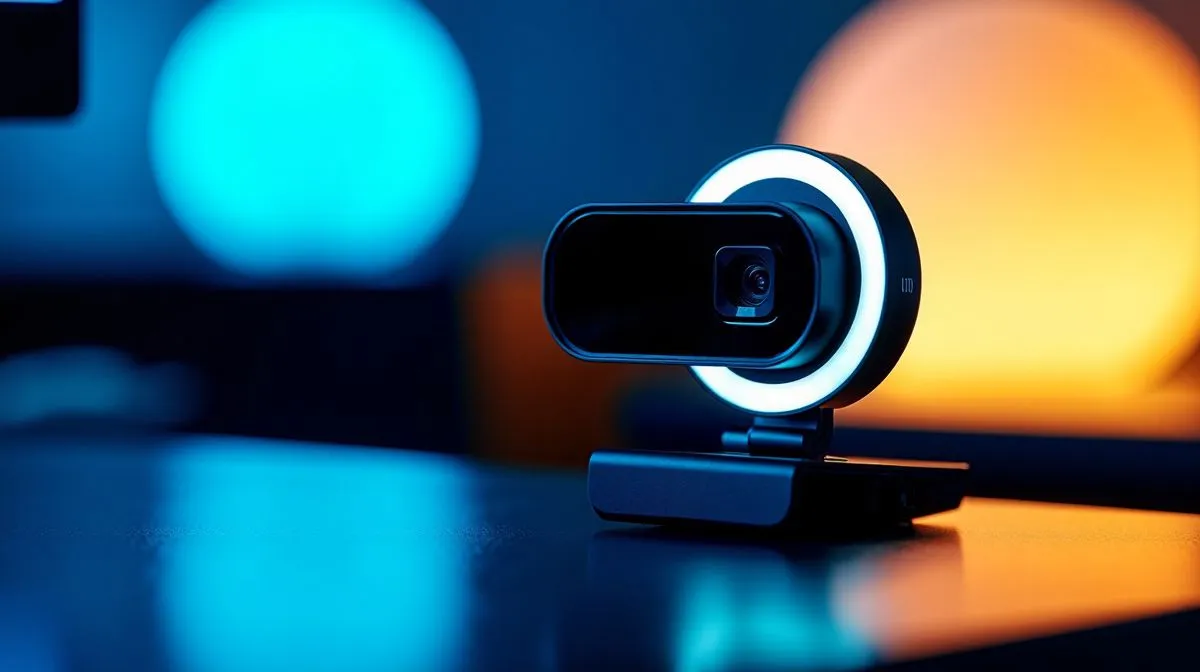
If you’re shopping for a webcam in South Africa, the spec sheet can feel oddly dramatic. 1080p sounds good. 60FPS sounds even better. But here’s the real question... will you actually notice the difference on a Teams call, a Twitch stream, or a late-night Discord chat with the squad? For many buyers, the answer depends less on the number and more on how you use the camera.
At 1080p, both options deliver full HD resolution. That means your image can look crisp enough for work, classes, and casual streaming. The real split is frame rate. 30FPS gives a steady, familiar look. 60FPS captures twice as many frames each second, so motion appears smoother. That matters most when you move a lot, show products on camera, or stream fast gameplay.
For a static setup, 30FPS is usually fine. If you sit still, speak clearly, and keep decent lighting, viewers may never complain. But if you lean forward often, gesture with your hands, or want smoother motion during live content, 60FPS feels more polished ⚡
If you want to browse current options, start with the full range of webcams at Evetech. That gives you a clear view of what is available before you narrow things down by budget.
A 30FPS webcam is usually the better buy if your main use is meetings, online classes, or occasional video chats. It also makes sense if you’d rather spend less and put the savings into a better mic, ring light, or headset. In South African terms, that can be the smarter move when every rand has to stretch.
For buyers looking to keep things tight, budget webcams under R1000 are worth a look. At this level, you’re often buying convenience and reliability first, not streaming flair.
A 60FPS webcam becomes more appealing when movement matters. Streamers, presenters, fitness coaches, and creators who demo hardware will usually appreciate the smoother look. If you’re on camera often, the extra fluidity can make your setup feel more premium, even if the resolution stays the same.
That said, 60FPS is not magic. Poor lighting can still make a great webcam look average. A dim room in winter Joburg will punish any camera. Lighting, placement, and background control still matter more than one spec on its own.
A webcam looks far better with good light than with a bigger frame rate. If your room is dark, spend a little on lighting first. A simple desk lamp or ring light can improve image quality more than upgrading from 30FPS to 60FPS.
Before you choose between 1080p 30FPS vs 1080p 60FPS webcams, ask three quick questions:
If you want stronger image quality without overspending, webcams under R2000 often hit a sweet spot for most users. For creators or buyers who want more headroom, higher-end webcams under R3000 may offer a more refined experience.
If your webcam is mainly for calls, 30FPS is usually enough. If you create content, stream, or move around on camera, 60FPS is the better fit. In other words... 30FPS is practical, 60FPS is smoother. The best choice is the one that matches your setup, your lighting, and your budget. That’s how smart South African buyers get more value, without paying for features they won’t use.
Ready to Find Your Perfect Match? The Mac vs Windows debate is complex, but for maximum power, choice, and value in South Africa, Windows is hard to beat. Explore our massive range of laptop specials and find the perfect machine to conquer your world.
Often, yes for fast motion. 1080p 60FPS webcams reduce judder during movement, but only if lighting and image quality stay consistent.
60FPS matters most for fast cursor movement, gaming calls, live streaming, and any situation where motion looks choppy at 30FPS.
Not automatically. If low light forces the camera to boost gain, 1080p 60FPS can look noisier; sensitivity and optics matter more.
Focus on sensor quality, sharpness, low-light performance, autofocus, and bandwidth/processing so 1080p 60FPS doesn’t cause compression artifacts.
For most people on static or slow-moving sessions, 30FPS looks fine. Choose 60FPS if you move a lot or want smoother motion.
Yes. 1080p 60FPS can use more bandwidth and may increase CPU/GPU load, so check your system and network stability.
It can. Higher frame rate improves perceived smoothness and reduces motion stutter, but motion blur still depends on shutter speed and lighting.
Fortnite Settings on RTX 5060 Ti: Performance. Real-world benchmark data, FPS numbers & performance analysis. What SA gamers can actually expect.
Read more
Top Aftermarket RX 7900 XTX Cards: AIB Partner picks evaluated on performance, value & SA availability with current Rand pricing from Evetech.
Read more
Top Case for RTX 5060: Airflow & Size Compatibility picks evaluated on performance, value & SA availability with current Rand pricing from Evetech.
Read more
Complete ATX Case Size Guide: Interior Dimensions. Best deals curated with real SA discounts, price history & tips on getting genuine value.

What GPU Do You Need for AI & Machine Learning. Hardware requirements breakdown with recommended specs & SA pricing for each tier.

Top Settings for RTX 4060 at Ultrawide 1440p picks evaluated on performance, value & SA availability with current Rand pricing from Evetech.

Head-to-head comparison of FreeSync vs G-Sync Explained: Which Should Gamers for SA gamers. Performance benchmarks, Rand pricing & which delivers better value.

Every spec on PCIe 5.0 explained in plain English. What matters for gaming and creator work in 2026, what's marketing fluff, and how each number translates to real-world performance.

Every spec on bios explained in plain English. What matters for gaming and creator work in 2026, what's marketing fluff, and how each number translates to real-world performance.

Every spec on gaming setups explained in plain English. What matters for gaming and creator work in 2026, what's marketing fluff, and how each number translates to real-world performance.

Every spec on cooling systems explained in plain English. What matters for gaming and creator work in 2026, what's marketing fluff, and how each number translates to real-world performance.

Every spec on understanding how much vram is needed explained in plain English. What matters for gaming and creator work in 2026, what's marketing fluff, and how each number translates to real-world.

How to pick the right PCIe 5.0 for your build in 2026: the features worth paying for, ZAR value tiers, and the trade-offs between budget, mid-range and flagship picks.

Every spec on gpu explained in plain English. What matters for gaming and creator work in 2026, what's marketing fluff, and how each number translates to real-world performance.

Every spec on gpu explained in plain English. What matters for gaming and creator work in 2026, what's marketing fluff, and how each number translates to real-world performance for SA buyers.