

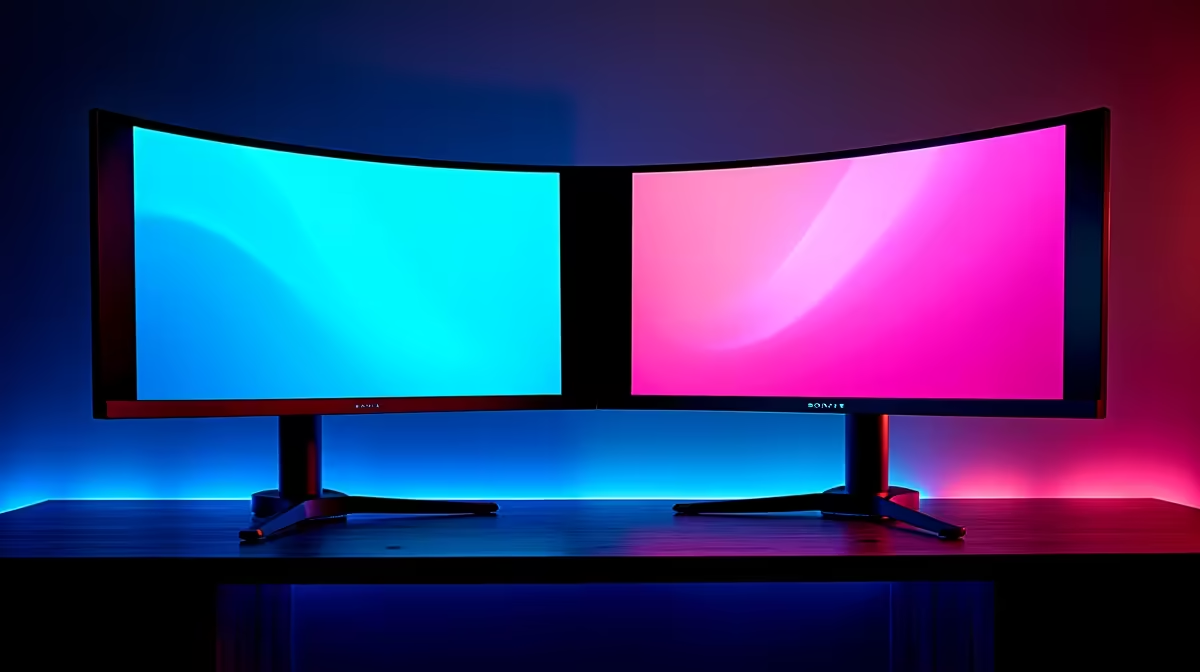
Staring at monitor specs in South Africa can feel like deciphering code. You see '1500R' and '1000R' thrown around, but what do they actually mean for your gaming rig? Is one just a marketing gimmick, or does the right curve truly pull you into the game? Choosing between a 1500R vs 1000R monitor isn't just about numbers; it’s about deciding between ultimate immersion and all-around versatility. Let's break it down, no jargon allowed.
Understanding the "R" in 1000R and 1500R
First things first, let's demystify that "R". It stands for radius, measured in millimetres. The number tells you the radius of the circle the monitor's curve would make if it were extended all the way around.
- 1000R Curvature: This means the curve has a radius of 1000mm (or 1 metre). This is a more aggressive, pronounced curve designed to match the natural curvature of the human eye.
- 1500R Curvature: This curve has a radius of 1500mm (1.5 metres). It's a gentler, more subtle curve.
Think of it like sitting in a cinema. A 1000R monitor is like having a seat in the front rows of an IMAX theatre—the screen fills your entire field of view. A 1500R screen is like sitting a few rows back; you still get the big-picture experience, but it's less intense. This fundamental difference is key when browsing the huge variety of PC monitors on the market.
The 1000R Curve: For Ultimate Gaming Immersion 🚀
A 1000R monitor is built for one primary purpose: maximum immersion. The tight curve wraps around your peripheral vision, pulling you directly into the world of your game. This is especially noticeable in titles that benefit from a wide field of view.
For sim racers playing Assetto Corsa Competizione or pilots in Microsoft Flight Simulator, the wrap-around effect feels incredibly natural. In fast-paced shooters like Apex Legends or VALORANT, it can help you spot enemies at the edge of your screen more easily. The consistent distance from your eyes to any point on the screen can also help reduce eye strain during long gaming sessions. A deep dive into the world of 1000R curvature shows it's the top choice for a dedicated gaming throne. It's a popular spec to look for across all gaming monitors for a reason.
The 1500R Curve: The All-Rounder for Work and Play 🖥️
So, what about the 1500R vs 1000R debate for someone who does more than just game? This is where the 1500R monitor shines. Its gentler curve still provides a noticeable sense of depth and immersion without being overwhelming for everyday tasks.
If your PC is a hybrid machine for late-night raids, editing video, and smashing out spreadsheets, the 1500R is often the better choice. Straight lines in creative applications like Photoshop or Premiere Pro appear less distorted, and text documents are easier to read across the full width of the screen. It’s the versatile sweet spot, offering a great balance that makes it a popular choice for most users who want to buy curved monitors without committing to an extreme setup.
Viewing Distance Matters ⚡
For a 1000R monitor, the optimal viewing distance is about 1 metre to get the full immersive effect. For a 1500R monitor, you have more flexibility, with the ideal spot being around 1.5 metres away. Measure your desk depth before you buy to ensure you can sit at the right distance for your chosen curve!
Head-to-Head: Key Differences at a Glance
Let's put the 1500R vs 1000R choice into a simple comparison:
1000R Monitor
- Best For: Hardcore gamers, simulation enthusiasts, and anyone seeking the most immersive experience possible.
- Pros: Fills peripheral vision, can reduce eye strain, unmatched "in the game" feeling.
- Cons: Can feel too aggressive for productivity tasks; potential for distortion on straight lines in creative work. A massive 1000R screen is a statement piece for a dedicated gaming den, a completely different beast to the flexible, work-anywhere approach of portable monitors.
1500R Monitor
- Best For: Gamers who also use their PC for work, content creation, and general media consumption.
- Pros: Versatile, subtle immersion, great for multitasking, less distortion.
- Cons: Not as intensely immersive as a 1000R screen.
Ultimately, the choice often depends on your other specs too. The immersive benefits of both curves are amplified on high-resolution 5K & 4K monitors, where the pixel density makes the experience even more breathtaking.
The Verdict: Which Curve is Right for Your Setup? 🤔
So, which monitor is right for you? There’s no single correct answer, but here’s our recommendation for South African tech enthusiasts:
- Go for 1000R if: Your PC is your escape. You are a dedicated gamer, especially into sims or atmospheric single-player titles, and you want to feel completely absorbed by the experience.
- Go for 1500R if: You need a jack-of-all-trades. Your monitor needs to be great for a Call of Duty session after work, but also comfortable for hours of coding, writing, or editing.
Before you make your final decision, take a look at the current best PC monitor deals to see how pricing and features line up with your budget. And don't forget that the right monitor accessories, like a good quality VESA mount, can help you perfect your viewing angle no matter which curve you choose.
Ready to Find Your Perfect Curve? The 1500R vs 1000R debate comes down to personal preference and how you use your PC. Whether you crave total immersion or need a versatile all-rounder, the right screen is waiting. Explore our massive range of gaming monitors and find the perfect display to level up your setup.











