

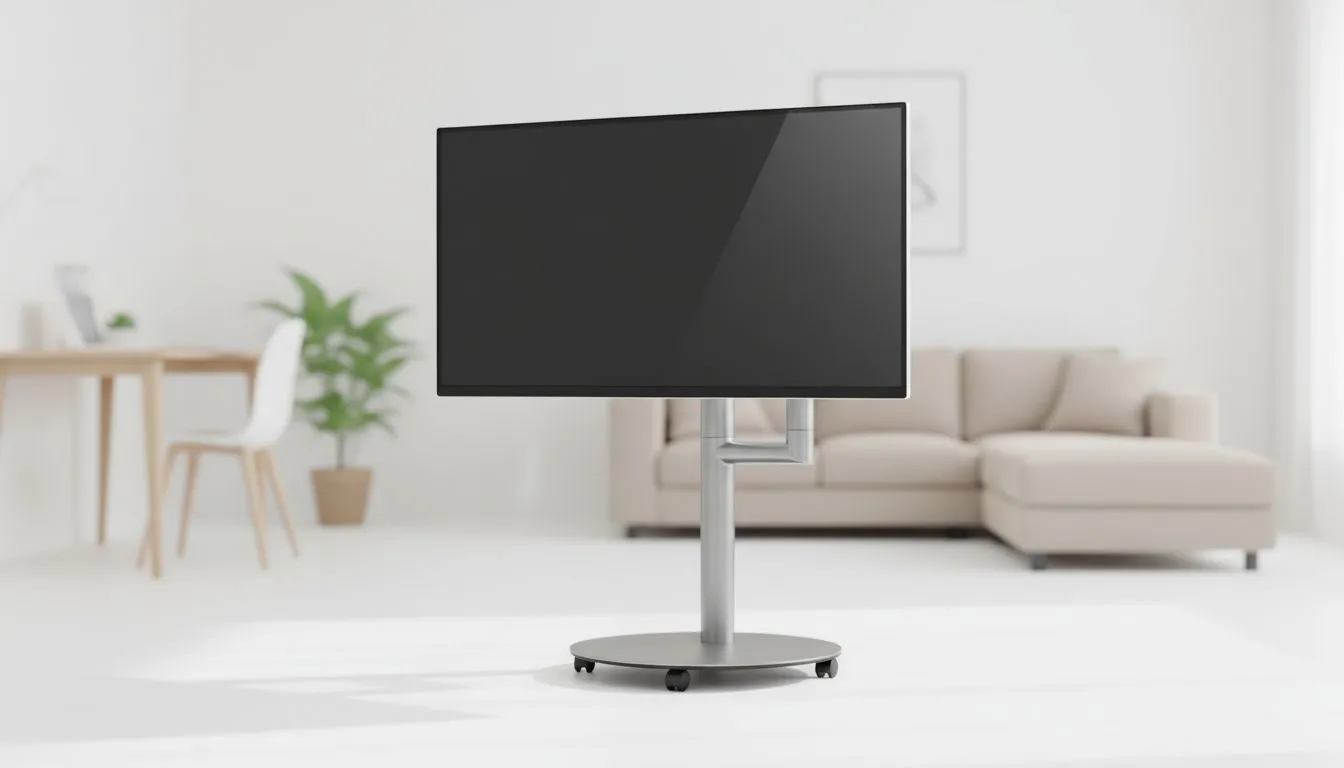
Living in a compact South African studio apartment often means choosing between a workspace and a lounge. Why struggle with both? A high-quality 27-inch monitor for small apartment: Replace TV and desk setups with one sleek device. This hybrid approach maximises your floor space while providing a superior visual experience for gaming, streaming Netflix, or finishing that late-night project... all on a single screen. 🚀
Why 27 Inches is the Sweet Spot for Hybrid Living
Finding the right balance for a multi-purpose room is tricky. A 32-inch screen might overwhelm a small desk... yet a 24-inch screen feels tiny when you are watching movies from the couch. Choosing from a massive selection of PC monitors allows you to find that perfect 27-inch middle ground. At this size, a 1440p resolution provides incredible clarity for text. It also offers enough screen real estate to act as a primary television for your living area.
When you decide to use a 27-inch monitor for small apartment: Replace TV and desk equipment, you simplify your life. You only need one set of high-quality cables. You only need one power outlet. Most importantly... you reclaim your home from the clutter of multiple stands and messy wires.
Choosing the Right Panel and Form Factor
Not all screens are created equal when they need to serve two purposes. If you plan on hosting friends for a rugby match or a movie night, viewing angles are vital. Displays using IPS panels ensure that the colour remains vibrant even if you are not sitting directly in front of the screen.
The shape of your screen also impacts your experience. Many professionals prefer flat screen displays because they offer a traditional look that fits into any decor. However, if you want a more immersive feeling during your gaming sessions, curved monitors can help wrap the action around your field of vision. This is particularly useful in tight spaces where you sit closer to the display. 🔧
Space-Saving Pro Tip ⚡
a gas-spring monitor arm instead of the included stand. This lifts the screen off your desk surface entirely. It allows you to swivel the monitor toward your bed or couch for movie nights and back to your chair for work. It is the ultimate way to optimise a 27-inch monitor for small apartment: Replace TV and desk setups without losing an inch of desk space.
Smooth Visuals for Work and Play
A hybrid monitor must handle fast-paced action without stuttering. If you are a competitive gamer in SA, you know that screen tearing can ruin a match. Look for screens that feature AMD FreeSync technology to keep your frame rates synced perfectly with your GPU.
For those using high-end Nvidia cards, ensuring your display has NVIDIA G-Sync compatibility is a must for tear-free gaming. Even if you are just watching high-bitrate 4K content, having robust Adaptive Sync support ensures that every transition is buttery smooth. This technology makes your 27-inch investment feel like a premium television and a pro-grade gaming station rolled into one. ✨
By choosing the right specs, you ensure your apartment remains a place of relaxation rather than a cramped hardware store. High refresh rates and accurate colours make every ZAR spent feel worth it.
Ready to Find Your Perfect Match? The 27-inch monitor is the ultimate space-saver for modern South African living. Whether you are gaming, working, or streaming, we have the right display for your needs. Explore our massive range of PC monitors and find the perfect machine to conquer your world.








