


RTX 5070 Valorant Optimised Settings: Best Graphics for Max FPS 2026
RTX 5070 Valorant Optimised Settings: Graphics. Real-world benchmark data, FPS numbers & performance analysis. What SA gamers can actually expect.
Read moreWondering if a 30dBA PC fan is quiet enough for gaming and work? We break down what 30dBA sounds like, where it matters, and how to choose fans for a calmer desk setup. 🎮🤫
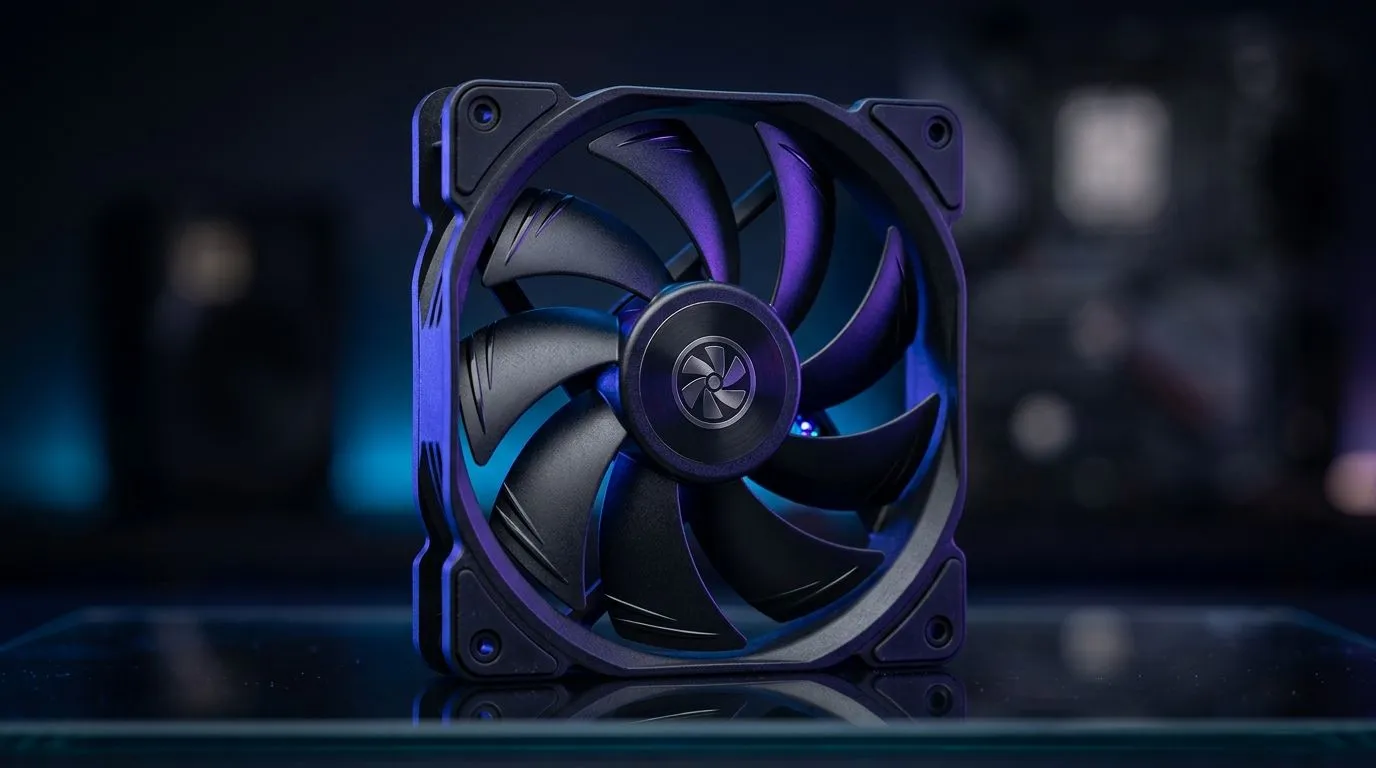
If you game late nights and still need to focus at work, fan noise is the first thing you’ll notice. Not just the volume… but the pitch and how constant it feels. That’s why “30dBA” gets so much attention. But is it truly quiet enough for gaming sessions and calls, or is it marketing gloss? Let’s break it down like a proper South African tech buyer: practical, measurable, and focused on what you actually hear. 🔧
“dBA” measures perceived loudness, not just raw sound pressure. A reading of 30dBA typically lands in the “very quiet” zone, similar to a whisper or near-silent room conditions. In PC terms, that usually means low to moderate airflow at low fan curves, often with larger fans spinning slower.
However, real-world noise depends on more than the fan’s spec:
For buyers, the trick is choosing fans that can stay efficient at lower RPM, then setting sane curves in BIOS. That’s where “quiet for gaming and work” becomes achievable, not just advertised.
On Windows, use your motherboard’s fan control software (or BIOS) to set a gentle “Work” curve and a steeper “Game” curve. Start low, then ramp only when temps climb. This keeps daily tasks calm while still protecting CPU GPU temps during demanding titles.
When you’re shopping for quiet, pay attention to size first. Larger fans can move more air at lower RPM, which usually helps with perceived noise.
Here are good starting points:
If you want to browse fan options by category, Evetech’s case fan range is the place to start:
Looking for specific brands that are popular with South African builders? Evetech also filters by brand:
If your priority is “quiet enough for work,” RGB isn’t required. You can also choose fans based on lighting:
And for size matching:
Imagine you’re playing a competitive match. You’ll often notice noise spikes when your CPU boosts harder, not during idle. If your fans are set to ramp too aggressively, your “30dBA fan” can still sound loud at higher RPM. The fix is simple: slow ramp, good intake, and proper dust maintenance. Your ears will thank you.
To get the quiet experience you’re paying for:
If you’re building on a budget, remember: a modestly rated quiet fan with a smart curve often beats a high-RPM “loud but fast” setup. Your goal is controlled acoustics… not just marketing numbers.
Ready to Find Your Perfect Match? Choosing the right quiet fans (and the right airflow setup) can make your PC feel calmer during gaming and far easier to work beside. For South Africa gamers who want great value and dependable options, explore our range and find the exact fit for your build. Visit Evetech case fans and upgrade today
For many gamers, 30dBA is quiet enough for long sessions, especially with a balanced fan curve and good airflow design.
30dBA is typically in the whisper-quiet range. Actual perceived noise depends on tone, airflow, and other system sounds.
Often it rises under load. Check fan specs plus your fan curve, temperature targets, and whether the fan has PWM control.
Yes for many offices. If you do voice calls or focus writing, prioritize low turbulence and consistent fan behavior.
The noise profile (tone and vibration), airflow efficiency, bearing quality, and your fan curve usually matter more than a single peak number.
Use a conservative fan curve, ensure unobstructed airflow, manage dust, and consider undervolting or power tuning where appropriate.
Not always. Look for review tests, static pressure needs, and whether the 30dBA value is measured at a realistic distance.
Many aim for around 25–30dBA in daily use. The best target depends on the noise sources besides the fans.
RTX 5070 Valorant Optimised Settings: Graphics. Real-world benchmark data, FPS numbers & performance analysis. What SA gamers can actually expect.
Read more
Top Laptop with Core i7 + RX 7700S: Picks picks evaluated on performance, value & SA availability with current Rand pricing from Evetech.
Read more
When Will the RTX 6090 Launch in South Africa Detailed answer with SA data, expert analysis & practical recommendations for local buyers.

Top Valorant Settings for RTX 5070: FPS Optimisation picks evaluated on performance, value & SA availability with current Rand pricing from Evetech.

RDNA 3.5 Graphics in Ryzen AI 400? Can You Game. Plain-English explanation of what it means, why it matters & how it affects your buying decisions in SA.

GPU Price Index : December Report. Current stock data & price tracking for SA buyers. See what is available and where prices are heading.

Core i5-14600K + B760 + RTX 5060 Build Under. Full parts list, Rand pricing & expected performance. Build confidently with SA-available components.

RX 7600 Apex Legends at 4K: FPS Benchmark. Real-world benchmark data, FPS numbers & performance analysis. What SA gamers can actually expect.

RX 7900 XTX GTA 6 at 4K: FPS Benchmark & Optimal. Real-world benchmark data, FPS numbers & performance analysis. What SA gamers can actually expect.

Head-to-head comparison of RTX 5070 vs RX 9070 XT: Gaming Performance for SA gamers. Performance benchmarks, Rand pricing & which delivers better value.

GPU Setup Guide Gamers. Clear setup instructions with SA-specific considerations, troubleshooting tips & recommended components.

Top RTX 5090 Under R12000 picks evaluated on performance, value & SA availability with current Rand pricing from Evetech.

Call of Duty Warzone 2 Settings on RX 7600. Real-world benchmark data, FPS numbers & performance analysis. What SA gamers can actually expect.

GTA 6 Settings on RTX 5070 Ti: Performance. Real-world benchmark data, FPS numbers & performance analysis. What SA gamers can actually expect.