

Best Laptop with Core Ultra 9 + RTX 4070 Laptop: SA Picks 2026
Top Laptop with Core Ultra 9 + RTX 4070 Laptop: Picks picks evaluated on performance, value & SA availability with current Rand pricing from Evetech.
Read moreChecklist: 1) Compare panels 2) Match refresh rate 3) Choose resolution 4) Confirm ports. 32-inch gaming monitor buyers: learn panels, refresh rates, HDR, and ports to pick the right 32-inch monitor for gaming 🎮🖥️
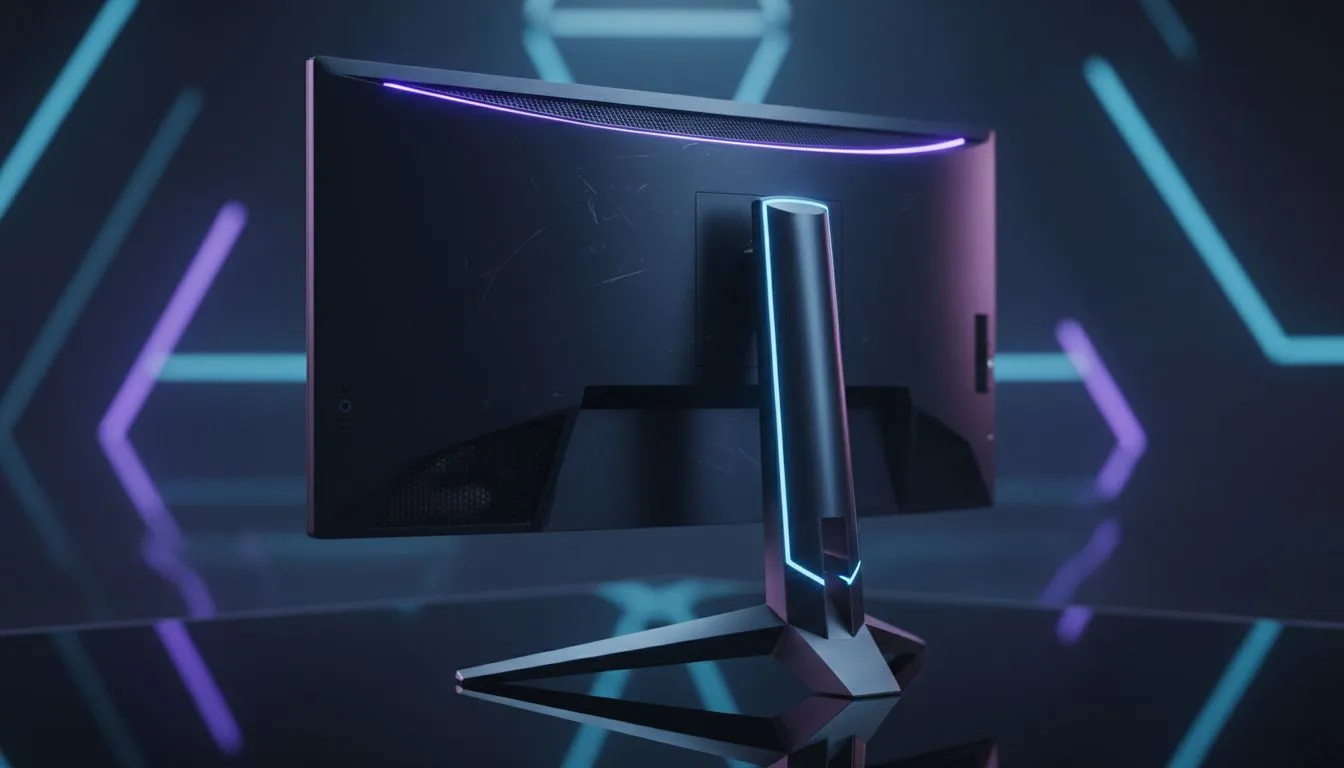
Thinking of upgrading your screen? A 32-inch gaming monitor is a massive leap in immersion, pulling you right into the action. But with so many options, choosing the right one can feel like a boss battle. Don't stress, we've got you. This guide breaks down everything a South African gamer needs to know to find the perfect 32-inch display, turning your setup from 'meh' to magnificent. Let's get you sorted. 🖥️
Moving up to a 32-inch screen is about more than just size… it's about immersion. The larger display fills your peripheral vision, making games like Cyberpunk 2077 or Helldivers 2 feel incredibly cinematic. It's also a huge win for productivity, giving you ample space to juggle Discord, your game, and a browser without feeling cramped.
For many gamers, this size is the sweet spot before things get too big and require excessive head movement. If you're ready to see more of your game world and get a competitive edge, exploring the latest PC monitor deals is the perfect place to start.
Navigating the specs can be tricky. Let's break down the most important features in this 32-inch gaming monitor buying guide to help you make a smart choice.
Resolution determines how sharp and detailed your image is. For a 32-inch screen, you have two main choices:
Before you splash out on a 4K monitor, check if your graphics card can handle it. A high-res screen needs serious power to run modern games at smooth frame rates. An NVIDIA RTX 4070 or AMD RX 7800 XT is a good starting point for a great 4K gaming experience in South Africa.
These two specs are vital for smooth, responsive gameplay.
You can browse Evetech's full range of gaming monitors to filter by the refresh rate that suits your playstyle.
The technology behind the screen affects its performance. The two most common types in a modern 32-inch gaming monitor are:
You can explore different panel technologies across all our PC monitors to see which fits your needs.
Beyond the core specs, a few other elements can elevate your experience.
At the 32-inch size, a curve can significantly enhance immersion by wrapping the image slightly around your field of view. It feels more natural and can reduce eye strain. If you play a lot of racing sims or first-person adventures, it’s worth considering. Why not dive into our selection of curved monitors and see if one catches your eye?
A good stand with height, tilt, and swivel adjustments is crucial for comfortable gaming sessions. Also, ensure the monitor has the right ports for your PC—DisplayPort is generally preferred for high refresh rates. A great setup often goes beyond the box, so consider extras like monitor arms and quality cables for a cleaner, more ergonomic battle station. While your 32-inch beast is the heart of your home setup, for those on-the-move gaming sessions or LANs, a lightweight portable monitor can be the perfect companion.
Ready to Upgrade Your View? Choosing the right 32-inch gaming monitor transforms your entire experience. From stunning 4K visuals to buttery-smooth high refresh rates, the perfect screen is waiting. Stop dreaming and start playing. Explore our massive range of gaming monitors and find the perfect display for your setup.
IPS offers the best color and wide viewing angles, VA gives deeper contrast, and OLED provides perfect blacks. Pick based on visuals versus contrast needs.
1440p balances detail and frame rate on most GPUs; 4K is sharper but demands stronger hardware — ideal if you want a 32-inch 4K gaming monitor.
High refresh rates (144Hz+) and low response times (<5ms) reduce motion blur and input lag, improving smoothness for competitive and fast-paced games.
Choose based on your GPU: G-Sync for NVIDIA-certified tear-free sync, FreeSync is widely supported and cost effective. Verify compatibility before buying.
HDR can improve brightness and color but varies widely. Look for high peak brightness and local dimming for a true HDR experience rather than just a label.
Curved displays increase immersion for single-player titles but may not suit competitive play or multi-monitor setups. Consider desk distance and viewing angles.
Ensure DisplayPort 1.4 or HDMI 2.1 for high refresh or 4K support, plus USB hub and audio out. HDMI 2.1 is key for consoles seeking 4K120.
Top Laptop with Core Ultra 9 + RTX 4070 Laptop: Picks picks evaluated on performance, value & SA availability with current Rand pricing from Evetech.
Read more
RTX 4090 Laptop GPU Starfield Performance: Laptop. Real-world benchmark data, FPS numbers & performance analysis. What SA gamers can actually expect.
Read more
RTX 4070 Laptop GPU Baldurs Gate 3 Performance. Real-world benchmark data, FPS numbers & performance analysis. What SA gamers can actually expect.
Read more
RTX 4060 Laptop GPU Call of Duty Performance. Real-world benchmark data, FPS numbers & performance analysis. What SA gamers can actually expect.
Read more
the CPU Pairing for the RTX 4060 Ti. Optimal CPU matches ranked by performance balance & SA value. Avoid bottlenecks with the right pairing.
Read more
Top Gaming GPU Between R30,000 and R50,000 picks evaluated on performance, value & SA availability with current Rand pricing from Evetech.
Read more
Can RTX 4080 Super Run AI Workloads for SA Developers Detailed answer with SA data, expert analysis & practical recommendations for local buyers.

Can RTX 4090 Run AI Workloads for SA Developers Detailed answer with SA data, expert analysis & practical recommendations for local buyers.

Top Settings for Intel Arc B580 at Ultrawide 1440p picks evaluated on performance, value & SA availability with current Rand pricing from Evetech.

RX 7600 Overclocking Guide: Safe OC Settings for. Real-world benchmark data, FPS numbers & performance analysis. What SA gamers can actually expect.

RTX 4060 CS2 Low Settings at 1080p: FPS Results. Real-world benchmark data, FPS numbers & performance analysis. What SA gamers can actually expect.

Visual Artifacts: Possible GPU Issue Issue #1. Diagnosis steps, proven fixes & when to seek professional help. SA-specific support info included.

Can the RTX 4090 Handle 1440p 144Hz Gaming. Performance testing verdict with real data & practical recommendations for SA buyers.

Top ASUS GPU Under R15000 picks evaluated on performance, value & SA availability with current Rand pricing from Evetech.

RTX 4060 Ti Throttling Under Load: Temperature. Everything you need to know with SA pricing, step-by-step instructions & expert recommendations.

Apex Legends Max Settings on RTX 4080. Tested & verified settings for best FPS and visual quality on SA hardware budgets.

GPU Buying Guide. Everything you need to know with SA pricing, step-by-step instructions & expert recommendations.

GPU Terms Guide. Everything you need to know with SA pricing, step-by-step instructions & expert recommendations.