

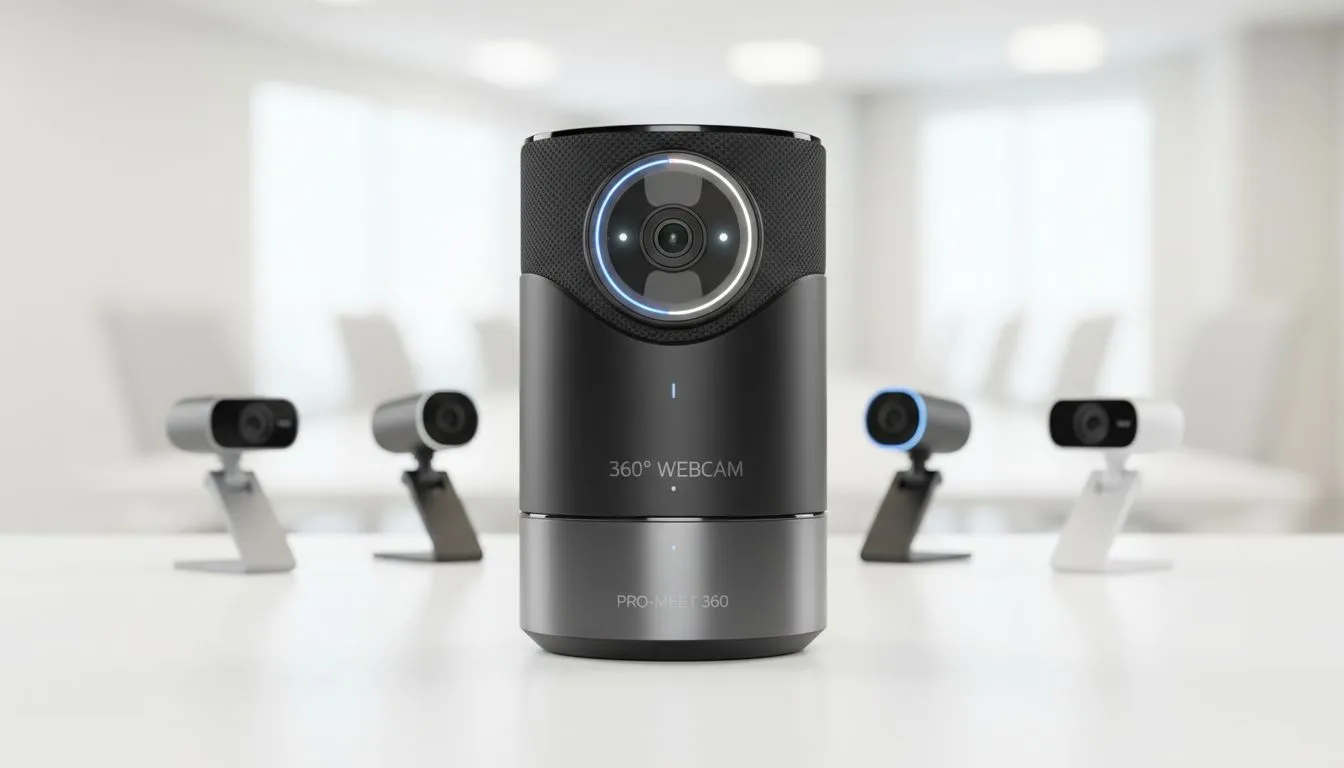
Why the 360 Webcam vs Multiple Cameras Debate Matters
Hybrid meetings are now a standard part of South African business life. Whether you are dialling in from a home office in Durban or a boardroom in Sandton... your visual presence defines your professional edge. Choosing between a 360 webcam vs multiple cameras can be the difference between a clunky call and a seamless presentation. Let’s look at which setup fits your specific workflow ⚡.
The Case for a 360 Webcam in Collaborative Spaces
If your daily routine involves team huddles in a shared office, a 360-degree solution is often the most elegant choice. These devices sit in the centre of the table and use clever AI to track whoever is speaking. It eliminates the "bowling alley" effect where people at the back of the room look like tiny specks. When you browse the comprehensive range of webcams available today, you will notice that these all-in-one units focus on simplicity. You plug them in... and they just work.
Meeting Etiquette Tip ⚡
When using a 360 camera, place it at eye level rather than on a low coffee table. This prevents the "giant" effect where remote participants feel like they are looking up everyone's noses. A small tripod or a few books can easily optimise your framing for a more natural perspective.
Why Multiple Cameras Win for Presenters and Streamers
For those who need to switch between a face-cam, a top-down view of a product, or a whiteboard... a single lens rarely cuts it. Using multiple cameras allows you to maintain a high level of engagement by changing angles. This setup is perfect for South African educators or technical leads who need to show detail that a wide-angle lens might miss.
Finding the Right Setup for Your Budget
Building a professional environment does not have to break the bank. If you are just starting out, you can find very capable affordable webcams under R1,000 that offer crisp 1080p resolution. These are perfect as secondary angles in a multi-cam array.
As you scale up, mid-tier camera setups provide better low-light performance... which is essential if your home office lighting isn't perfect. For the ultimate professional look, investing in high-end 4K options ensures that your video remains sharp even when cropped or zoomed during a live demonstration 🚀.
Final Verdict: Which One Should You Choose?
The 360 webcam vs multiple cameras decision comes down to your environment. If you move around a boardroom, go 360. If you are a solo presenter who needs to control the narrative, multiple cameras are the way to go. Both paths lead to better engagement and clearer communication ✨.
Ready to Find Your Perfect Match? The 360 Webcam vs Multiple Cameras debate depends on your space, but high-quality video is non-negotiable. Explore our massive range of webcam specials and find the perfect gear to upgrade your hybrid meetings.











