

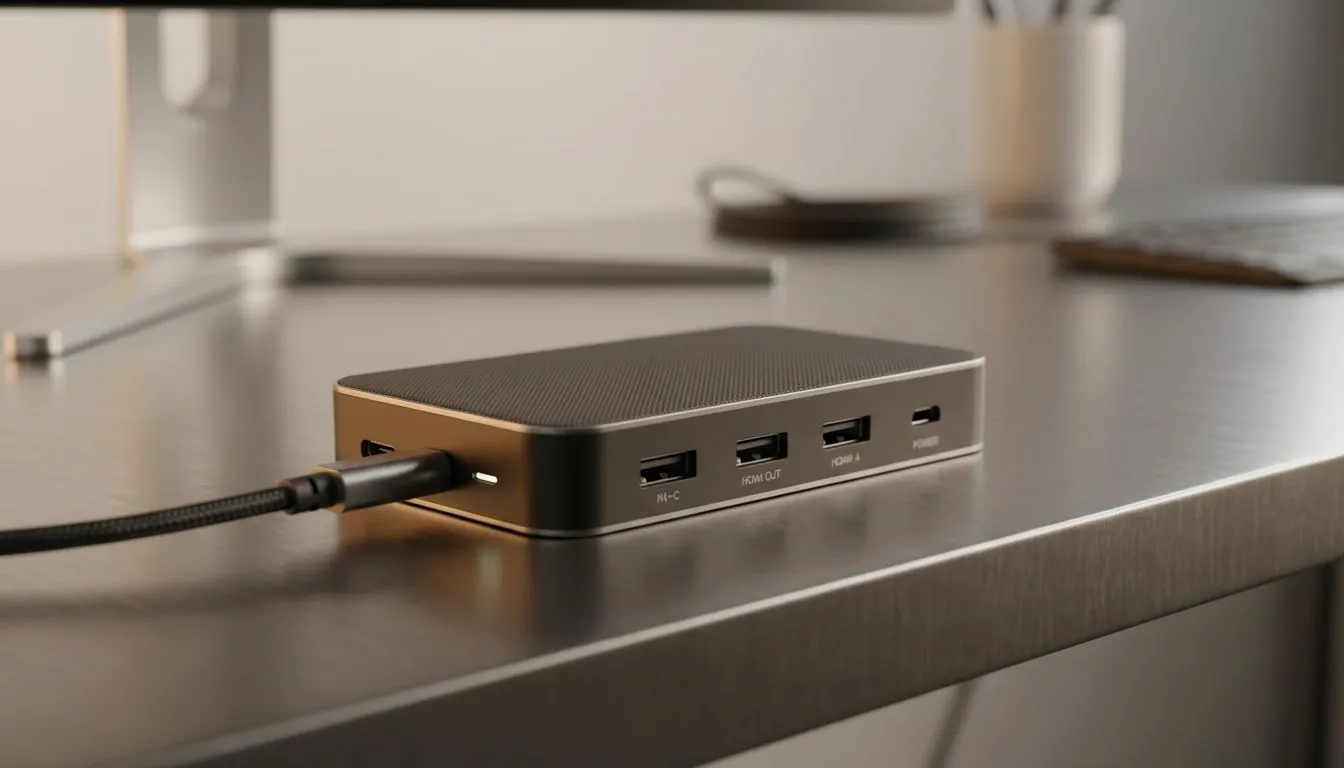
Ending the Cable Chaos with a 4-in-1 USB Hub
Is your desk a mess of tangled wires? Most modern laptops sacrifice ports for a slim design. This leaves South African gamers struggling to connect their gear. A 4-in-1 USB Hub is the perfect fix. It lets you plug in your mouse, keyboard, and headset through a single connection. Let's look at how to streamline your desk setup today 🔧.
Why Every South African Setup Needs More Ports
Whether you are working from home in Sandton or climbing the ranks in Valorant, port management is vital. A single USB-C port is often all we get on newer machines. By using a 4-in-1 USB Hub, you turn that lone port into a command centre. You can connect external storage, charge your phone, and keep your peripherals active without swapping cables constantly.
Even if you are on a tight budget, you can find quality docking stations under R1000 that offer reliable performance. These units are compact enough to toss into a laptop bag for on-the-go productivity.
Port Management Pro Tip ⚡
If you are using a wireless mouse or keyboard dongle... try to plug it into a USB 2.0 port if available. USB 3.0 ports can sometimes cause signal interference with 2.4GHz wireless devices... leading to minor lag during intense gaming sessions. Using a dedicated hub helps separate these connections for a smoother experience.
Finding the Best Value for Your Build
Not all hubs are created equal. Some focus on high-speed data transfer while others prioritse power delivery. Many local users prefer trusted brands like Promate for their robust build quality and sleek aesthetics. These devices are designed to handle the daily grind without overheating 🚀.
If you need extra features like 4K HDMI output or faster data transfer for large video files, look at premium options under R2000 to future-proof your rig. This ensures your setup remains relevant as you upgrade your monitors or external drives.
Streamline Your Desk Setup for Peak Performance
A clean desk leads to a clear mind. By hiding your cables behind your monitor and using a central hub, you create a professional environment. You can explore the entire range of docking stations to see which physical layout fits your desk best ✨.
Investing in a 4-in-1 USB Hub is one of the most cost-effective ways to improve your daily workflow. No more reaching behind your PC or struggling with short cables... just plug in and play.
Ready to Organise Your Workspace? Don't let a lack of ports slow down your productivity or gaming performance. Browse our latest docking station deals and find the perfect hub to streamline your South African tech setup today.








