

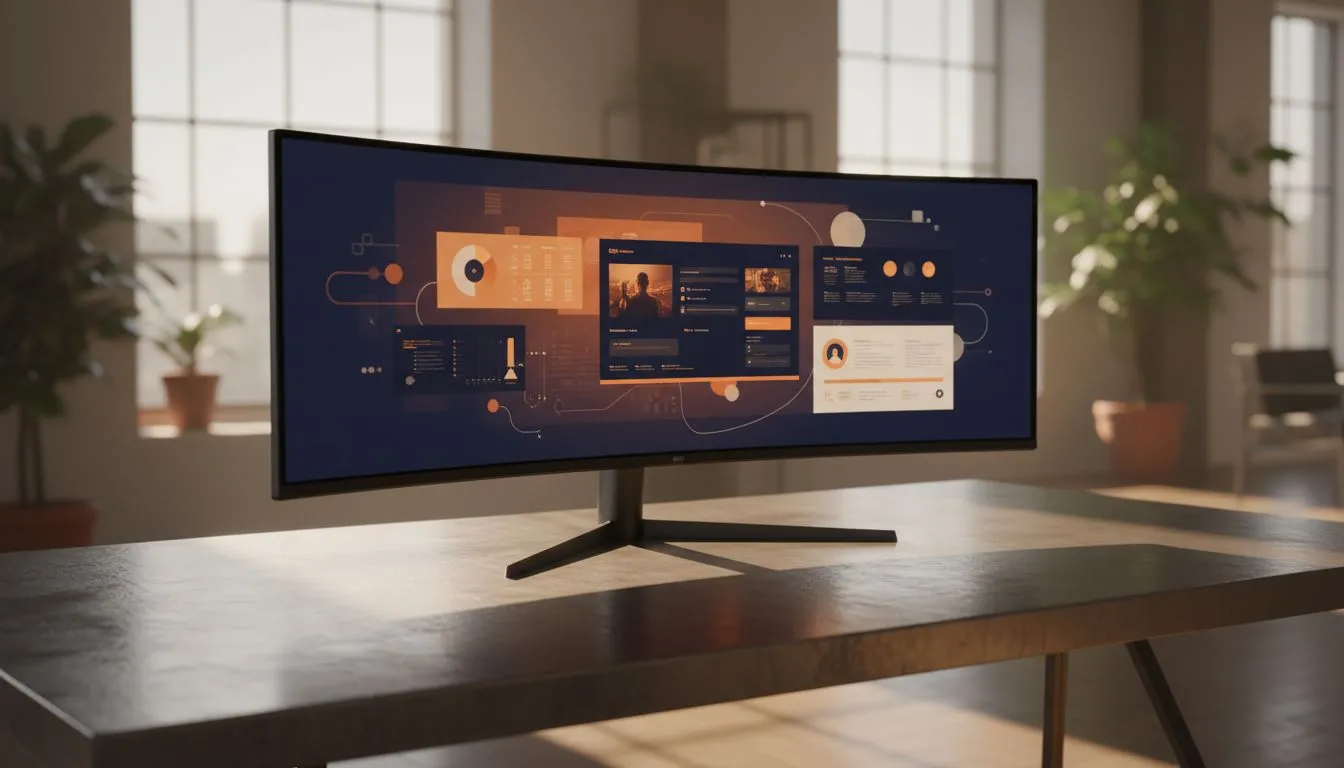
Imagine ditching that annoying bezel gap between your two old screens for a single, seamless horizon of pixels. For many South Africans, the home office has become a permanent fixture, making desk ergonomics a top priority. But when looking at a massive 49-inch monitor: is it worth the investment for remote workers? Let’s explore if this R20,000+ upgrade actually boosts productivity or if it’s just desk-candy. 🚀
Why Remote Workers are Ditching Dual Screens
The traditional remote setup usually involves a laptop and a secondary screen, or perhaps two 24-inch panels side-by-side. While functional, this creates a fragmented workspace. When you browse the extensive selection of PC monitors at Evetech, you’ll notice the shift toward "Super Ultrawide" displays. A single 49-inch monitor provides the same screen real estate as two 27-inch QHD monitors but without the physical divide. This means you can centre your primary work... like a massive Excel sheet or a video timeline... without a plastic bar cutting your view in half.
Curved vs Flat: The Ergonomics of Scale
At this size, the physical shape of the panel is not just a stylistic choice. While some professionals prefer traditional flat monitors for specific architectural drafting, most users find that a 49-inch screen requires a curve to be usable. An immersive curved display brings the edges of the screen into your peripheral vision, reducing neck strain. Instead of turning your head physically to see the clock or a Slack notification, you simply shift your eyes.
Productivity Pro Tip ⚡
On Windows, use the PowerToys FancyZones utility to create custom snap layouts for your windows. It's a lifesaver for managing multiple apps on an ultrawide monitor, letting you organise your timeline, preview window, and asset folders perfectly for video editing.
Colour Accuracy and Panel Technology
For those in creative fields... think graphic design or high-end photo editing... the quality of the glass matters as much as the size. Most remote workers should aim for IPS panel technology because it offers superior colour consistency and wider viewing angles. If you are investing thousands of Rands into a 49-inch monitor: is it worth the investment for remote workers who deal with colour-critical work? Absolutely, provided the panel can hit 99% sRGB coverage or higher.
Beyond the Office: Gaming After Hours
One of the biggest perks of a 49-inch investment is the dual-purpose nature of the hardware. After the "Teams" calls end, these monitors transform into the ultimate gaming rig. To ensure a smooth experience, look for displays featuring FreeSync (AMD) or those that are G-Sync (NVIDIA) compatible. These technologies prevent screen tearing when your framerate fluctuates. Even if you aren't a competitive gamer, having Adaptive Sync options ensures that video playback and general UI animations remain buttery smooth. ✨
The Final Verdict: Is It Worth It?
So, is a 49-inch monitor worth the investment for remote workers in South Africa? If your job requires multitasking across three or more applications simultaneously, the answer is a resounding yes. The reduction in cable clutter, the ergonomic benefits of a curved radius, and the sheer joy of a seamless workspace justify the cost. While the initial ZAR price tag might seem steep, the time saved from not "alt-tabbing" every thirty seconds adds up to significant productivity gains over a year. 🔧
Ready to Find Your Perfect Match? The Super Ultrawide lifestyle is just a click away. Whether you need colour precision for design or high refresh rates for after-hours gaming, we have the gear to level up your home office. Explore our massive range of monitor specials and find the perfect machine to conquer your world.








