

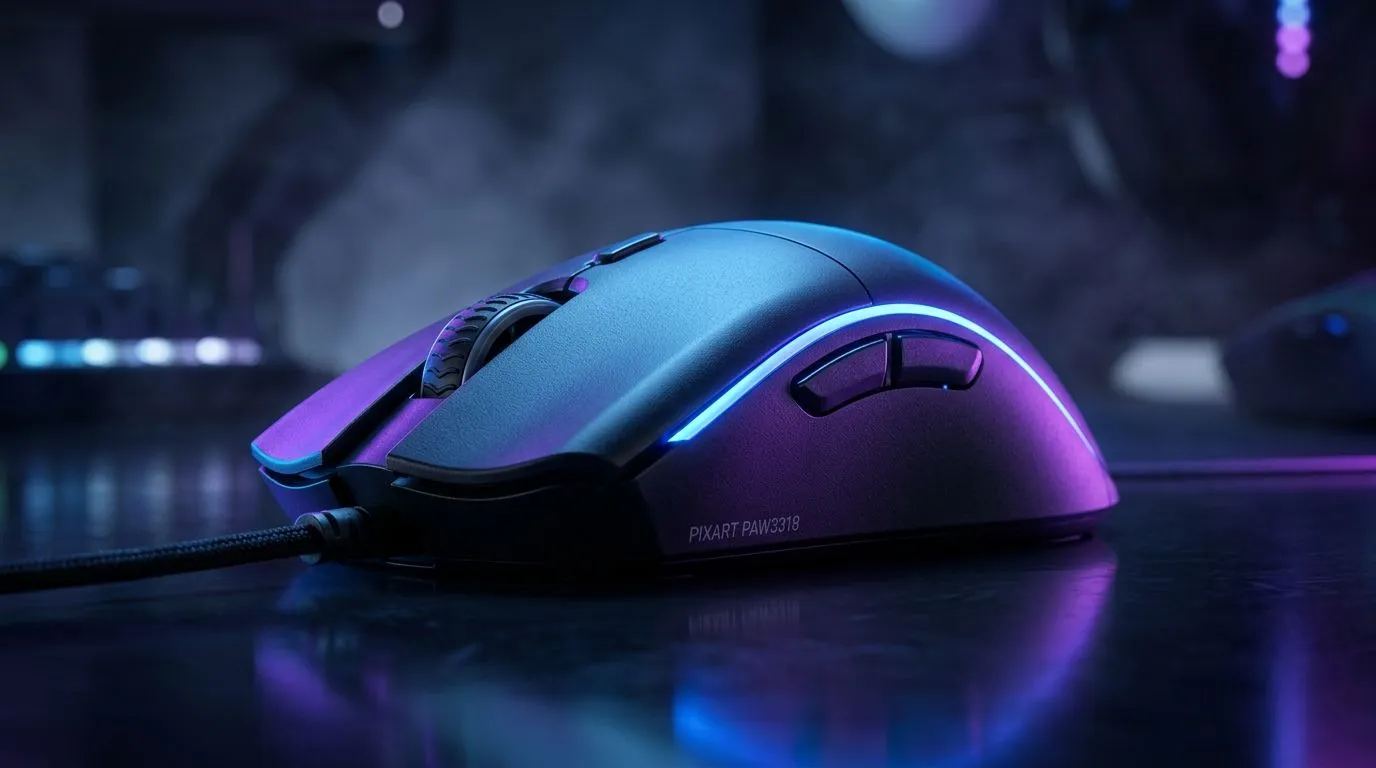
8K PixArt PAW3318 Sensor: Accuracy in Competitive Gaming (Worth the Hype?)
If you’ve ever felt like your aim is “almost there”… but your tracking keeps betraying you, this one’s for you. South African players don’t just need specs. You need repeatable motion, consistent clicks, and a sensor that behaves the same in every match. So when you see “8K” and the PixArt PAW3318 name floating around, it’s natural to ask: is it accurate enough for competitive gaming, or just marketing? Let’s break it down properly. ✨
What the 8K PixArt PAW3318 Sensor Changes for Your Aim
First, a quick reality check. Sensor performance is more than headline numbers. In competitive play, consistency matters: how smoothly you move, how predictably the cursor follows, and how stable the DPI feel is across pads.
With high polling rates (like “8K”), your PC gets updates more frequently. That can help reduce perceived input lag and can make fast micro-adjustments feel tighter. But polling rate doesn’t replace good sensor behaviour, and it certainly doesn’t fix a mismatched DPI or sloppy mouse settings.
Competitive takeaway: if the PAW3318 implementation in a mouse keeps tracking consistent at your real DPI range, you’ll notice the benefit more than you would from chasing numbers alone. ⚡
The Settings That Decide “Competitive Enough” More Than the Sensor
Even the best sensor can feel average if your setup is off.
- Match your DPI to your sensitivity so your wrist and aim style aren’t fighting the hardware.
- Use consistent mousepads (hard vs cloth changes glide and stopping behaviour).
- Calibrate polling and in-game settings without jumping between profiles mid-season.
Productivity Pro Tip 🔧
If you’re on Windows and you run multiple apps for streaming or Discord, use your mouse settings consistently across sessions. Turn off “Enhance pointer precision” and test a single DPI value for at least 30 minutes on your main pad. Small changes feel big in ranked.
Wired vs Wireless: Where the Sensor Story Usually Ends
Here’s the thing many local gamers learn the hard way. If your wireless setup is unstable, you’ll feel it as jitter or “I swear it was fine yesterday.” Polling rate marketing is only part of the picture. Latency stability and connection quality matter just as much.
If you’re comparing options, start by choosing the connection type you can trust every night:
- Prefer a plug-and-play stability mindset? Look at wired models first. Explore wired mouse options: wired gaming mice
- Want freedom on your desk but care about reliability? Start with a good wireless line-up and double-check battery and connection design. Browse wireless mice here: wireless gaming mice
Don’t Forget Accessories… They Matter
A sensor can only do so much if your mouse feet are worn or your pad surface is inconsistent. It’s a small thing, but it’s often the difference between “okay” and “locked in.”
For upgrades like mouse feet, pads, and practical add-ons, check: mouse accessories for better control
So… Is the 8K PixArt PAW3318 Accurate Enough?
For most competitive players in South Africa: yes, if the mouse is tuned well and you set it up correctly. The sensor’s value is in predictable tracking and stable behaviour under motion. The “8K” part can improve the feel of responsiveness, but it won’t magically fix bad DPI choices or inconsistent pad use.
If you’re shopping right now, the smartest move is to compare mice by how they’re built, not only by marketing numbers. Start with reputable listings and deals, then refine based on your grip and sensitivity.
For great current options and bundle-friendly picks, browse: best gaming mouse deals And if you want to see the sensor and product families in more detail across models, check: gaming mouse components and line-ups
Ready to Find Your Perfect Match? The Mac vs Windows debate is complex, but for maximum power, choice, and value in South Africa, Windows is hard to beat. Explore our massive range of laptop specials and find the perfect machine to conquer your world.











