

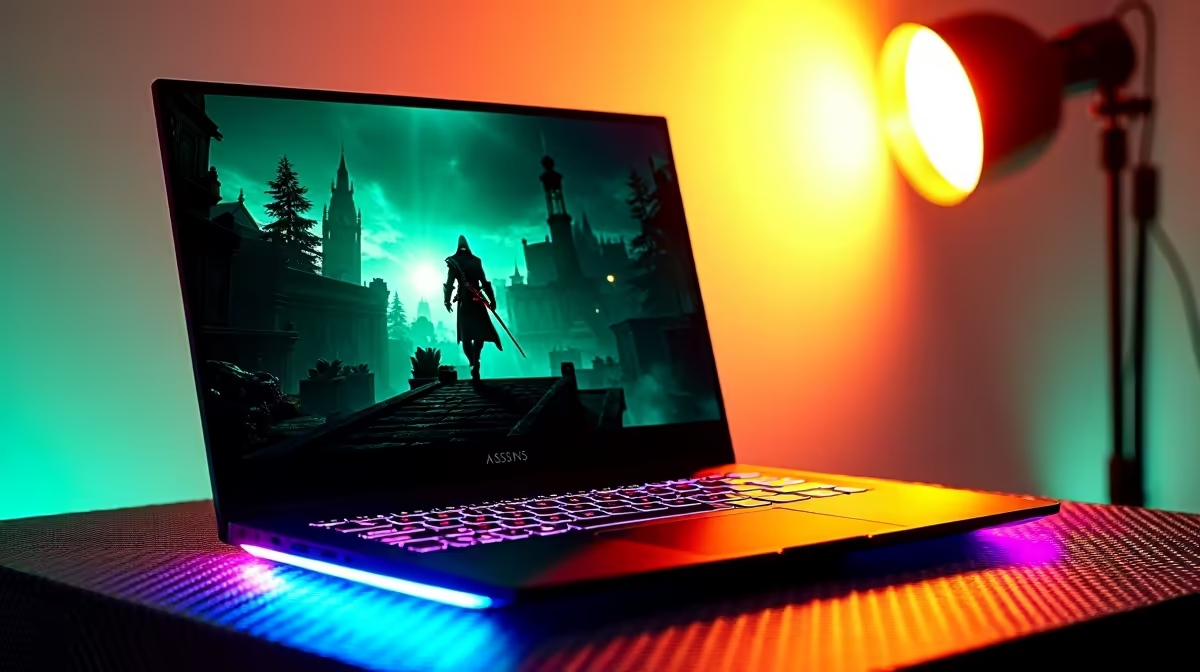
Assassin's Creed Shadows is one of the most visually demanding open-world games released in the current console generation, and its PC and laptop requirements reflect that. If you're wondering whether your laptop can run it - or what kind of machine you need to buy - this guide breaks it down clearly for South African gamers.
Quick Answer
Can your laptop handle Assassin's Creed Shadows? AC Shadows requires a mid-to-high-end laptop GPU to run smoothly. At minimum you need an Nvidia GTX 1660 Ti or AMD RX 5500 XT equivalent, but for a playable experience at medium-high settings you'll want an RTX 3060 laptop GPU or better. Budget laptops under R8,000 will likely struggle at acceptable frame rates.
🔧 Assassin's Creed Shadows PC Requirements Explained
Ubisoft's official minimum and recommended specs translate to the following laptop GPU equivalents:
Minimum (720p Low, 30 fps target):
- GPU: GTX 1660 Ti / RX 5500 XT equivalent
- RAM: 16GB DDR4
- Storage: NVMe SSD (HDD will cause severe stuttering)
- CPU: Intel Core i7-8700K or AMD Ryzen 5 3600 equivalent
Recommended (1080p High, 60 fps target):
- GPU: RTX 3070 Ti laptop / RX 6800M equivalent
- RAM: 16GB DDR5 or fast DDR4
- Storage: NVMe SSD (mandatory for open-world streaming)
- CPU: Intel Core i7-12700H or AMD Ryzen 7 6800H equivalent
High Performance (1080p Ultra or 1440p High, 60+ fps):
- GPU: RTX 4070 laptop or better
- RAM: 32GB
- Storage: PCIe 4.0 NVMe SSD
AC Shadows is a Ubisoft title that supports both DLSS (Nvidia) and FSR (AMD), which significantly improves playability on mid-range hardware.
📊 How Common SA Laptop Tiers Handle AC Shadows
Budget Laptops (R8,000–R12,000) - Entry Gaming or Integrated Graphics: Most laptops in this range use integrated Intel Iris Xe or AMD Radeon integrated graphics. These will not run AC Shadows at any playable frame rate. If gaming is your goal, this tier requires a discrete GPU - look for models with at least an Nvidia RTX 3050 in this price range.
Mid-Range Gaming Laptops (R12,000–R18,000) - RTX 3060/4060 Laptop: This is the sweet spot for AC Shadows. An RTX 3060 laptop GPU with DLSS Quality mode enabled will deliver 50–70 fps at 1080p High settings. An RTX 4060 laptop pushes 60–90 fps at the same settings with better power efficiency.
High-End Gaming Laptops (R18,000–R30,000+) - RTX 4070/4080 Laptop: Full 1080p Ultra or comfortable 1440p gaming is achievable here. These laptops will run AC Shadows at maximum settings with frame rates well above 60 fps. DLSS Performance mode allows 1440p with high fps even on the RTX 4070.
💡 Tips for Getting the Most Out of Your Laptop in AC Shadows
- Enable DLSS or FSR: This is mandatory for mid-range laptops. DLSS Quality mode at 1080p is visually near-identical to native at a major fps boost.
- Set performance mode in Windows power settings: Gaming laptops frequently throttle in balanced or battery-saving mode, cutting GPU performance by 20–40%.
- Keep the laptop plugged in: Battery power limits GPU TGP significantly on most gaming laptops.
- Install on NVMe SSD: AC Shadows uses aggressive open-world streaming. A mechanical HDD will cause severe stuttering and long loading times.
- Check thermal management: AC Shadows will push your laptop hard. Clean the vents, use a laptop cooling pad, and ensure drivers are up to date.
- Crowd Density and Volumetric Effects are the most performance-expensive settings - drop these to Medium first before touching other settings.
❓ Frequently Asked Questions
Can an RTX 3050 laptop run Assassin's Creed Shadows? Yes, but with compromises. At 1080p Low-Medium with FSR or DLSS Performance mode, an RTX 3050 laptop can achieve 40–50 fps. It is playable but not a smooth experience. An RTX 3060 laptop is the more comfortable minimum.
Does AC Shadows run better with Intel or AMD processors in laptops? The game performs well on both platforms. What matters more is the overall thermal headroom and the quality of the GPU implementation. A well-cooled Ryzen 7 + RTX 4060 laptop will outperform a throttled Intel i7 + RTX 4070 system in sustained gameplay.
Is 8GB RAM enough for Assassin's Creed Shadows on a laptop? No - 8GB RAM is below Ubisoft's minimum specification. The game requires 16GB at minimum. Running with 8GB will cause loading issues, stuttering, and potential crashes, especially combined with shared VRAM on budget GPU configurations.
What is the minimum Evetech laptop price for running AC Shadows decently? Evetech's minimum laptop price starts around R8,000, and at that starting point you want to look specifically for models that include a discrete GPU. For a smooth AC Shadows experience, budget R12,000–R15,000 for a laptop with an RTX 3060 or RTX 4060 mobile GPU.
Browse Laptop Specials and Graphics Card Deals at Evetech to find the right laptop for your needs and budget.
Ready to Find Your Perfect Match? Shop at Evetech











