

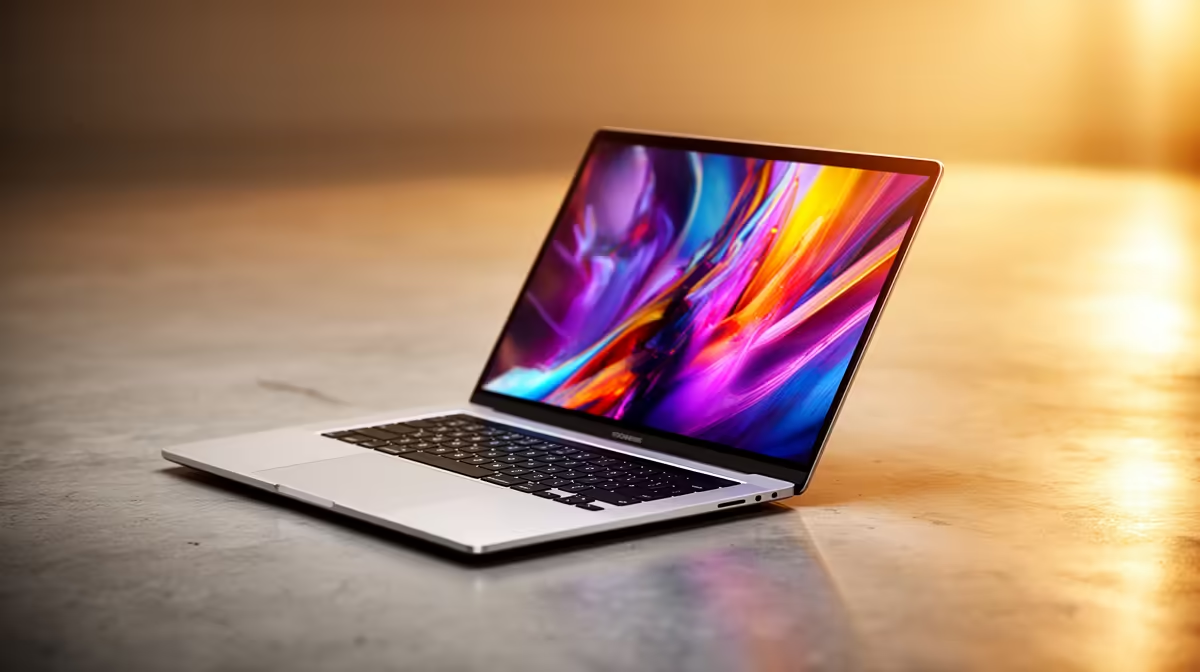
Finding a laptop in South Africa that balances price, performance, and style can feel like a mission. You need a machine that can handle late-night study sessions, stream Netflix during loadshedding, and maybe even run a few rounds of Valorant without costing a fortune. Enter the ASUS Vivobook. It promises premium features without the premium price tag. But does it deliver? We put it through its paces in this real-world ASUS Vivobook review. 💻
First Impressions: More Than Just a Pretty Face
Unboxing a new Vivobook, the first thing you notice is the clean, modern design. ASUS has done a fantastic job of making these machines look and feel more expensive than they are. They're slim, lightweight, and easily slide into a backpack for a day on campus or at the office.
The build quality is solid, typically featuring a durable chassis that feels sturdy enough for daily commutes. The keyboard is often a highlight, offering a comfortable typing experience with decent key travel... perfect for smashing out that last-minute essay. While they come in various specs and finishes, the entire range of ASUS Vivobook laptops shares this commitment to practical, stylish design.
The ASUS Vivobook Real-World Performance Test
Specs on a page are one thing, but how does the Vivobook actually perform day-to-day? We pushed it with a typical South African workload to see where it shines and where it struggles.
Everyday Productivity & Multitasking
This is the Vivobook's home turf. For general use—we're talking 15+ Chrome tabs open, Spotify running in the background, Word and Excel documents on the go—it's brilliant. It handles multitasking without breaking a sweat, thanks to modern processors and fast SSD storage. Whether you choose a model from our ASUS Intel laptops range or one with an AMD chip, you're getting a responsive machine for all your core tasks. The performance is smooth, snappy, and reliable.
Battery Health Pro Tip ⚡
Use the MyASUS app that comes pre-installed on your Vivobook. Navigate to the 'Battery Health Charging' settings and switch it to 'Balanced Mode' or 'Maximum Lifespan Mode'. This limits the charge to 80% or 60%, which significantly extends the long-term health of your battery, especially if you're often plugged in.
Light Creative Work & Casual Gaming
So, can it handle more demanding tasks? For budding creatives using apps like Canva or GIMP for photo editing, the Vivobook is surprisingly capable. Some models with more powerful integrated graphics can even handle basic 1080p video editing for a university project.
When it comes to gaming, let's be realistic. This isn't a dedicated ROG gaming beast. However, for popular esports titles like CS2, League of Legends, and Valorant on low-to-medium settings, it's perfectly playable. It’s an ideal machine for a casual gamer who prioritises work and study. Many of the best options for this kind of mixed-use can be found in our ASUS Ryzen laptop deals, which often feature powerful integrated graphics.
Display, Battery, and Final Thoughts ✨
Many Vivobook models now come with stunning OLED displays, offering vibrant colours and deep blacks that make everything from movies to spreadsheets look incredible. It’s a feature you typically find on much pricier laptops.
Battery life is another strong point. On a full charge, you can realistically expect to get through a full day of lectures or work meetings without frantically searching for a plug point... a true lifesaver during rolling blackouts.
So, is the ASUS Vivobook a good buy? Absolutely. For students, young professionals, and anyone in South Africa looking for maximum value, this ASUS Vivobook review concludes that it’s one of the best all-rounders on the market. It expertly blends performance, style, and affordability. To find a great bargain, it's always worth checking out the latest ASUS laptops on special to see what's available.
Ready to Find Your Perfect Match? The ASUS Vivobook proves you don't need to break the bank for a brilliant all-rounder. Explore our massive range of laptop specials and find the perfect machine to conquer your world.











