


Dedicated Media Keys for Streamers: Improve Workflow Fast
Dedicated media keys give streamers one-touch control to mute, switch scenes, clip highlights, and adjust audio — cutting task time and boosting consistency 🎛️⚡
Read moreLooking for the best 1080p 165Hz monitor? 🎮 Upgrade your rig with affordable, high-speed displays that offer smoother gameplay than standard screens. See our top 2025 picks for competitive gaming value! 🚀
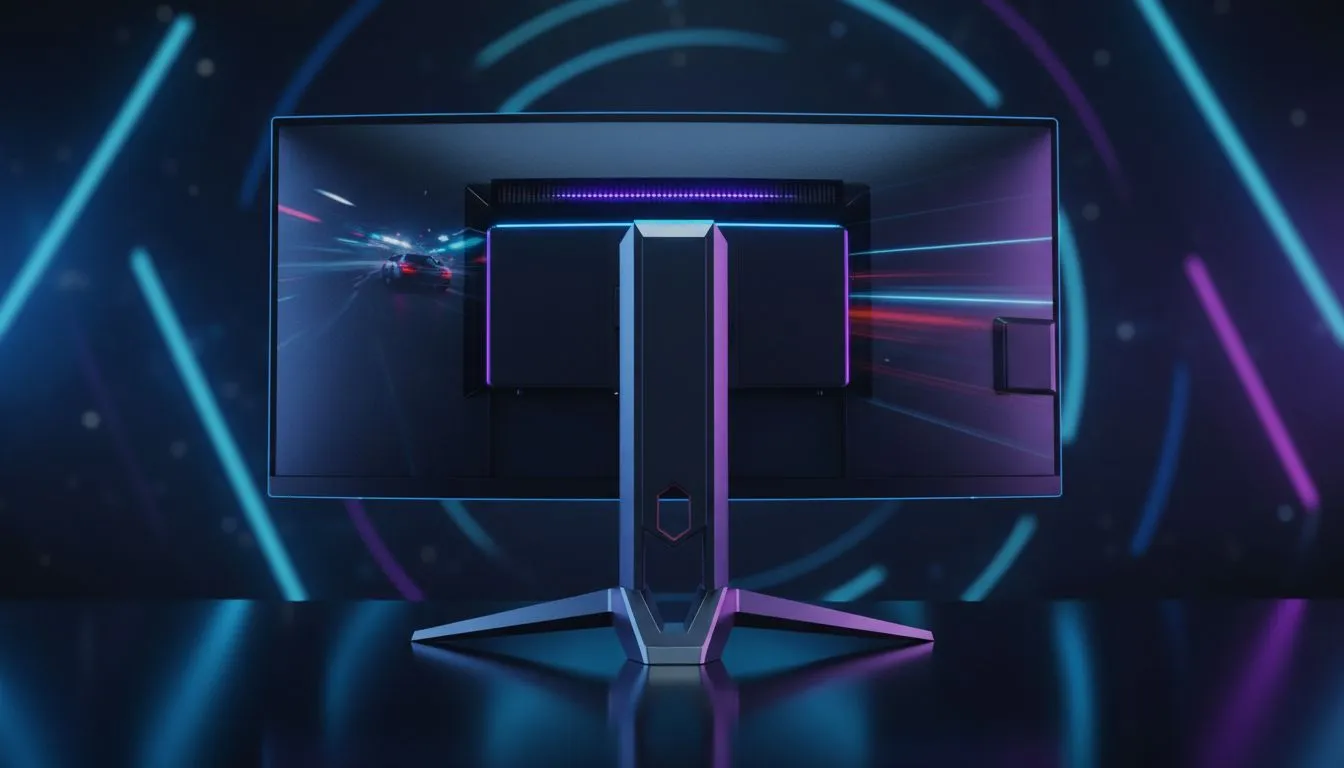
Stuck on a laggy 60Hz screen while your opponents zip around in Warzone? Eish, we've all been there. In 2025, you don't need to drop a fortune for a competitive edge. The sweet spot is here: a 1080p 165Hz monitor. It’s the single most impactful and affordable speed upgrade you can make for your gaming rig in South Africa, delivering buttery-smooth frames without needing a monster graphics card.
Let's be real, most of us aren't running RTX 4090s. For the popular GPUs many South African gamers own, Full HD (1080p) is the perfect resolution to consistently hit high frame rates. Pushing your hardware to 165 frames per second on a matching 165Hz display feels incredibly responsive. Your aim is snappier, motion blur disappears, and you can track targets with precision. This makes it a top choice for both competitive and immersive single-player games. Take a look at the latest PC monitors to see how accessible this upgrade has become.
Not all high-refresh-rate screens are created equal. When you're shopping, keep these three things in mind to find the perfect panel for your needs. 🚀
A high refresh rate needs a low response time to shine. Look for a monitor with a 1ms GTG (Grey-to-Grey) response time. This spec ensures that pixels change colour fast enough to keep up with the 165Hz refresh rate, eliminating distracting ghosting or motion blur.
Screen tearing is that ugly horizontal line that appears when your monitor's refresh rate is out of sync with your GPU's frame output. Adaptive Sync solves this!
Just plugging in your new monitor isn't enough. Remember to enable G-Sync or FreeSync in your NVIDIA Control Panel or AMD Radeon Software. You also need to set your display's refresh rate to 165Hz in Windows Display Settings. It's a quick two-step process that unlocks the full potential of your new screen!
While specs are important, brand reputation matters for build quality and support. Here are a few trusted names that consistently deliver some of the best 1080p 165Hz monitor options on the market.
AOC has built a massive following in the gaming community for a reason. They deliver panels with excellent performance, solid features, and aggressive pricing. Whether you're after an IPS or VA panel, the AOC monitor range almost always has a top contender for any budget. ✨
Looking for maximum performance for your Rand? Dahua has become a go-to for gamers seeking an affordable speed upgrade. They focus on delivering the core essentials—high refresh rates and low response times—making them a smart choice if you want pure gaming speed without paying for extra frills. Check out Dahua's selection for some seriously competitive deals.
Don't sleep on HP! Their OMEN and other gaming lines offer fantastic build quality, sleek designs, and reliable performance. Often packed with features like adjustable stands and excellent colour calibration out of the box, HP gaming monitors are a solid investment for both gaming and everyday use.
Ultimately, the best 1080p 165Hz monitor in 2025 is the one that fits your games, your setup, and your budget. By focusing on panel type, response time, and the right sync technology, you're guaranteed to find a screen that will transform your gaming experience. The jump from 60Hz is something you have to see to believe.
Ready for a Silky-Smooth Upgrade? Choosing the best 1080p 165Hz monitor for your rig is a massive step up. For the best prices and widest selection in South Africa, you're in the right place. Explore our full range of gaming monitors and find the perfect screen to dominate your game.
Yes, a 165Hz gaming monitor offers slightly smoother motion than 144Hz. While the difference is subtle, it provides a measurable edge in fast-paced competitive shooters.
Not necessarily. Mid-range GPUs can easily hit 165 FPS at 1080p, making the best 1080p 165Hz monitor an accessible upgrade for most budget-conscious gamers.
For 1080p, a 24-inch size is ideal for pixel density. At 27 inches, 1080p can look slightly pixelated, so 24-inch models are often preferred for visual clarity.
You typically need a DisplayPort cable to achieve the full 165Hz refresh rate, as older HDMI versions may limit output to 120Hz or 144Hz depending on the monitor.
IPS panels are generally preferred now as they offer vibrant colors and superior viewing angles while maintaining response times that rival fast TN panels.
Absolutely. Jumping from 60Hz to a high refresh rate display is a massive visual improvement, offering much smoother animations and significantly reduced motion blur.
Dedicated media keys give streamers one-touch control to mute, switch scenes, clip highlights, and adjust audio — cutting task time and boosting consistency 🎛️⚡
Read more
PBT vs ABS keycaps: Clear, local guide for South African gamers—compare feel, sound, durability and where to buy. Find the best material for your budget and playstyle 🎮🇿🇦
Read more
- Multi-Function Digital Dial: define benefits - Show gamer setups and macros - Offer buying and setup tips Multi-Function Digital Dial puts programmable control at your fingertips for faster actions and smoother streaming. 🎮⚙️
Read more
- Explain benefits; - Show the science; - Compare options; - Recommend picks. Magnetic wrist rest for gaming cuts wrist strain and boosts comfort during long sessions 🕹️✨
Read more
best gaming keyboard South Africa: Learn how to pick a low-latency mechanical keyboard, choose switches, layout and budget for competitive play 🎮⚡
Read more
Best wireless keyboard and mouse combo for small desks — curated, space-saving picks that boost comfort and productivity in tight setups. Find low-profile layouts, compact mice, and reliable range to fit your compact workstation. 🖱️⌨️
Read more
Discover webcams that automatically adjust light and color for crystal-clear video calls 🎥✨. Boost your streaming quality today!
Read more
Discover webcams that blend into your workflow 🎯 Capture moments while you work, stream, or create. Upgrade your setup with smart, multitasking tech!
Read more Dedicated media keys give streamers one-touch control to mute, switch scenes, clip highlights, and adjust audio — cutting task time and boosting consistency 🎛️⚡
Read more PBT vs ABS keycaps: Clear, local guide for South African gamers—compare feel, sound, durability and where to buy. Find the best material for your budget and playstyle 🎮🇿🇦
Read more - Multi-Function Digital Dial: define benefits - Show gamer setups and macros - Offer buying and setup tips Multi-Function Digital Dial puts programmable control at your fingertips for faster actions and smoother streaming. 🎮⚙️
Read more - Explain benefits; - Show the science; - Compare options; - Recommend picks. Magnetic wrist rest for gaming cuts wrist strain and boosts comfort during long sessions 🕹️✨
Read more