


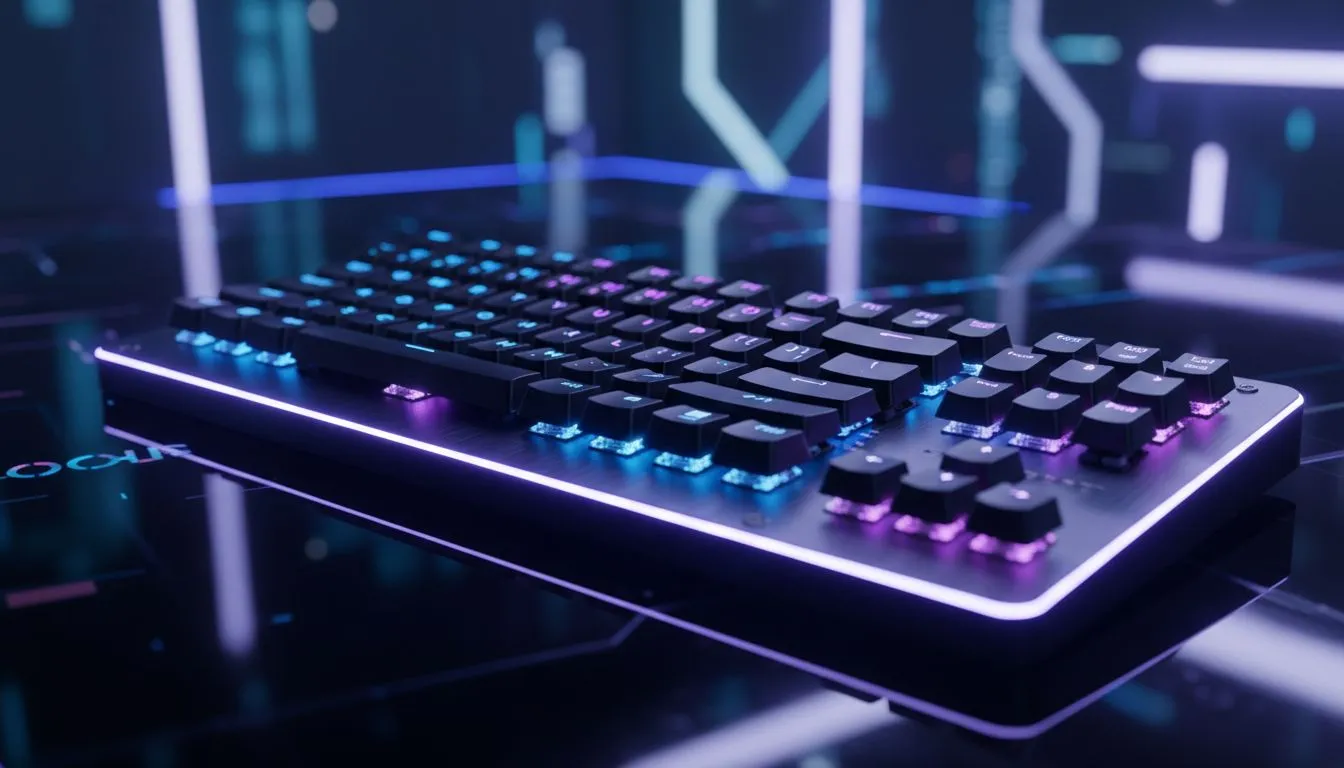
Why Latency Matters: The 2.4GHz Advantage
Nothing kills a ranked match in CS2 or Valorant faster than input lag. You press 'W', but your character moves a split second too late. That’s why finding the best 2.4GHz low latency wireless gaming keyboard is crucial for competitive South African gamers. Gone are the days when "wireless" meant "slow". Modern tech offers cable-like speeds without the clutter... letting you clutch that round with precision. 🚀
Bluetooth vs. 2.4GHz: Knowing the Difference
Many keyboards offer dual connectivity, but for gaming, they are not created equal. Bluetooth is fantastic for battery life and typing on your tablet, but it suffers from polling rate limitations. A 2.4GHz connection uses a dedicated USB dongle to communicate with your PC at 1000Hz (1ms) or faster.
However, a fast keyboard is only one part of the equation. To truly feel that snap in response, your visual feedback needs to be instant. Pairing a high-speed board with high-refresh PC monitors ensures that when your switch actuates, the pixels on your screen react immediately.
Building the Ultimate Wire-Free Desk
Once you ditch the keyboard cable, the urge to remove every other wire becomes strong. It cleans up your battlestation and gives you more room to flick your aim. Naturally, the next step is upgrading to a lightweight gaming mouse that shares the same low-latency technology.
If you are building a setup that looks as good as it performs, cable management is key. A wireless desk setup is a dream for content creators. If you are looking into streaming essentials, having a clean desk surface makes your hand-cam shots look professional and uncluttered.
Connection Stability Pro Tip ⚡
Wireless interference can happen if your router is too close to your PC. Use the USB extension cable often included with high-end keyboards to place the 2.4GHz receiver directly on your desk, close to the keyboard. This ensures a rock-solid signal even in a room full of WiFi noise.
Performance Beyond the Keys
While we focus heavily on the keyboard, your system's overall responsiveness dictates your gaming experience. You want your games to load assets instantly so you aren't stuttering when it counts. Installing your OS and competitive games on fast solid state drives reduces system hang-ups that might feel like input lag.
Furthermore, audio plays a massive role in immersion. Just as you want freedom of movement with your hands, wireless headphone headsets allow you to celebrate a victory (or pace around the room after a loss) without ripping a cable out of your PC.
Finding Value in the SA Market
You don't always need to spend thousands of ZAR to get decent performance. Technology has trickled down, and you can now find the cheapest gaming keyboard in South Africa that still offers reliable 2.4GHz connectivity.
For those who prefer a more relaxed gaming experience—perhaps for racing sims or RPGs where a keyboard feels clunky—switching over to gaming controllers is seamless on Windows.
Finally, if you are using a mechanical keyboard with loud "clicky" switches (like Blues), your teammates might hate you on Discord. Consider investing in standalone microphones with noise suppression to isolate your voice from the frantic tapping of your keys. ✨
Upgrade Your Arsenal Today Whether you need the lightning-fast response of a pro-grade mechanical board or a budget-friendly wireless solution, we have the gear to elevate your game. Browse our extensive range of gaming keyboards and say goodbye to input lag forever.











