

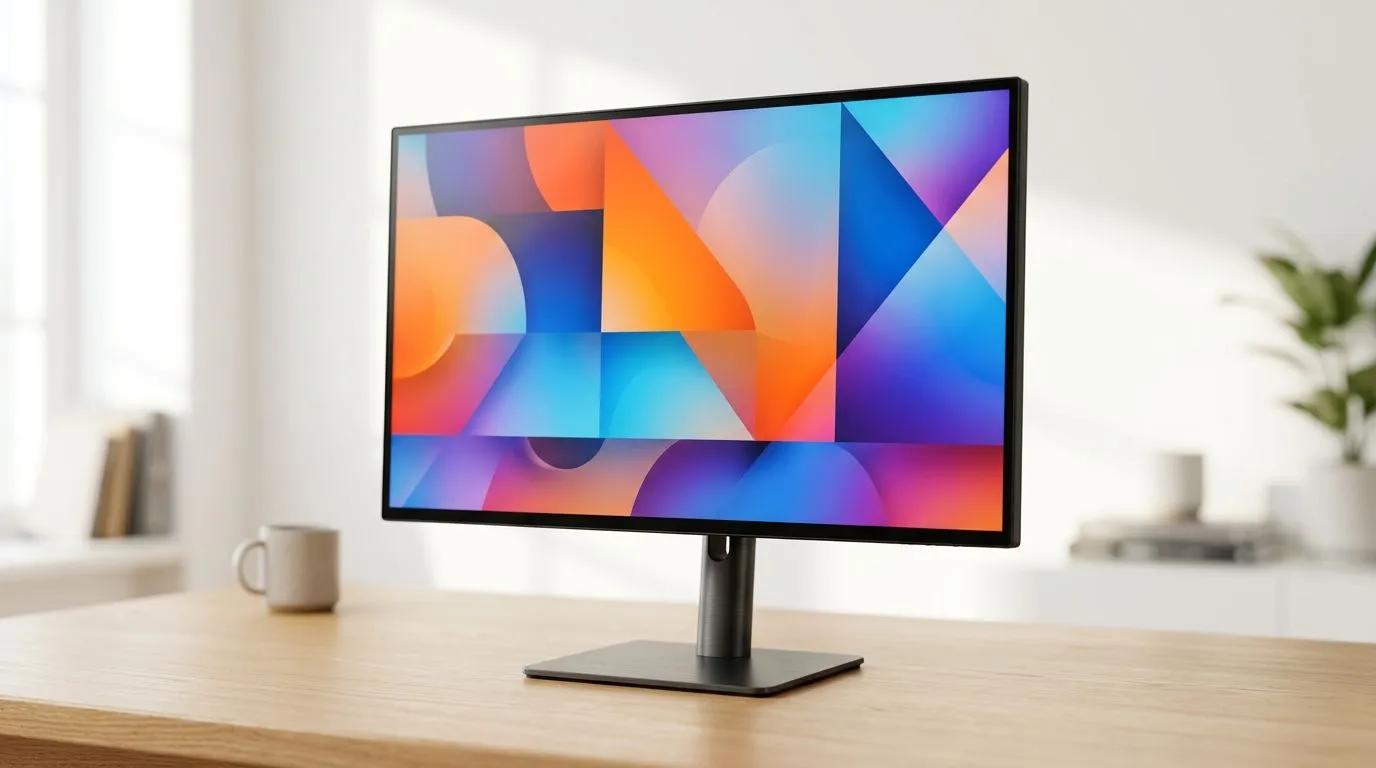
Best 27-Inch 4K Monitor hook for SA gamers and busy buyers
Buying a new display in South Africa is never just “plug and play”. You’re balancing game smoothness, text clarity for work, and the reality of limited desk space… plus electricity and budget.
A Best 27-Inch 4K Monitor: A Guide for Work and Entertainment is a smart sweet spot: 27-inch class gives you a comfortable viewing size, and 4K sharpens everything from spreadsheets to cutscenes. If you work all day, then game at night, this guide will help you pick like you actually mean it. ✨
Best 27-Inch 4K Monitor buying checklist (work first, game-ready second)
Before you compare models, decide how you’ll use the monitor. Here’s what to prioritise for most SA buyers:
Resolution clarity and scaling that won’t annoy you
4K on a 27-inch screen is crisp, but scaling matters. At 100% Windows scaling you may find small UI elements hard to read. A practical approach is to start with 125% scaling in Windows, then adjust based on your eyesight and viewing distance. (This is basic Windows behaviour; tune it to your comfort.)
Panel type: what changes in daily use
Most 27-inch 4K monitors use IPS-type panels. IPS typically offers wider viewing angles and consistent colours for both work and entertainment. If you mostly game at your desk (not from the side), that consistency is usually worth more than deep contrast.
Refresh rate: smooth enough for your games
For “work and entertainment”, you don’t need esports-only speeds. But higher refresh is still better for motion and cursor feel. Look for at least 60Hz if you’re casual. If you’re pairing it with a stronger GPU, consider monitors that support higher refresh rates and smoother motion.
Connectivity: don’t get stuck with the wrong ports
Check for the ports you actually own:
- DisplayPort (often preferred for high-performance PC use)
- HDMI (common for consoles and laptops)
- USB hubs (nice for keyboard and dongles)
If you’re unsure what your PC supports, check your graphics card outputs and match the monitor’s inputs.
Productivity Pro Tip ⚡
On Windows, use the PowerToys FancyZones utility to create custom snap layouts. Set zones for your timeline (editing), preview window, and asset folders so switching tasks feels instant on your new 27-inch 4K desktop setup. Creating a few layouts once saves you minutes every day.
Best 27-Inch 4K Monitor for work: settings that look professional
A monitor can have “good specs” but still look wrong if settings are off. For work (documents, design, coding), aim for a neutral, readable setup:
Calibrate for comfortable reading
Start by setting the monitor to a “Standard” or “sRGB” mode if available. Then adjust brightness based on your room lighting. Too bright causes eye strain fast, especially during long spreadsheet sessions.
Text clarity: make Windows and the monitor agree
On a 4K panel, your text rendering depends on scaling and sometimes ClearType settings. If you notice blurry text:
- increase or decrease scaling slightly
- ensure ClearType is enabled
- test a few apps (browser, Office, code editor) because each renders text differently
Colour for entertainment: don’t chase perfection
For movies and casual content creation, you don’t need studio calibration. Consistent modes (like sRGB) usually give you better results than random “Vivid” presets.
Best 27-Inch 4K Monitor for entertainment and gaming: what to watch for
Gaming on 4K is gorgeous, but it can be demanding. That’s why this “work + entertainment” segment works best when you manage expectations.
Frame rates: plan your settings
Even with a strong PC, 4K can be heavy. If you see stutter:
- lower game settings like shadows and volumetrics first
- consider dynamic resolution or DLSS/FSR type features if your game supports them
- keep an eye on GPU temperatures, especially in South African summer conditions
HDR: test it, don’t assume it
HDR can be excellent, but it depends on the monitor’s capabilities. If HDR is supported, test it with a known HDR source and compare against SDR using your own eyes. If it looks washed out, disable HDR for certain apps and rely on SDR modes.
Where to find the right Best 27-Inch 4K Monitor in Evetech
If you want to browse with confidence and compare real stock options, start with a clear path. These Evetech pages make it easier to narrow down your choice without losing hours:
- Check current PC monitor deals here: best PC monitor deals
- Explore more monitor options by category: PC monitors
- If you lean more toward gaming features, scan: all gaming monitors
- Want a more immersive desk setup? Compare: buy curved monitors
- For flexible setups (work travel, smaller offices), browse: buy portable monitors
- If you’re chasing extra resolution sharpness and have the hardware to match, look at: buy 5K 4K monitors
- Don’t forget the details that prevent desk chaos: buy monitor accessories
Final checklist before you buy your 27-inch 4K
Before you click “add to cart”, do this quick sanity pass:
- Confirm your ports match your device (DisplayPort vs HDMI).
- Decide your scaling target (comfort first, then fine-tune).
- Check refresh rate and response specs for your kind of games.
- Look at ergonomic needs: height and tilt matter more than people think. 🔧
- Plan cable and accessory needs so your desk stays tidy. ✨
If you’re ready to upgrade, pick with your workload in mind and you’ll enjoy the monitor every single day… not only when you fire up a game. 🚀
Ready to Find Your Perfect Match? The Mac vs Windows debate is complex, but for maximum power, choice, and value in South Africa, Windows is hard to beat. Explore our massive range of laptop specials and find the perfect machine to conquer your world.











