

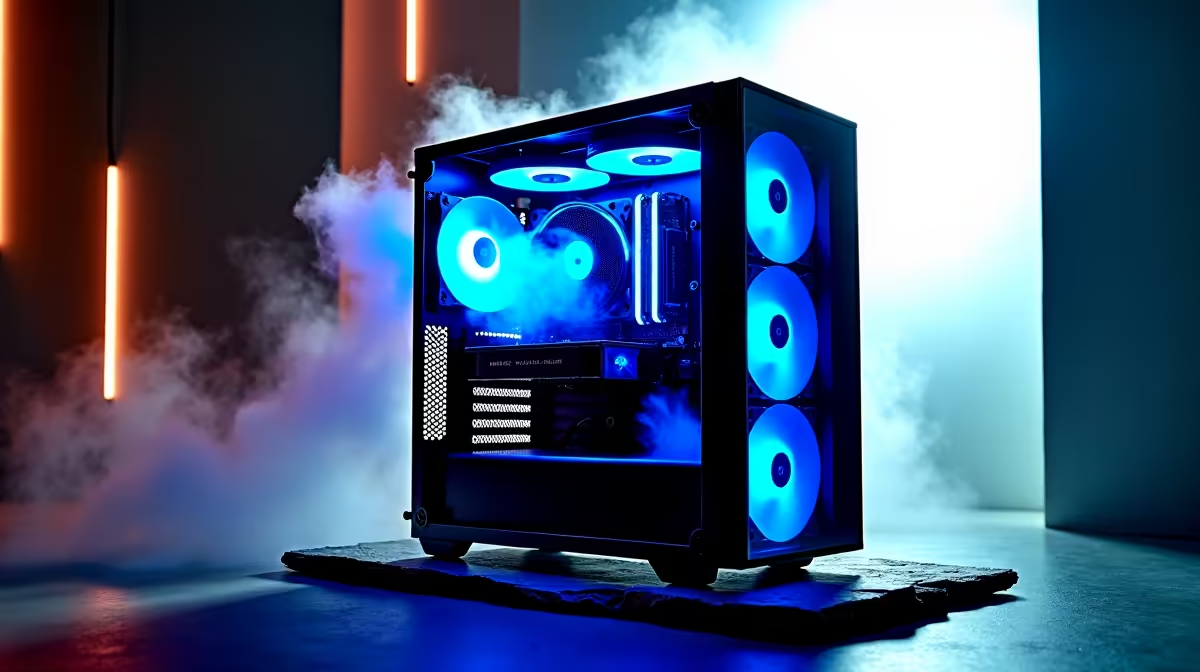
Micro-ATX builds have surged in popularity among South African PC builders who want a compact footprint without sacrificing component choice or thermal performance. But not all Micro-ATX cases are created equal - some prioritise aesthetics at the expense of airflow, leaving your components running hotter than they should. This guide covers what to look for and which cases deliver genuine thermal performance in a compact package.
Quick Answer
The best Micro-ATX cases for airflow in South Africa in 2026 are those with mesh front panels, support for at least two 120mm or 140mm front intake fans, unobstructed GPU clearance, and cable routing channels that don't block fan paths. Local availability and pricing in the R1,200–R2,800 range covers the most competitive options. Cases combining mesh construction with solid build quality offer the best thermal outcomes for the price.
🌬️ What Makes a Micro-ATX Case Good for Airflow?
Airflow in a PC case is determined by how easily cool air enters and hot air exits - and the smaller the case, the more important each design decision becomes. The single most impactful feature is the front panel material: a mesh front allows fans to pull fresh air directly through without the restriction of a solid or tempered glass panel. Cases with solid front panels can run 10–15°C hotter on GPU and CPU under sustained load compared to equivalently configured mesh-front designs. Beyond the front panel, look for: top ventilation (with a removable dust filter) to allow hot air to rise and exit naturally, a GPU clearance of at least 320mm to accommodate modern three-slot cards, and a PSU shroud that doesn't block the GPU's lower intake if it's positioned near the bottom of the case. Checking the case range for mesh-front Micro-ATX options will give you a clear picture of what's currently available locally.
🏆 Top Micro-ATX Airflow Case Picks for 2026
The Lian Li LANCOOL 205M remains a benchmark for Micro-ATX airflow value - its mesh front, dual 120mm intake fans included, and generous component clearances make it exceptional at its price point. The Fractal Design Focus 2 Micro is another strong contender, with excellent cable management behind the motherboard tray and a well-designed dust filter system. For budget-conscious builders, the Aerocool Cylon Mini offers mesh airflow at a lower entry price, though build quality reflects the price point. At the premium end, the be quiet! Pure Base 500DX Micro combines airflow with acoustic dampening - useful if you prioritise quiet operation alongside thermal performance. All of these benefit from a quality CPU cooler matched to their physical height restrictions (check cooler clearance specs carefully in Micro-ATX cases, as many have clearance limits of 155–165mm).
⚙️ Fan Configuration for Micro-ATX Builds
Getting the fan layout right in a Micro-ATX case significantly impacts temperatures. The ideal configuration is: two 120mm or 140mm intake fans at the front, one 120mm exhaust fan at the rear, and optionally one 120mm exhaust at the top. This creates a front-to-back and bottom-to-top airflow path that efficiently moves heat away from the CPU and GPU. Slightly positive pressure (more intake than exhaust) is generally preferred to prevent dust ingress through unsealed gaps. If your build includes a high-TDP GPU, a third front intake fan makes a meaningful difference - look for Micro-ATX cases with three-fan front mounting positions if you're running a high-end GPU. Pairing your case with a quality PSU with a semi-passive fan that only spins under load further reduces overall system noise.
📏 Checking Compatibility Before You Buy
Micro-ATX cases have tighter component clearances than full ATX towers, so compatibility checking is essential before purchasing. Key measurements to verify: GPU length (most modern cases accept up to 320–360mm), CPU cooler height (155–165mm is common in Micro-ATX), PSU length (ATX PSUs up to 180–200mm fit in most cases), and whether 2.5" or 3.5" drives can coexist with your planned component layout. Radiator support is also worth checking if you're considering an AIO liquid cooler - many Micro-ATX cases support 240mm AIOs at the front or top, but clearance with the GPU's power connector can be tight. Cross-referencing your specific components against the case specifications before ordering prevents costly returns.
❓ FAQ
Q: Is a Micro-ATX case good enough for a high-end gaming build? A: Yes, with the right case selection. Mesh-front Micro-ATX cases with adequate fan support can keep even RTX 4080/5080 class GPUs within safe thermal limits. The key is selecting a case with genuine airflow design, not just a compact case that happens to fit Micro-ATX boards.
Q: What's the maximum GPU length that fits in a Micro-ATX case? A: It varies by case, but most Micro-ATX cases designed for gaming support GPUs between 300mm and 360mm. Check the specific case's GPU clearance spec - some compact Micro-ATX cases are more restrictive at 260–280mm.
Q: Do I need a special Micro-ATX motherboard for a Micro-ATX case? A: Yes. Micro-ATX cases support Micro-ATX (mATX) motherboards. Standard ATX boards are too large. Mini-ITX boards fit in Micro-ATX cases (they're smaller), but you'll lose some mounting screw points.
Q: Is liquid cooling possible in a Micro-ATX case? A: Yes. Many Micro-ATX cases support 240mm AIOs at the front or top. 280mm and 360mm AIOs are more restricted - check specific case radiator support charts before purchasing a larger AIO.
Evetech stocks All PC Cases and Graphics Card Deals — shop online with fast delivery across South Africa.
Ready to Find Your Perfect Match? Find a pre-built gaming PC in a compact form factor ready to deliver from day one.











