

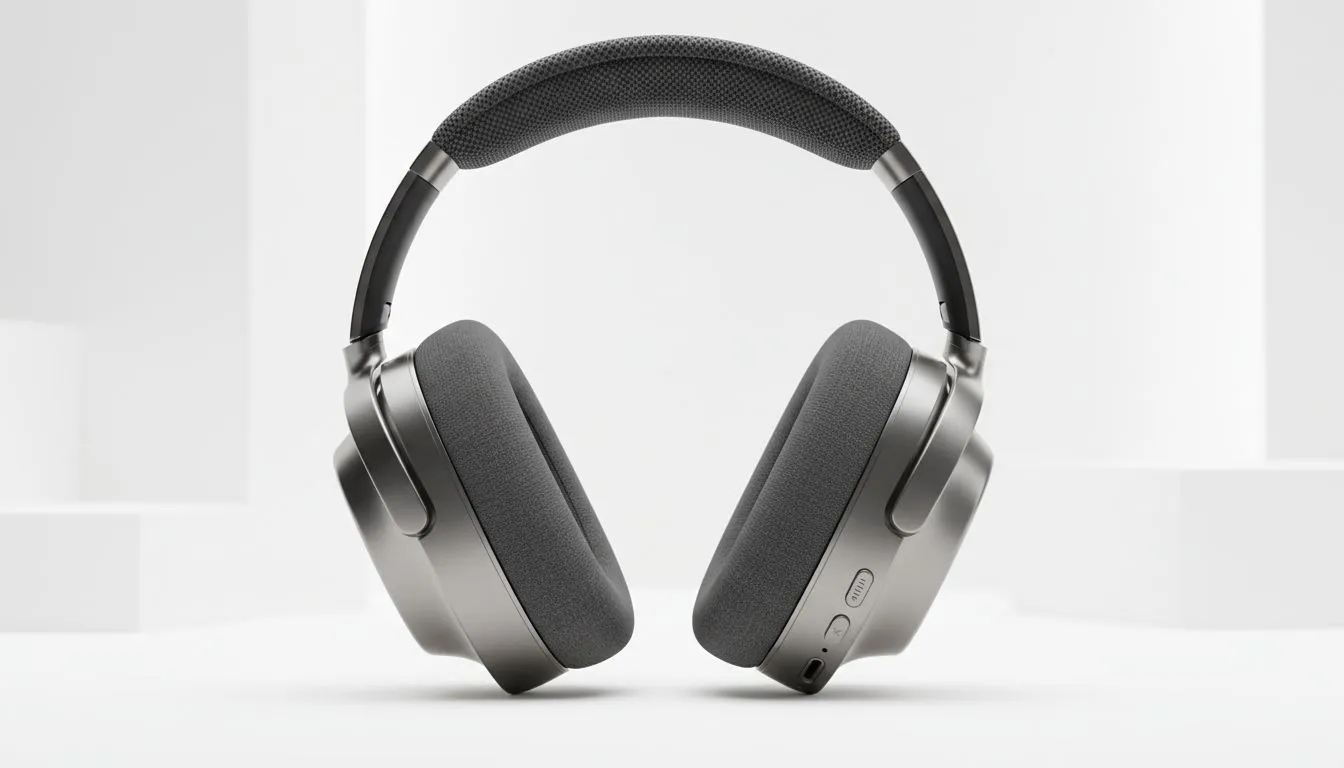
Understanding the Best Audio Dynamic Range Setting: Night Mode vs Hi-Fi
Ever felt like game explosions are deafening while enemy footsteps are whisper-quiet? It is a common frustration for South African gamers trying to clutch a 1v4 in Counter-Strike 2 or Warzone. Choosing the Best Audio Dynamic Range Setting: Night Mode vs Hi-Fi can make or break your immersion... and your K/D ratio. Getting your sound profile right is just as important as your GPU frame rates.
What is Audio Dynamic Range anyway?
Dynamic range is the decibel difference between the quietest and loudest sounds in a game. A "High" range means a massive gap between a falling leaf and a rocket launcher. A "Low" range pulls these sounds closer together. When you browse the headphone and headsets selection at Evetech, you are looking for gear that can handle these transitions without distorting.
The Hi-Fi Profile: Maximum Realism
Hi-Fi (High Fidelity) is designed for high-end audio setups. It delivers the full intended spectrum of the game’s soundscape. Explosions will feel thunderous... often shaking your virtual boots... while subtle environmental cues remain delicate.
This setting is perfect if you own premium Razer headphones and headsets that boast wide frequency responses. It provides the most cinematic experience. However, in a noisy South African suburb during the day, those quiet footsteps might get lost under the hum of a generator or traffic.
Audio Precision Tip ⚡
If you are using Windows 11, ensure 'Spatial Sound' is turned off in the OS settings if your game or headset software already provides its own virtual surround sound. Double-processing audio often creates a muddy soundstage that ruins your directional awareness in competitive shooters.
Night Mode: The Competitive Edge?
"Night Mode" or "Midnight" settings use dynamic range compression. This boosts quiet sounds and caps the volume of loud ones. It was originally made to avoid waking up your family during late-night sessions. For gamers, it is a secret weapon.
By narrowing the range, you hear footsteps and reloading sounds much more clearly without your ears bleeding from a nearby grenade. If you are using a versatile pair like the Razer Barracuda X Chroma Wireless Headset, switching to a compressed profile can significantly improve your situational awareness in sweaty ranked lobbies.
Which Setting Should You Choose?
The "Best Audio Dynamic Range Setting: Night Mode vs Hi-Fi" depends on your environment. If you have a dedicated, quiet room and want to feel every vibration of a single-player epic, stick to Hi-Fi. It offers the most "colour" and depth to the audio.
For competitive play where every sound cue is a piece of intel, Night Mode is often superior. It levels the playing field... literally. You won't have to constantly fiddle with your volume knob when the action gets intense. Most modern titles allow you to toggle this in the "Audio" or "Sound" menu under "Dynamic Range".
Ready to Level Up Your Audio? Finding the best audio dynamic range setting: Night Mode vs Hi-Fi is only half the battle. You need the hardware to back it up. Explore our massive range of gaming headsets and find the perfect pair to dominate your next session.











