Quick Answer
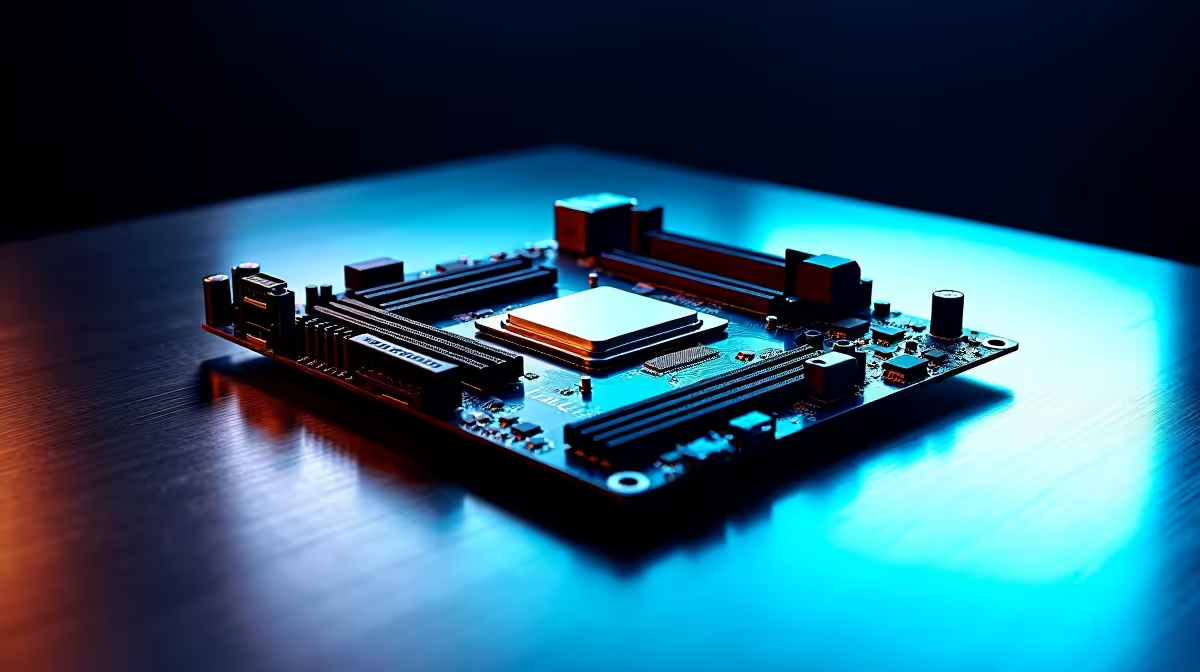
The B860 chipset is Intel's mainstream LGA 1851 platform for Arrow Lake CPUs in 2026. It offers PCIe 5.0 support, DDR5 compatibility, and solid overclocking-adjacent features at a price that makes sense for SA builders who want Arrow Lake performance without the Z890 tax.
What Makes the B860 Chipset Worth Considering in SA
The B860 sits in a sweet spot for South African PC builders in 2026. It supports Intel's Arrow Lake processors on the LGA 1851 socket -- the same platform as the premium Z890 boards -- but at a significantly lower ZAR price point. For builders pairing a Core Ultra 5 or Core Ultra 7 with a capable GPU, the B860 delivers everything needed without paying for enthusiast-tier overclocking headroom they will never use.
Key platform advantages on B860 include PCIe 5.0 lanes for both the primary GPU slot and the M.2 NVMe slot, DDR5 memory support up to high frequencies, and USB4 connectivity on premium B860 implementations. The platform is future-relevant -- LGA 1851 is expected to support Intel's next-generation Panther Lake desktop lineup as well, meaning a B860 board bought today has genuine longevity.
For SA university students building a machine that doubles as a workstation and gaming rig, B860 hits the value mark well. NSFAS laptop allowances are separate from desktop builds, but students supplementing their own setup with a desktop build benefit from the B860 price-to-feature ratio.
Features to Compare Across B860 Boards
VRM quality is the biggest variable on B860 boards. Arrow Lake CPUs can draw significant power under all-core load. Look for boards with at least a 12+1 power stage configuration and adequate heatsink coverage over the VRM array. Thin B860 boards with minimal VRM cooling are fine for base-clock use but will thermal throttle a Core Ultra 7 265K under sustained workloads.
M.2 slot count varies widely on B860. Most mid-range B860 boards offer two to three M.2 slots, with the primary slot running PCIe 5.0 x4. If you plan to run a fast Gen5 NVMe drive, confirm the board supports the full Gen5 speed on at least one slot.
Memory topology matters more on Arrow Lake than previous Intel generations. Daisy-chain vs T-topology boards behave differently when running two DIMMs at high DDR5 frequencies. Boards designed for T-topology tend to be more stable at DDR5-6000 and above with a two-DIMM configuration.
Form factor options in the B860 range include ATX, Micro-ATX, and ITX. SA loadshedding has pushed interest in smaller form-factor builds that pair with compact UPS units and take up less space in res rooms or shared digs.
Top LGA 1851 B860 Board Picks for SA Builders in 2026
When evaluating B860 boards for the local market, prioritise models with:
- At minimum a 12-phase VRM to handle Core Ultra 7 without thermal issues
- Two PCIe 5.0 M.2 slots for storage flexibility
- At least 2x USB4 or Thunderbolt 4 ports for external display and storage
- DDR5 support rated to at least DDR5-6400 XMP/EXPO profiles
- Clear BIOS flashback or Q-Flash support for updating firmware without a CPU installed
B860 boards in the R3,500 to R6,500 range locally cover the majority of builds from mid-range student rigs to capable gaming and productivity machines.
B860 vs Z890: Is the Upgrade Worth It for SA?
Z890 boards add full CPU and memory overclocking capability, more USB4 ports, more PCIe lanes for multi-GPU or high-end storage configurations, and premium audio and networking components. For most SA gamers and students, none of those extras translate into real-world performance gains.
Unless you are buying a Core Ultra 9 and plan to push RAM to DDR5-8000 or beyond, the additional cost of Z890 over a well-specced B860 board is better spent on GPU, RAM, or storage. B860 handles the Arrow Lake platform correctly for mainstream use, and that is where most SA builders sit.
Frequently Asked Questions
Can B860 boards run Arrow Lake CPUs without BIOS updates?
Most current B860 boards ship with firmware supporting Arrow Lake out of the box. Always check the CPU support list on the manufacturer's website before purchasing, particularly for older board stock.
Does B860 support DDR4 or only DDR5?
B860 is DDR5-only. Arrow Lake on LGA 1851 does not support DDR4, so factor DDR5 kit costs into your total build budget.
How many PCIe 5.0 lanes does B860 provide for GPUs?
B860 supports one PCIe 5.0 x16 slot for the primary GPU. This is identical to Z890 for single-GPU setups and sufficient for any current graphics card.
Is B860 a good choice for a student build in South Africa?
Yes. The platform is price-competitive, the CPUs it supports handle both gaming and academic workloads well, and the LGA 1851 socket offers a future upgrade path without changing the motherboard.
Ready to Find Your Perfect Match? Find the right motherboard for your Arrow Lake build. Shop Motherboards at Evetech