

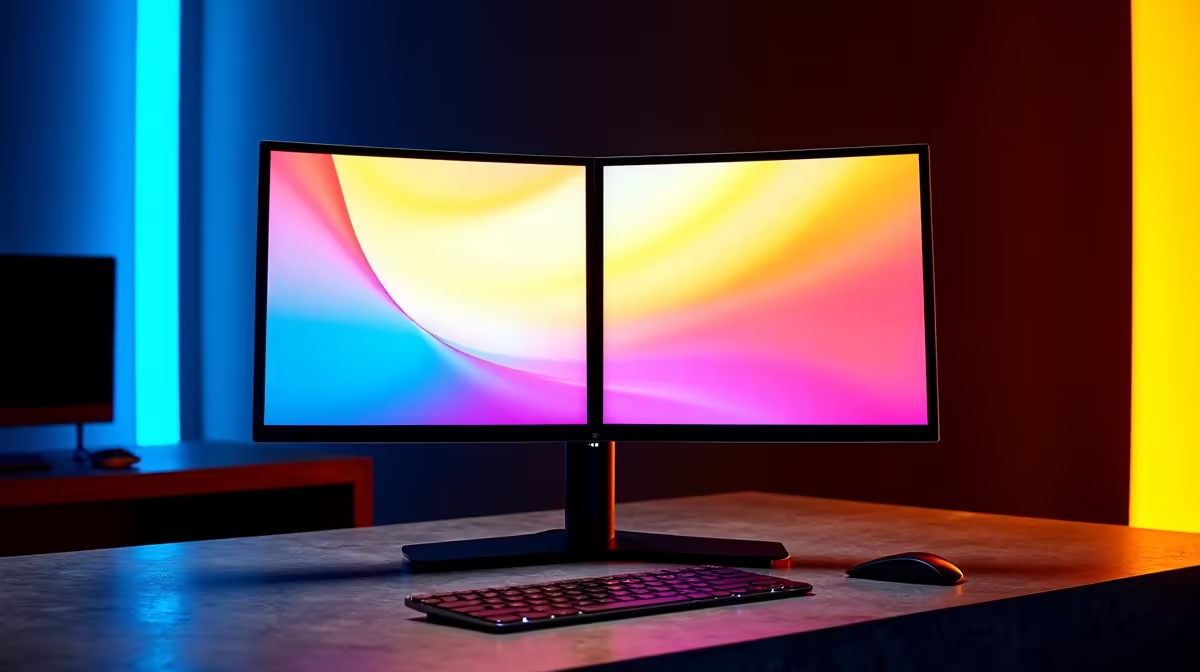
Tired of that chunky black bar dividing your epic gaming world or sprawling spreadsheet? For South African gamers and creators, a multi-monitor setup is essential, but those thick borders... they just break the immersion. The solution is finding the best bezel-less monitor for your rig. This guide will help you ditch the distracting frames and achieve that flawless, seamless side-by-side view you've been dreaming of. Let's get your screen real estate looking clean. 🚀
Why a Bezel-Less Monitor is a Must-Have
The magic of a near-borderless display isn't just about looking sleek. It's about creating a single, uninterrupted digital canvas. When you place two or three of these monitors together, the gap between screens becomes so minimal it practically disappears.
For gamers, this means your peripheral vision isn't cut off by a plastic frame, pulling you deeper into the world of Elden Ring or the battlegrounds of Apex Legends. For professionals, it means dragging windows from one screen to another feels fluid and natural, boosting your productivity. Choosing from the right PC monitors with ultra-thin bezels fundamentally changes how you interact with your PC.
Key Features for a Seamless Side-by-Side View
Finding the best bezel-less monitor involves more than just looking at the frame. To ensure a truly continuous image, you need to consider a few key specs.
Panel Consistency and Colour Accuracy
When you're lining up displays, you want the colours to match perfectly. Look for IPS (In-Plane Switching) panels, which are renowned for their excellent colour reproduction and wide viewing angles. This ensures the image looks consistent even when viewed from the side.
Resolution and Refresh Rate
For that crisp, detailed look, a 1440p (QHD) monitor is the sweet spot for most, offering a significant upgrade over 1080p without needing a monster graphics card. Of course, for ultimate clarity in creative work, nothing beats the detail of crisp 4K monitors. Gamers should also prioritise a high refresh rate (144Hz or more) for buttery-smooth gameplay across all our gaming monitors.
Physical Adjustability
A good stand is crucial. Look for monitors that offer height, tilt, and swivel adjustments. This allows you to align the screens perfectly, eliminating any annoying vertical or horizontal gaps and creating that perfect, seamless side-by-side view.
Building Your Dream Multi-Monitor Setup ✨
Once you've chosen your displays, setting them up correctly is key. Using a dual-monitor arm is often better than relying on individual stands. A dedicated mount gives you more flexibility for precise alignment and frees up valuable desk space. You can find a variety of VESA mounts and other monitor accessories to get the job done right.
For the ultimate immersive experience, consider using immersive curved monitors. The gentle curve helps wrap the image around you, making the minimal bezels feel even more insignificant.
Productivity Pro Tip ⚡
On Windows, use the PowerToys FancyZones utility to create custom snap layouts for your windows. It's a lifesaver for managing multiple apps on an ultrawide or dual-monitor setup, letting you organise your Discord, game client, and browser perfectly before jumping into a match.
Beyond the Desktop: Seamless Views on the Go
Your seamless setup doesn't have to stay at home. If you're a professional who needs extra screen space while working from a coffee shop or a client's office, a second screen is invaluable. These handy portable monitors are lightweight, USB-C powered, and designed with thin bezels to perfectly complement your laptop's display. 🖥️
Ready to Ditch the Bezel? A seamless multi-monitor setup is one of the best upgrades you can make for gaming and productivity. It's time to expand your view and get lost in the action. Explore our incredible PC monitor deals and find the perfect bezel-less monitor for your rig today.











