

Quick Answer
Bias lighting for gaming reduces eye strain by softening the contrast between a bright screen and a dark room, and it adds immersive ambient colour to your setup. In South Africa, LED strip kits and smart bias lighting systems are available across a wide price range, with the best options offering app or sync control for a dynamic experience.
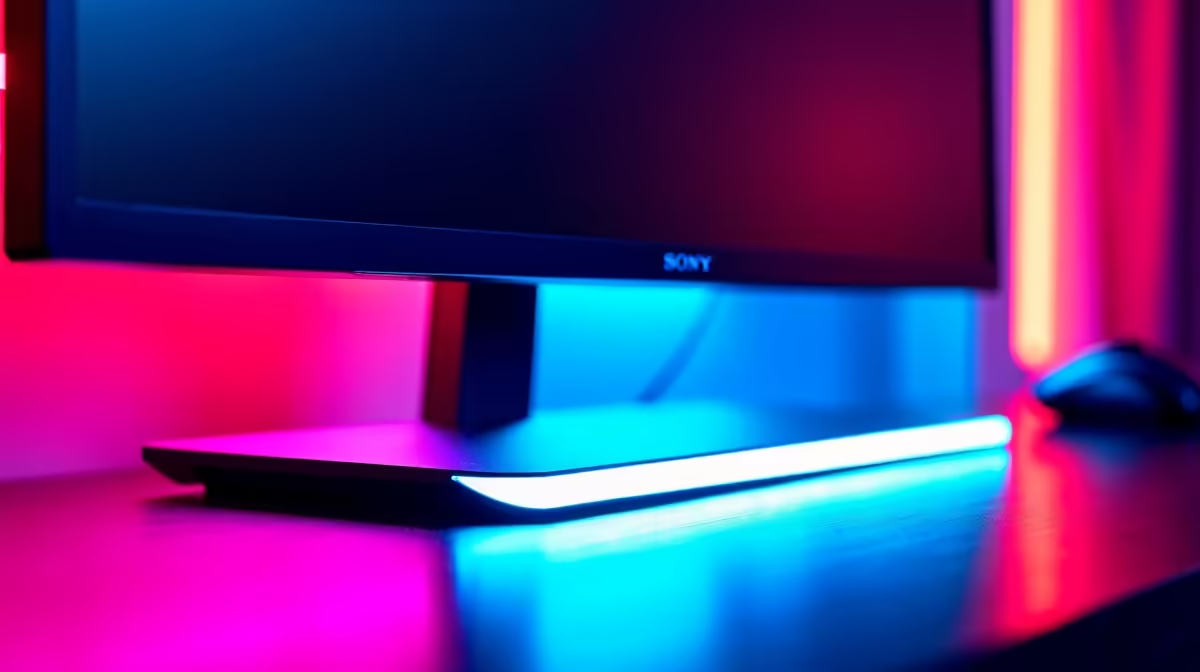
Bias lighting sits behind your monitor or TV and casts a soft glow onto the wall, reducing the harsh contrast your eyes manage when a bright screen sits against a completely dark background. The science behind it is straightforward: your eyes constantly adjust to the brightest thing in their field of view, and a dark surround forces them to work harder. Bias lighting brings the background luminance closer to the screen''s output, reducing fatigue during long gaming or streaming sessions. For SA gamers building out setups in 2026, it''s also one of the most cost-effective aesthetic upgrades available.
Understanding the Types of Bias Lighting
Bias lighting comes in three main forms. Basic passive LED strips are fixed-colour (or simple RGB) strips mounted behind the monitor - affordable, easy to install, and effective for eye strain reduction. Smart LED strips connect to an app via Wi-Fi or Bluetooth, letting you set colours, brightness, and patterns from your phone. Screen-sync systems are the premium option: a capture device or camera reads the colours on screen in real time and replicates them on the LED strip behind the monitor, creating a dynamic halo effect that extends the image content onto the wall. Screen-sync options carry higher price tags (R800 to R2,500 and above in SA) but deliver the most immersive experience for gaming and movie watching.
Choosing the Right Size and Brightness for Your Monitor
Bias lighting effectiveness depends on matching the strip output to your screen size and room conditions. For monitors between 24 and 32 inches, a strip producing 400 to 800 lumens of indirect output is sufficient. For larger screens or TVs above 40 inches, higher-output strips or corner-mounted kits ensure even coverage without dark spots along the edges. Colour temperature matters too: a neutral white (4,000 to 5,000K) is best for productivity and accurate colour work, while warmer or RGB options suit gaming and entertainment setups. Most smart strips let you tune this from an app, so a versatile RGB strip covers all scenarios.
Installation and Placement for Best Results
Proper placement is the difference between effective bias lighting and a gimmick. The strip should run along the back perimeter of the monitor or TV, positioned so the light hits the wall and reflects back rather than shining directly into your eyes or the room. Most LED strips include 3M adhesive backing for direct mounting. Ensure the wall behind your monitor is a neutral colour - white or light grey walls diffuse the reflected light evenly; dark walls absorb it. For corner desk setups, kits designed for monitor backs with flexible corner connectors make full-perimeter coverage easier.
Top Picks by Budget in SA for 2026
At the entry level (under R300), basic USB-powered LED strips with a single fixed white or warm-white output do the job for eye strain reduction - simple, effective, no configuration needed. In the R300 to R800 range, smart RGB strips with app control offer full colour customisation without screen sync. Above R800, screen-sync systems deliver the full cinematic halo experience. For a complete gaming battlestation setup in SA, budgeting R500 to R1,200 for bias lighting delivers a noticeable quality-of-life improvement that complements the monitor investment.
Frequently Asked Questions
Q: Does bias lighting actually reduce eye strain or is it just aesthetic? A: The eye strain reduction is real and well-documented. By raising the ambient brightness around the screen, bias lighting reduces the contrast ratio your eyes manage, which decreases the fatigue from extended screen sessions.
Q: What colour should bias lighting be set to for gaming? A: Neutral white (around 6,500K) is best for eye strain reduction. For atmosphere and aesthetics, most gamers prefer matching the lighting to their setup theme or using screen-sync to mirror game colours dynamically.
Q: Can I use bias lighting behind a curved monitor? A: Yes - flexible LED strips conform to curved monitor backs without issues. Ensure the adhesive strip bonds properly to the curved surface by cleaning it with isopropyl alcohol before application.
Q: How do I power bias lighting without cluttering my desk with cables? A: Most strip kits run from USB-A power, which can be fed from your monitor''s USB hub if it has one, keeping the cable count minimal.
Ready to Find Your Perfect Match? Shop gaming setup accessories and LED lighting at Evetech to complete your South African gaming battlestation.











