

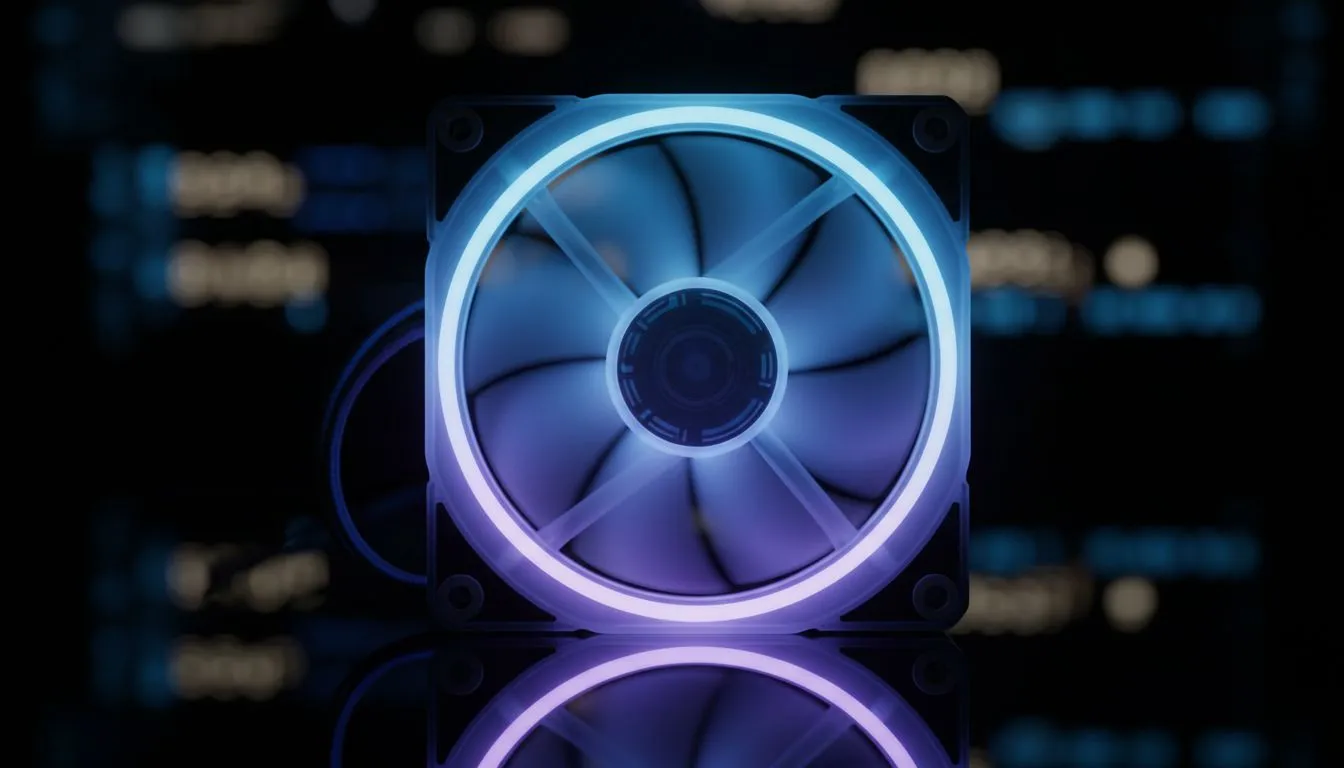
Is your gaming rig sweating more than you do during a Durban summer? 🥵
We know the struggle. You want maximum frames, but the South African heat is relentless. If your PC sounds like a jet engine taking off from OR Tambo, or your side panel feels hot enough to braai on, it's time for an upgrade. The good news? You don't need to empty your wallet. Here are the best case fans under R300 to keep your system frosty in 2025.
Why "Budget" Doesn't Mean "Bad"
There is a misconception that you need to spend thousands on magnetic levitation fans to get decent airflow. That’s simply not true. For the average gamer, a solid 120mm fan costing under R300 can drop internal temps significantly.
This is crucial because heat affects everything. While you are staring at your high-refresh PC monitors waiting for that respawn, your GPU and CPU are throttling down to protect themselves. Even modern solid state drives—especially NVMe drives—can lose performance if the case air is stagnant.
What to Look For (Specs that Matter)
When hunting for the best case fans under R300, ignore the flashy packaging and look at two numbers: CFM (Cubic Feet per Minute) and dBA (Decibels).
- High CFM: This is how much air the fan moves. Higher is better.
- Low dBA: This is how loud it is. Lower is better.
If you are a competitive player gripping a gaming mouse with sweaty palms, you want high airflow to keep the ambient temp down. However, if you are on a tight budget, you might sacrifice silence for performance.
The RGB Tax
At the sub-R300 price point, you often have to choose between addressable RGB lighting and raw performance. If your rig sits under the desk, skip the lights. If it's on display next to your cheapest gaming keyboard in South Africa, look for fans with a simple static LED ring to keep the aesthetic clean without costing extra.
Airflow Pro Tip ⚡
sure which way your fan is blowing? Most fans have two arrows on the plastic frame: one shows the direction the blades spin, and the other shows the direction of the airflow. If you can't find them, remember the 'faces' rule: The 'open' face usually sucks air in, and the side with the plastic grille frame usually blows air out.
Balancing Noise and Immersion 🎧
Budget fans can sometimes produce a slight hum. If you are sitting back with gaming controllers playing FIFA or Elden Ring, this might not bother you.
However, if the noise becomes intrusive, good noise-isolation headphone headsets are the best workaround. They allow you to run your fans at 100% speed during intense gaming sessions without hearing the drone.
The Streamer's Setup
If you are creating content, fan noise is a bigger deal. When you are buying streaming essentials, you need to ensure your background hum doesn't ruin the broadcast.
Opt for fans with PWM (Pulse Width Modulation) support. This allows your motherboard to control the fan speed based on temperature. The fans will spin slowly (and quietly) when you are just browsing, and only ramp up when you launch a game. This keeps your audio clean for your microphones, ensuring your viewers hear your voice, not your PC fans.
Final Verdict
You don't need to break the bank to beat the heat. By choosing the right budget fans, you extend the lifespan of your components and keep your performance stable. Prioritise airflow over lights, set your fan curves correctly in the BIOS, and enjoy a cooler rig for less. 🚀
Keep It Cool, Keep It Fast Don't let overheating throttle your performance. Whether you need a single exhaust fan or a full intake upgrade, we have the stock to sort you out. Shop our full range of PC cooling solutions and freeze those temperatures today.











