

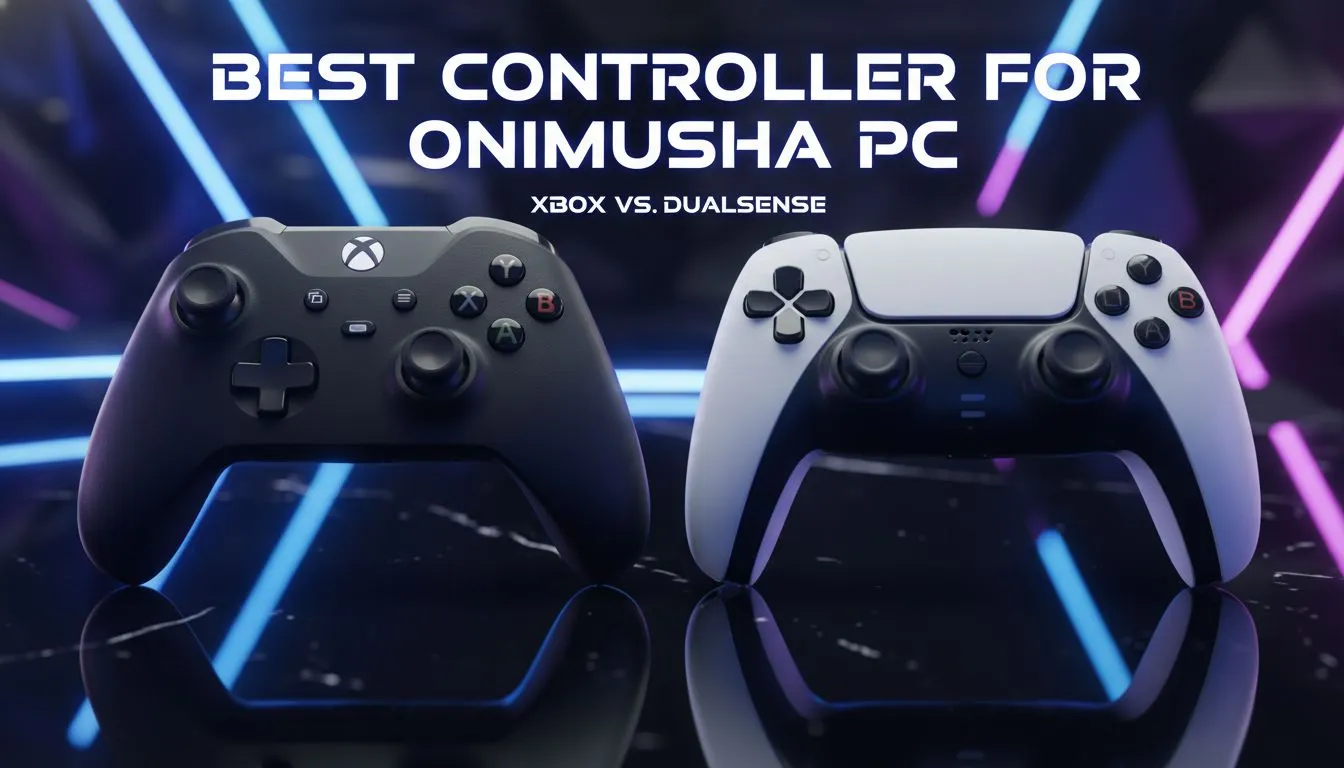
Slaying demons in feudal Japan requires more than just guts... it requires precision. Whether you are parrying a Genma or executing a perfect Isshin strike, your input device matters. Finding the best controller for Onimusha PC isn't just about comfort... it is about survival. In South Africa, where every millisecond counts during a boss fight, the choice between Xbox and DualSense is personal. ⚔️
The Native Advantage: Xbox Controllers on Windows
For most South African gamers, the Xbox Wireless Controller is the default choice. It offers native "plug and play" support on Windows. This means you won't spend twenty minutes fighting with drivers before you can start your journey as Samanosuke. When you look to buy gaming controllers, the Xbox layout is the industry standard for a reason.
The offset analogue sticks provide a natural grip for long sessions. In a game like Onimusha, where you often hold down buttons for charged attacks, the ergonomic triggers are a blessing. You won't find yourself struggling with awkward hand cramps during a tense boss encounter.
The DualSense Experience: Haptics and Precision
If you grew up playing the original trilogy on a console, the Sony layout might feel like home. The DualSense is a technical marvel. While Windows support has improved, you might still need software like DS4Windows to fully optimise your experience. The symmetrical sticks offer a different kind of precision for those used to the PlayStation ecosystem.
However, if you want the PlayStation feel with PC-centric performance, you should consider Razer controllers. They often bridge the gap between console comfort and high-end PC customisation.
Onimusha Combat Tip ⚡
If you find the parry timing difficult, try reducing your input lag. Ensure your controller is connected via a high-quality USB cable rather than Bluetooth. In a game built on frame-perfect reactions, a wired connection can be the difference between a successful counter and a quick death.
Seeking the Ultimate Edge with Razer
For the competitive crowd in South Africa, standard controllers might not cut it. When you need to shave every possible microsecond off your reaction time, you need something built for speed. The Razer Wolverine V3 Tournament Edition is a standout option. 🕹️
This controller features an 8K polling rate. That is significantly faster than standard retail pads. In Onimusha, where the "Isshin" mechanic requires you to strike exactly as an enemy attacks, this speed is invaluable. The mechanical tactile buttons provide instant feedback. You will feel every press with satisfying clarity.
Which Should You Choose?
The best controller for Onimusha PC depends on your priorities. If you want zero-fuss setup, go with Xbox. If you prefer the classic feel and don't mind a bit of software tweaking, the DualSense is excellent. But if you want to truly master the game's difficult combat, a high-performance wired option is the way to go. 🚀
Investing in a quality controller ensures your skills aren't held back by hardware. Whether you are exploring the Inabayama Castle or fighting in the Dark Realm, your gear should feel like an extension of yourself. ✨
Ready to Find Your Perfect Match? Choosing the right controller is vital for mastering classics like Onimusha. For maximum precision, choice, and value in South Africa, our selection is hard to beat. Explore our massive range of gaming controllers and find the perfect tool to conquer your next challenge.








