


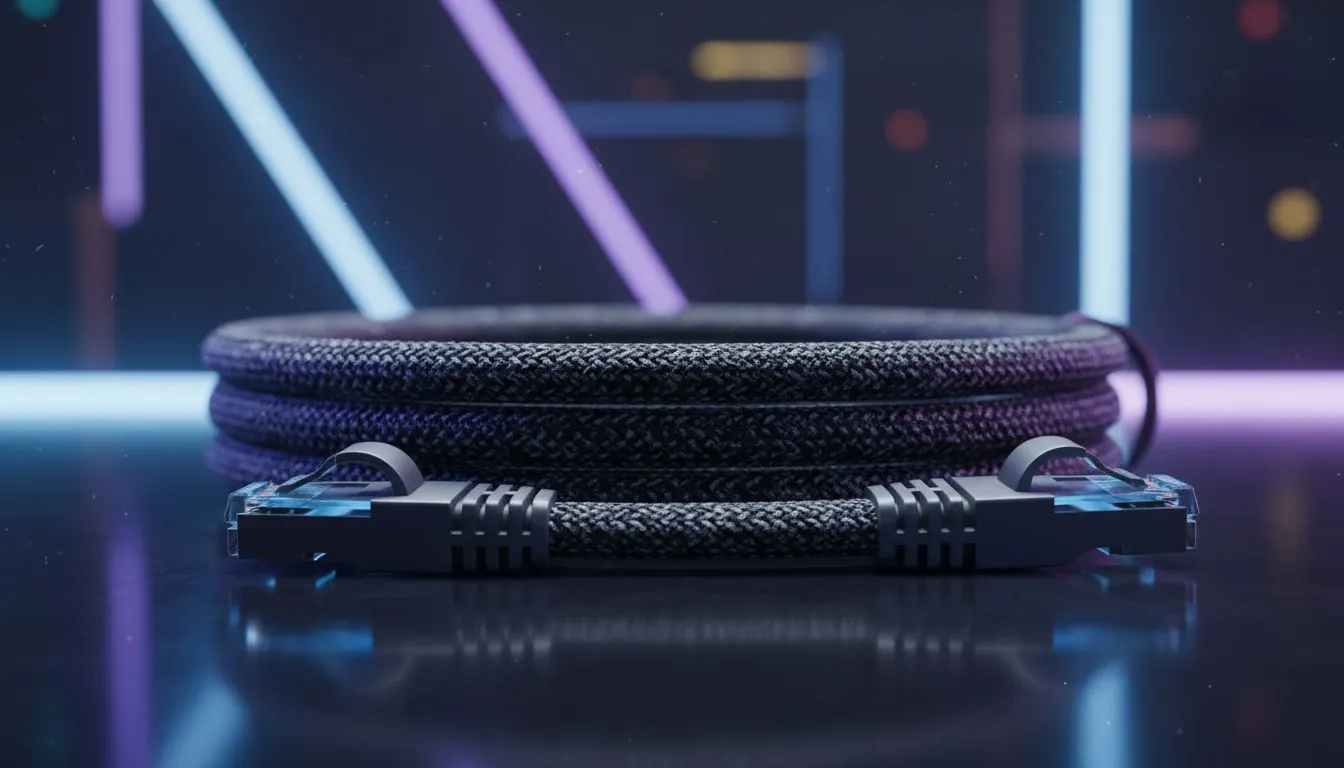
Every millisecond counts when you are diving down the inside at Kyalami. A sudden spike in ping can turn a podium finish into a pile of virtual scrap metal. While high-speed fibre is great, your connection is only as strong as its weakest link. Finding the best Ethernet cable for low ping in sim racing is the simplest way to ensure a stable, lag-free experience. 🏎️
Why WiFi Fails the Modern Sim Racer
Most South African households rely on standard ISP routers. These are fine for streaming Netflix... but they are terrible for competitive racing. WiFi interference from thick walls or other household devices causes jitter. These tiny fluctuations in latency are what cause "rubber-banding" on the track. A dedicated wired connection eliminates these variables entirely. If you are serious about your lap times, browse our latest sim racing gear to see how the pros maintain their edge.
Choosing the Right Category for Your Setup
Not all cables are equal. While a basic Cat5e cable can technically handle gigabit speeds, it lacks the shielding required for high-interference environments. For the best Ethernet cable for low ping in sim racing, you should look at Cat6 or Cat6a options. These cables feature tighter twists in the internal wiring and better insulation.
This shielding is crucial if your data cable runs alongside the heavy-duty power bricks used for Thrustmaster peripherals. Without proper shielding, electrical noise from your wheel's motor can actually interfere with your data stream... leading to those frustrating disconnects right before the chequered flag. 🔧
Ping Stability Tip ⚡
Always avoid running your Ethernet cable parallel to power cables for long distances. If they must cross, try to make them cross at a 90-degree angle. This simple trick reduces electromagnetic interference that can cause packet loss during intense online sessions.
Physical Stability and Cable Management
Stability isn't just about data... it is about the physical layout of your rig. A loose cable dangling from your PC is a disaster waiting to happen. Many professional racers integrate their wiring directly into the chassis of their cockpits. When you are shopping for Playseat chairs, consider how you will route your Cat6 cable to keep it secure and out of the way of your pedals. 🚀
Investing a few hundred ZAR in a high-quality, shielded Ethernet cable is the most cost-effective upgrade you can make. It ensures that when you lose a race, it is because of your braking point... not your internet connection. ✨
Ready to Dominate the Track? Don't let lag stand between you and the podium. From high-speed networking essentials to the world's best racing hardware, we have everything you need to shave seconds off your lap times. Explore our full range of Sim Racing Gear and upgrade your setup today.









