

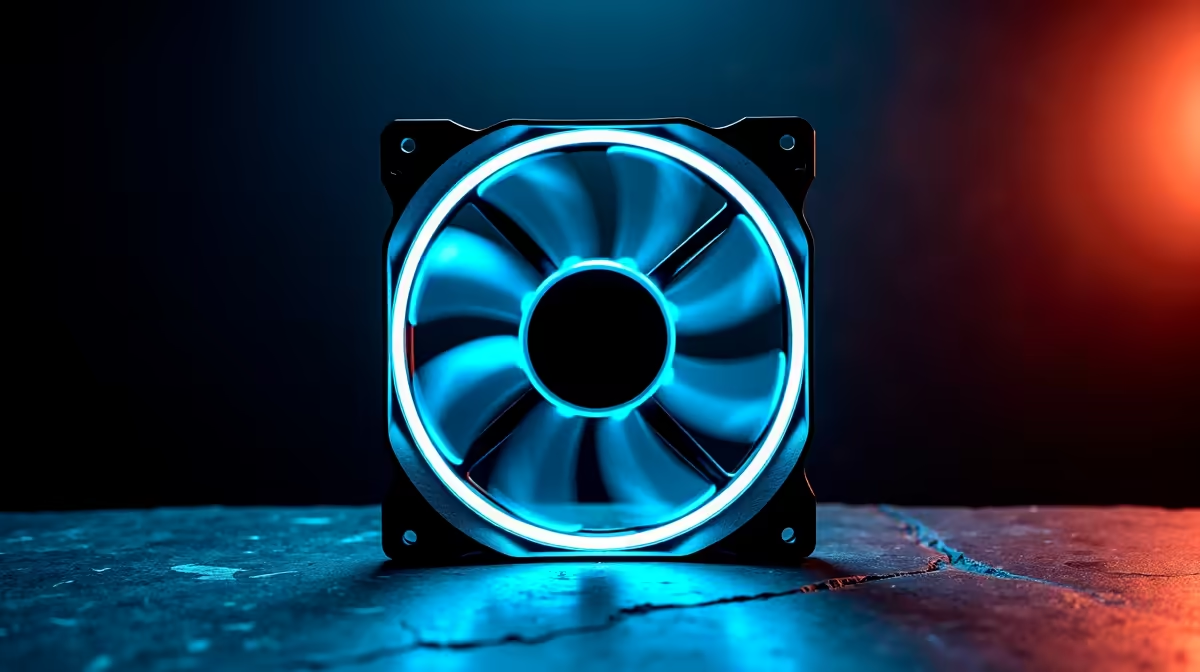
Summer gaming in South Africa is brutal on your hardware. When ambient room temperatures hit 30 degrees, your rig desperately needs to breathe. The NZXT H7 Flow is a masterpiece of mesh design. However... without the right setup, you are leaving major performance on the table. Finding the best fans for NZXT H7 Flow cases is absolutely essential to keep your framerates high and your temperatures low.
Why Optimal Airflow Configuration Matters
The perforated front panel of this chassis is brilliant. It allows massive volumes of cold air to rush into your system. However, you need genuine static pressure to push that air through the fine dust filters.
If your case fans are weak, hot air simply recirculates around your graphics card. Pairing the right intake fans with high-performance CPU coolers ensures your processor stays icy... even during intense load-shedding gaming marathons. The H7 Flow relies heavily on a positive air pressure system to function effectively and keep dust out.
Choosing the Right Size and Style 🚀
When selecting the best fans for NZXT H7 Flow setups, you must choose between static pressure and high airflow models. Because the front panel has a restrictive filter, static pressure fans are ideal for the intake. They muscle air through the mesh without losing momentum.
For this specific chassis, 140mm fans are the absolute sweet spot. They move massive volumes of air at lower RPMs... meaning a much quieter setup overall. If you are browsing custom gaming PC deals to build a new rig from scratch, always factor in premium 140mm fans. Three 140mm intakes at the front and one 140mm exhaust at the rear create the ultimate optimal airflow configuration.
Many builders wonder about adding top exhaust fans. While mounting one 120mm fan at the top rear can help pull heat away from the CPU, filling the entire top panel often steals cool air before it reaches your graphics card. Stick to a strong front-to-back airflow path for the best thermal results.
Airflow Pro Tip 🔧
For the NZXT H7 Flow, set your front intake fans to run at a slightly higher RPM than your exhaust. This creates positive pressure, keeping dust out while forcing hot air out the back and top mesh panels effectively.
Maximising Value on Your Cooling Upgrade ⚡
Upgrading your cooling shouldn't break the bank. A solid three-pack of premium 140mm fans will usually set you back between R800 and R2000 ZAR. It is a small price to pay to protect your expensive internal components.
If you prefer avoiding the DIY route entirely, our pre-built PC deals often feature systems housed in the H7 Flow with cooling already meticulously optimised. Sometimes, desktop cooling and maintenance are simply too much hassle for a busy, mobile lifestyle. In that case, checking out our high-end gaming laptops might be your best bet for portable power.
But if you are fully committed to your desktop build, keep a close eye on our weekly tech specials to score premium case fans at unbeatable prices. Proper airflow extends the lifespan of your PC.
Ready to Maximise Your Framerates? Don't let thermal throttling ruin your gaming experience. Upgrading your cooling setup is the easiest way to unlock your PC's true potential. Shop our massive range of PC cooling specials and keep your rig running ice cold all summer long.











