


Best Laptop with Ryzen 5 + RTX 4090 Laptop: SA Picks 2026
Top Laptop with Ryzen 5 + RTX 4090 Laptop: Picks picks evaluated on performance, value & SA availability with current Rand pricing from Evetech.
Read moreLooking for a gaming case with pre-installed ARGB fans? Compare airflow, fan control, compatibility, and build quality to avoid headaches and improve cooling—plus get cleaner looks. ✨🧊
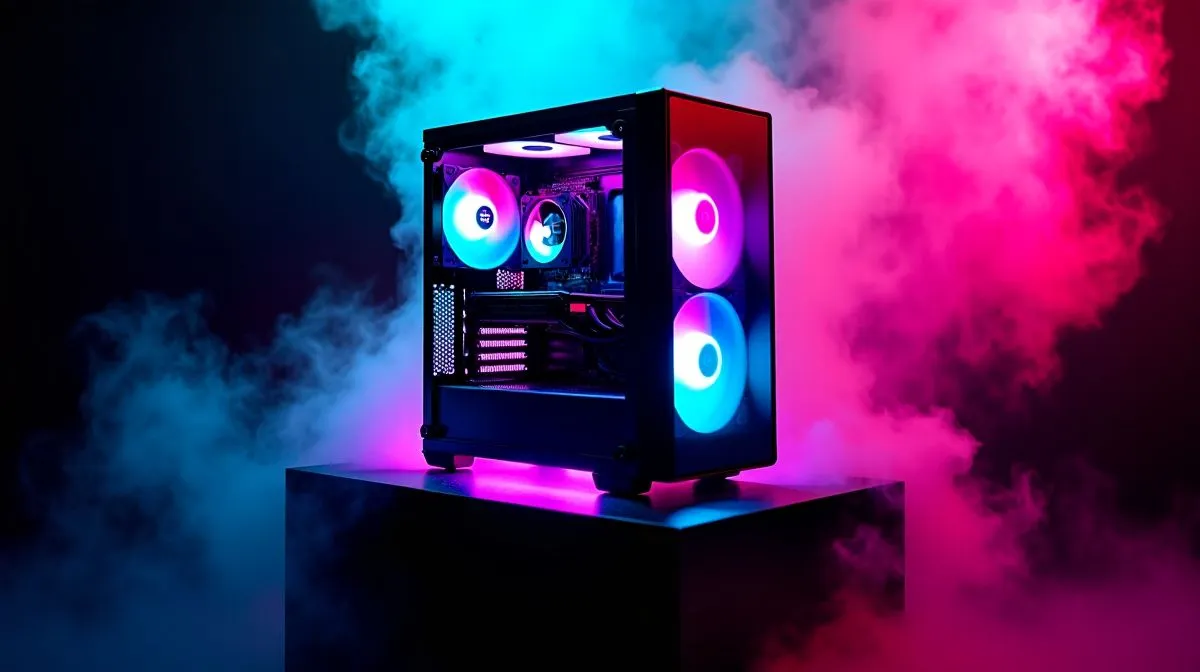
A flashy chassis can look lekker in the shop, but the real win is airflow, fit, and easy building. If you are shopping for a best gaming case with pre-installed ARGB fans, don’t just chase rainbow lighting. South African gamers need value, cooling, and a case that suits local upgrades too. A smart pick can keep your rig quieter, cooler, and cleaner for years 🔧
The first thing to check is front-panel design. Mesh fronts usually breathe better than solid panels, especially in warm rooms or during long gaming sessions. That matters when you’re running a hotter GPU or a CPU that works hard in titles like Apex Legends or Warzone. More airflow often means lower fan noise and better long-term comfort.
Also look at how many fans come pre-installed. Three fans is a solid starting point. Four is even better, but only if the case still leaves room for clean cable routing and sensible intake paths. A case packed with lights but poor ventilation can still run hot.
Before you click add to cart, match the case to your hardware. Measure GPU length, CPU cooler height, and radiator support if you plan to go liquid later. These details matter more than the photos.
If you want a broad starting point, browse Evetech’s full range of computer cases and compare layouts, fan mounts, and size support. If you prefer a cleaner, more premium look, have a look at Fractal Design PC cases. Fractal is known for restrained styling, which suits builders who want lighting without going overboard.
Cable management is where a decent case becomes a pleasure to build in. Look for rubber grommets, tie-down points, and enough room behind the motherboard tray. Those little touches make a visible difference. They improve airflow and make future upgrades less of a chore.
A helpful rule is this: if the inside looks easy to route, the build will usually go smoother. That’s especially useful for first-time builders who don’t want a tangled mess behind the side panel.
A case with pre-installed ARGB fans looks great, but check whether the lighting uses a standard 5V 3-pin ARGB connector. That keeps your case compatible with most modern motherboards and controllers, so you can sync lighting without extra frustration. }
In South Africa, the best-looking case is not always the best buy. A smart budget can stretch further if the case includes fans you would otherwise buy separately. That can save a few hundred rand, which you can put toward a better SSD or more RAM.
If you’re hunting value, Evetech’s Gamdias gaming cases are worth a look. For tighter budgets, check the Gamdias gaming cases under R1 500 page. That’s a practical place to compare features without overspending.
Here’s the quick checklist:
If you focus on those basics, you will land a case that looks good and performs even better. And that is the real win… not just bright fans, but a build that feels solid every day.
Ready to Find Your Perfect Match? The Mac vs Windows debate is complex, but for maximum power, choice, and value in South Africa, Windows is hard to beat. Explore our massive range of laptop specials and find the perfect machine to conquer your world.
Prioritize airflow (intake/exhaust layout), fan control options, clear radiator support, and component fit. Also check cable management and ARGB compatibility.
Often yes. Many cases include a hub or controller, but you should confirm header types and whether the case supports your motherboard’s ARGB software.
Aim for balanced intake and exhaust. Check dust filters, fan RPM range, and whether the case supports top exhaust or front intake for your build.
ARGB lighting doesn’t automatically limit cooling. Focus on fan sizes, mounting locations, and radiator clearance to maintain strong thermal performance.
Review clearance for front/top radiators, supported fan sizes (120/140mm), and GPU length. This prevents conflicts before you buy.
Many cases allow synchronization via 5V ARGB headers, but you must verify supported standards and whether you need a controller for multiple fans.
Look for routing channels, enough space behind the motherboard tray, tie-down points, and ARGB cable planning so lighting wiring doesn’t block airflow.
Not necessarily. Choose a case with good intake design and filters, and ensure fan placement supports cooling despite restricted front glass surfaces.
Top Laptop with Ryzen 5 + RTX 4090 Laptop: Picks picks evaluated on performance, value & SA availability with current Rand pricing from Evetech.
Read more
Top Budget GPU for Marvel Rivals picks evaluated on performance, value & SA availability with current Rand pricing from Evetech.
Read more
Valorant Settings on RTX 5070: Performance. Real-world benchmark data, FPS numbers & performance analysis. What SA gamers can actually expect.
Read more
Top Budget GPU for Assassins Creed Shadows picks evaluated on performance, value & SA availability with current Rand pricing from Evetech.
Read more
Valorant Settings on RTX 4080 Super: Performance. Real-world benchmark data, FPS numbers & performance analysis. What SA gamers can actually expect.
Read more
Top Valorant Settings for RTX 5070: FPS Optimisation picks evaluated on performance, value & SA availability with current Rand pricing from Evetech.

RDNA 3.5 Graphics in Ryzen AI 400? Can You Game. Plain-English explanation of what it means, why it matters & how it affects your buying decisions in SA.

GPU Price Index : December Report. Current stock data & price tracking for SA buyers. See what is available and where prices are heading.

RX 9070 XT Elden Ring Nightreign at 4K: FPS. Real-world benchmark data, FPS numbers & performance analysis. What SA gamers can actually expect.

Core i5-14600K + B760 + RTX 5060 Build Under. Full parts list, Rand pricing & expected performance. Build confidently with SA-available components.

RX 7600 Apex Legends at 4K: FPS Benchmark. Real-world benchmark data, FPS numbers & performance analysis. What SA gamers can actually expect.

RX 7900 XTX GTA 6 at 4K: FPS Benchmark & Optimal. Real-world benchmark data, FPS numbers & performance analysis. What SA gamers can actually expect.

Head-to-head comparison of RTX 5070 vs RX 9070 XT: Gaming Performance for SA gamers. Performance benchmarks, Rand pricing & which delivers better value.

Top RTX 5070 Under R25,000 picks evaluated on performance, value & SA availability with current Rand pricing from Evetech.
Core i5-14600K + B760 + RTX 5060 Build Under. Full parts list, Rand pricing & expected performance. Build confidently with SA-available components.

Top Monitor for RX 9070: Resolution & Refresh Rate picks evaluated on performance, value & SA availability with current Rand pricing from Evetech.

Valorant Settings on RX 9060 XT: Performance. Real-world benchmark data, FPS numbers & performance analysis. What SA gamers can actually expect.