


Dedicated Media Keys for Streamers: Improve Workflow Fast
Dedicated media keys give streamers one-touch control to mute, switch scenes, clip highlights, and adjust audio — cutting task time and boosting consistency 🎛️⚡
Read moreBest gaming microphone for beginners — • Compare features; • Match budget and connectivity; • Check polar pattern and latency; • Prioritise ease of use 🎧
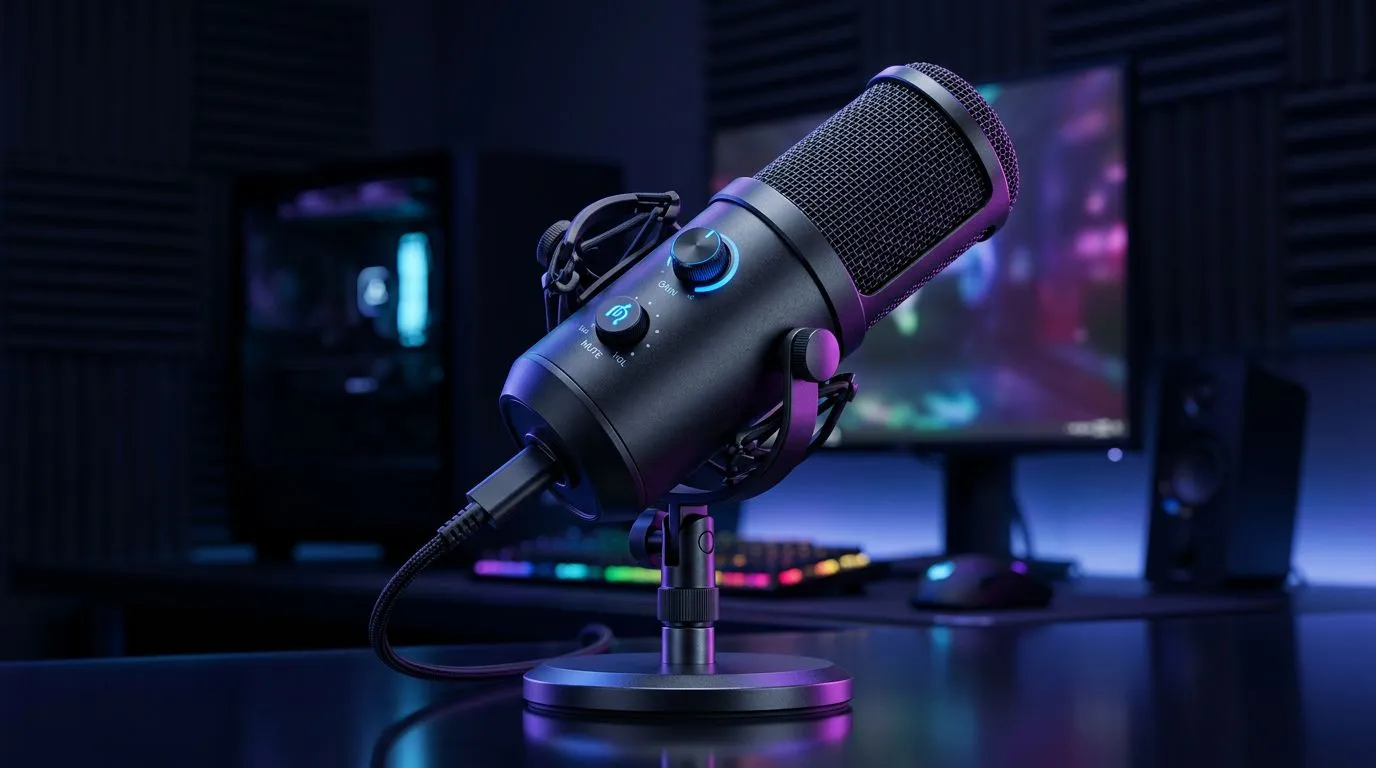
Looking for the Best Gaming Microphone for Beginners: What to Look For? South African gamers, listen up. Whether you stream from a Cape Town flat or squad up in Johannesburg, a mic that sounds clear and is simple to use makes your voice part of the experience — not a distraction. Read on for practical tips, product paths, and gear links that help you pick wisely. 🎧⚡
USB microphones are plug‑and‑play — perfect for first‑timers who want simple setup and reliable sound. XLR mics give more flexibility and higher-end upgrade paths, but you’ll need an audio interface. If you’re buying a complete starter kit or curious about bundling arms, pop filters and mounts, check Evetech’s streaming essentials for a quick kit view: streaming essentials at Evetech.
Choose a mic that matches how you stream. Console players often favour USB options for direct connection, while PC streamers might prefer an XLR rig they can expand later. Keep cabling, desk space and background noise in mind.
Condensers pick up more detail but also room noise. Dynamics are less sensitive and better for noisy homes. For one‑person streams or commentary, a cardioid pattern keeps your voice focused and reduces room echo. If you plan to record interviews or co‑op streams in the same room, consider a mic with switchable patterns.
If brand familiarity helps you decide, browse some trusted CORSAIR mics and peripherals on Evetech to compare form, features and local availability: Corsair options at Evetech. Brand pages help confirm warranty, stock and local support.
Mounting, gain staging and a simple pop filter or foam windscreen transform raw audio. Use an adjustable boom arm to keep the mic clear of desk noise. For XLR users, set the interface gain so your meter sits mostly in the green and peaks rarely hit red. Test with a quick recording and listen back on headphones.
Place your mic 10–20 cm from your mouth, slightly off-axis. That reduces plosives and gives you a fuller sound without heavy processing. If you stream, pair this with a high‑quality webcam for better presence.
For lighting and scene polish, consider smart accent lighting or controls that match your setup. Evetech stocks Cololight products if you want modular RGB solutions to match your stream aesthetic: Cololight modular lighting. Small visual upgrades lift perceived production value.
Before you buy, confirm these essentials:
If you plan to add webcam or capture gear, check Evetech’s webcam selection to match resolution and frame rates with your mic choice: webcams for streaming. Picking components that complement each other avoids bottlenecks in your stream quality.
A Cape Town streamer I helped recently switched from a cheap headset mic to a mid‑range USB condenser. She lost the “tinny” tone, gained consistent chat clarity, and saw chat engagement rise. A good beginner microphone doesn’t have to be expensive. It needs to be appropriate for your room, easy to set up, and backed by local service.
Ready to Find Your Perfect Match? The Mac vs Windows debate is complex, but for maximum power, choice, and value in South Africa, Windows is hard to beat. Explore our massive range of laptop specials and find the perfect machine to conquer your world.
Prioritise clear pickup and low latency. Look for a mic with the right polar pattern and reliable connectivity for gaming.
Choose USB for plug-and-play simplicity. XLR offers better upgrade paths but needs an interface, which adds cost and complexity.
Expect to spend $50–$150 for a solid beginner mic that balances build, sound and features without overspending.
Cardioid is ideal for solo gaming and streaming—it captures your voice while reducing room noise and distractions.
Not usually. Most USB mics work without extra gear. Only consider an interface if you choose an XLR microphone.
Use a pop filter, adjustable arm, and shock mount to reduce noise. These budget accessories noticeably improve clarity.
Headset mics are convenient but often lack the clarity and dynamic range of dedicated mics designed for streaming and voice work.
Dedicated media keys give streamers one-touch control to mute, switch scenes, clip highlights, and adjust audio — cutting task time and boosting consistency 🎛️⚡
Read more
PBT vs ABS keycaps: Clear, local guide for South African gamers—compare feel, sound, durability and where to buy. Find the best material for your budget and playstyle 🎮🇿🇦
Read more
- Multi-Function Digital Dial: define benefits - Show gamer setups and macros - Offer buying and setup tips Multi-Function Digital Dial puts programmable control at your fingertips for faster actions and smoother streaming. 🎮⚙️
Read more
- Explain benefits; - Show the science; - Compare options; - Recommend picks. Magnetic wrist rest for gaming cuts wrist strain and boosts comfort during long sessions 🕹️✨
Read more
best gaming keyboard South Africa: Learn how to pick a low-latency mechanical keyboard, choose switches, layout and budget for competitive play 🎮⚡
Read more
Best wireless keyboard and mouse combo for small desks — curated, space-saving picks that boost comfort and productivity in tight setups. Find low-profile layouts, compact mice, and reliable range to fit your compact workstation. 🖱️⌨️
Read more
Discover webcams that automatically adjust light and color for crystal-clear video calls 🎥✨. Boost your streaming quality today!

Discover webcams that blend into your workflow 🎯 Capture moments while you work, stream, or create. Upgrade your setup with smart, multitasking tech!
Dedicated media keys give streamers one-touch control to mute, switch scenes, clip highlights, and adjust audio — cutting task time and boosting consistency 🎛️⚡
PBT vs ABS keycaps: Clear, local guide for South African gamers—compare feel, sound, durability and where to buy. Find the best material for your budget and playstyle 🎮🇿🇦
- Multi-Function Digital Dial: define benefits - Show gamer setups and macros - Offer buying and setup tips Multi-Function Digital Dial puts programmable control at your fingertips for faster actions and smoother streaming. 🎮⚙️
- Explain benefits; - Show the science; - Compare options; - Recommend picks. Magnetic wrist rest for gaming cuts wrist strain and boosts comfort during long sessions 🕹️✨