


Dedicated Media Keys for Streamers: Improve Workflow Fast
Dedicated media keys give streamers one-touch control to mute, switch scenes, clip highlights, and adjust audio — cutting task time and boosting consistency 🎛️⚡
Read moreBest gaming microphones 2025: Compare XLR vs USB to pick studio-level sound or plug-and-play ease. Read top picks, tests, and setup tips 🎧🔥
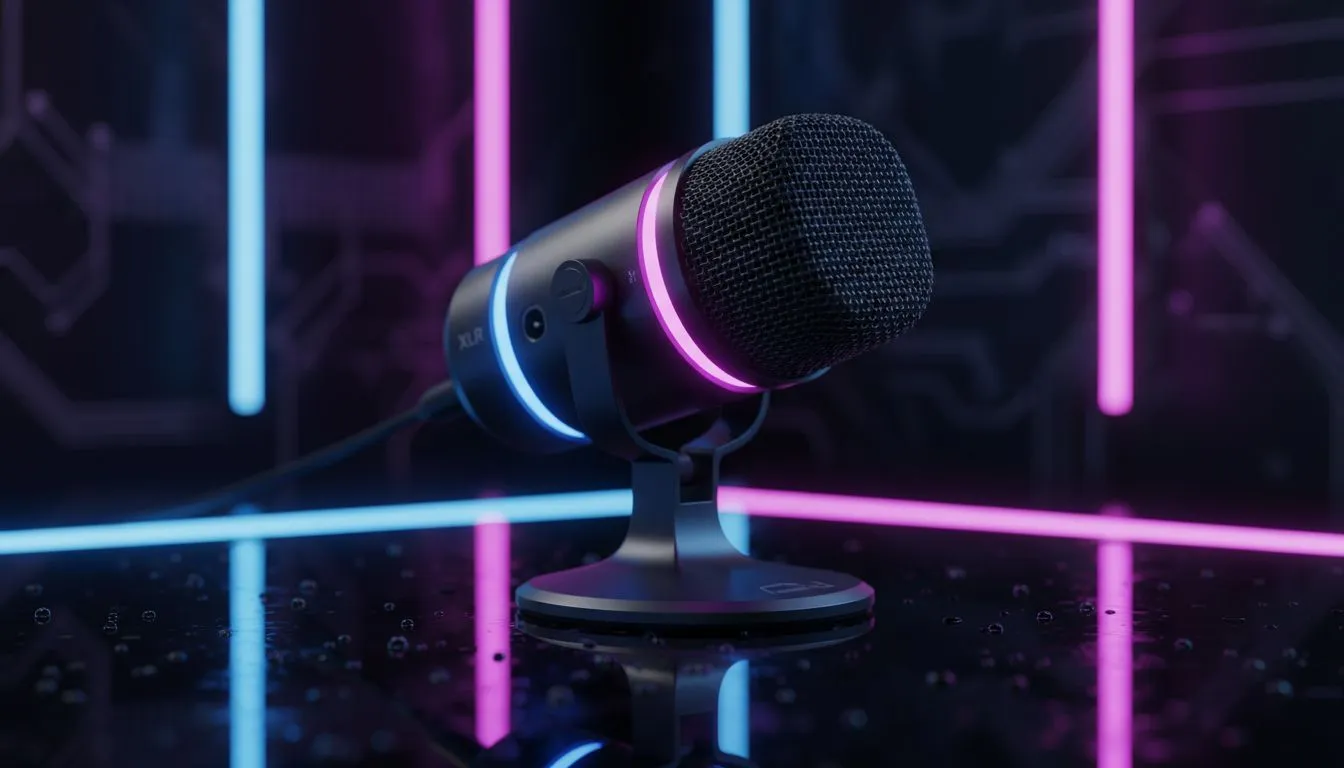
There is nothing worse than clutching a 1v3 in Valorant, only to have your victory speech sound like you are shouting from inside a tin can. In the world of content creation and competitive play, audio clarity is not just a luxury... it is a competitive advantage. Whether you are a budding streamer or a Discord regular, finding the best gaming microphones 2025 has to offer is the first step to sounding like a pro.
For years, the advice was simple: USB for beginners, XLR for professionals. However, as we move through 2025, that line is blurring.
USB microphones have evolved massively. They process audio internally and send a digital signal straight to your PC. This is the ideal route if you want a clean desk setup without extra cables. Modern USB mics often come with built-in software to help filter out background noise.
This is vital because your mic picks up everything. If you are using a clicky mechanical gaming keyboard, a sensitive condenser mic might annoy your teammates. Similarly, aggressive swipes on your gaming mouse can cause audio spikes if your gain isn't set correctly.
If you are chasing broadcast-quality warmth, XLR is still king. These analogue microphones require an audio interface to function, giving you granular control over your sound profile.
When browsing our extensive range of microphones, you will notice XLR options are often more durable and modular. You can swap out cables, mixers, and processors as you upgrade. To get an XLR setup running, you will need to check out our streaming essentials for the necessary interfaces and boom arms.
A great microphone is only one part of the equation. To truly optimise your setup for streaming or recording, you need to consider how your peripherals interact.
1. Monitoring Your Audio You need to hear what your audience hears. While speakers are great for casual listening, they cause feedback loops with open mics. We recommend pairing your standalone mic with closed-back headphone headsets to monitor your voice in real-time without bleed.
2. Screen Real Estate If you are streaming, you need to see your OBS levels, chat, and game simultaneously. A standard screen might feel cramped. Upgrading to dual PC monitors allows you to keep your audio software open on one screen to ensure you aren't peaking (clipping) while you play on the other.
When setting up your microphone gain, aim for your voice to hit between -12dB and -6dB in your recording software. This 'headroom' prevents distortion if you suddenly shout during a scary moment in a game, keeping your audio clean and professional.
3. Storage and Performance High-quality audio recording creates massive uncompressed WAV files. If you are recording podcasts or Let's Plays, you cannot rely on slow storage. Fast solid state drives ensure your recording software writes data smoothly without latency or dropouts.
4. The Casual Factor Sometimes, you just want to lean back in your chair and chat on Discord without being hunched over the mic. In these instances, picking up one of our gaming controllers allows you to sit back. Just remember: if you move away from a dynamic mic, your volume drops, so a boom arm is essential to bring the mic to you.
If you want simplicity and value in ZAR terms, a high-end USB mic is likely all you need for 2025. But if you crave that rich, "radio voice" depth and plan to upgrade your gear over time, investing in an XLR ecosystem is the way to go.
Sound Like a Pro Today Whether you need the simplicity of USB or the studio power of XLR, Evetech has the audio gear to elevate your voice. Shop our full range of microphones and streaming gear and start creating content that sounds as good as it looks.
XLR suits pro setups with interfaces for superior fidelity; USB wins for plug-and-play ease. Compare XLR vs USB microphone for gaming to decide.
Generally yes: XLR mics with good preamps deliver cleaner, richer sound. For best gaming microphones 2025, XLR often outperforms USB in range.
Yes. Most XLR microphones require an audio interface or mixer to power and connect the mic to PC or console.
Some high-end USB mics now approach XLR quality, especially condenser USBs. But pro XLR setups still lead in headroom and upgradeability.
Top USB models balance sound and simplicity; check our list of best usb microphone for streaming 2025 in the article for current picks.
Budget buyers get solid clarity from entry-level USB mics. Search best budget gaming microphone 2025 to compare price-to-performance.
Connect the XLR mic to an audio interface, set gain, add a pop filter and basic room treatment. Follow our setup guide for recommended gear.
Dedicated media keys give streamers one-touch control to mute, switch scenes, clip highlights, and adjust audio — cutting task time and boosting consistency 🎛️⚡
Read more
PBT vs ABS keycaps: Clear, local guide for South African gamers—compare feel, sound, durability and where to buy. Find the best material for your budget and playstyle 🎮🇿🇦
Read more
- Multi-Function Digital Dial: define benefits - Show gamer setups and macros - Offer buying and setup tips Multi-Function Digital Dial puts programmable control at your fingertips for faster actions and smoother streaming. 🎮⚙️
Read more
- Explain benefits; - Show the science; - Compare options; - Recommend picks. Magnetic wrist rest for gaming cuts wrist strain and boosts comfort during long sessions 🕹️✨
Read more
best gaming keyboard South Africa: Learn how to pick a low-latency mechanical keyboard, choose switches, layout and budget for competitive play 🎮⚡
Read more
Best wireless keyboard and mouse combo for small desks — curated, space-saving picks that boost comfort and productivity in tight setups. Find low-profile layouts, compact mice, and reliable range to fit your compact workstation. 🖱️⌨️
Read more
Discover webcams that automatically adjust light and color for crystal-clear video calls 🎥✨. Boost your streaming quality today!

Discover webcams that blend into your workflow 🎯 Capture moments while you work, stream, or create. Upgrade your setup with smart, multitasking tech!
Dedicated media keys give streamers one-touch control to mute, switch scenes, clip highlights, and adjust audio — cutting task time and boosting consistency 🎛️⚡
PBT vs ABS keycaps: Clear, local guide for South African gamers—compare feel, sound, durability and where to buy. Find the best material for your budget and playstyle 🎮🇿🇦
- Multi-Function Digital Dial: define benefits - Show gamer setups and macros - Offer buying and setup tips Multi-Function Digital Dial puts programmable control at your fingertips for faster actions and smoother streaming. 🎮⚙️
- Explain benefits; - Show the science; - Compare options; - Recommend picks. Magnetic wrist rest for gaming cuts wrist strain and boosts comfort during long sessions 🕹️✨