


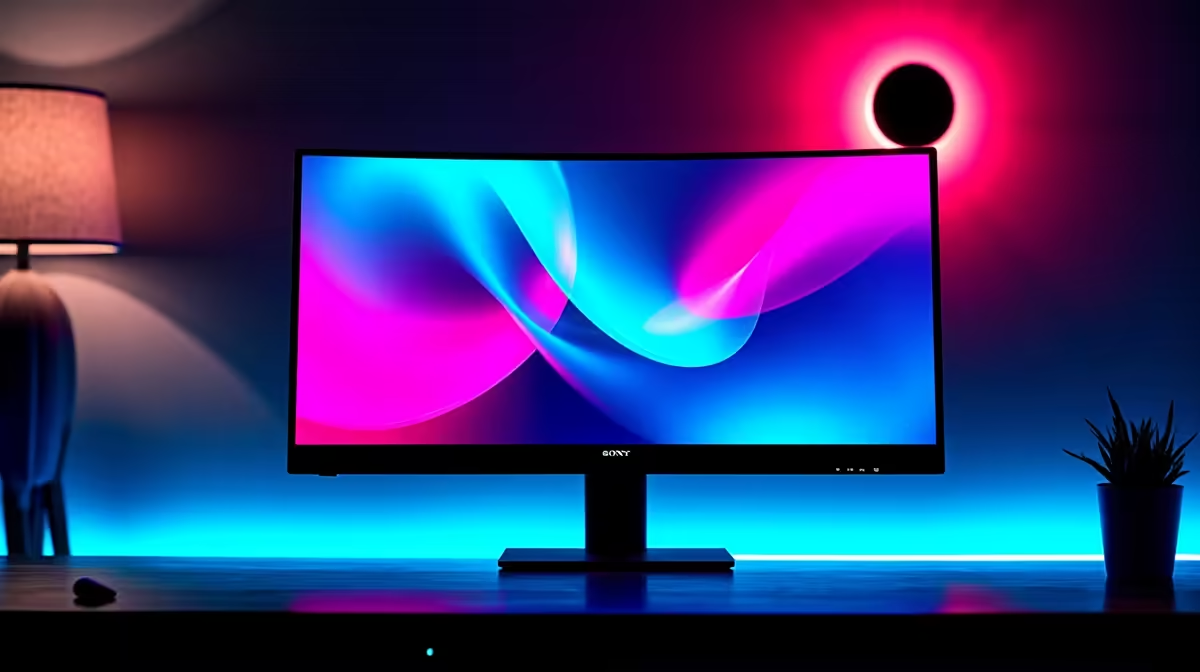
Stuttering gameplay. Jagged, torn screen images. If you've ever dropped into a hot zone in Apex or faced a boss in Elden Ring only to have your immersion shattered by graphical glitches, you know the pain. It’s a common problem, but the solution is simple: a great display. This guide will help you navigate the world of FreeSync and G-Sync to find the best gaming monitors in South Africa for a perfectly smooth experience.
Understanding FreeSync & G-Sync: Your Screen Tearing Solution
So, what’s causing that awful screen tearing? It happens when your graphics card (GPU) sends out frames at a different rate than your monitor can display them. The result is a messy, split image that can ruin a competitive match.
This is where Adaptive Sync technology comes in. It’s a clever feature that allows your monitor to dynamically adjust its refresh rate to match the frame rate of your GPU in real-time. The two biggest names in the game are AMD's FreeSync and NVIDIA's G-Sync. Both aim to deliver buttery-smooth, tear-free visuals, but they get there in slightly different ways. For a broad look at what's available, you can check out Evetech's huge selection of PC monitors.
FreeSync vs. G-Sync: Which Team Are You On?
Choosing between these two technologies used to be a major battle, but the lines have blurred. Still, knowing the key differences helps you find the perfect gaming monitor in South Africa for your specific setup.
AMD FreeSync: The People's Champion
FreeSync is an open-standard technology, which means manufacturers don't have to pay a licensing fee to use it. This generally makes FreeSync monitors more affordable. There are three tiers:
- FreeSync: The basic tear-prevention standard.
- FreeSync Premium: Adds mandatory low framerate compensation (LFC) and at least a 120Hz refresh rate at 1080p.
- FreeSync Premium Pro: Adds HDR (High Dynamic Range) support for incredible colour and contrast.
NVIDIA G-Sync: The Premium Experience
G-Sync is NVIDIA's proprietary solution. Traditionally, G-Sync monitors included a special hardware module that synchronised the display with NVIDIA GPUs, ensuring a rigorously tested, high-quality experience. This often came with a higher price tag. The tiers are:
- G-Sync Compatible: These are essentially top-tier FreeSync monitors that NVIDIA has tested and certified to work flawlessly with their GPUs. This is the most common type you'll find today across all gaming monitors.
- G-Sync: Includes the dedicated hardware for perfect performance.
- G-Sync Ultimate: The best of the best, featuring the hardware module plus advanced HDR support.
Ultimately, if you have an NVIDIA card, a G-Sync Compatible monitor is a fantastic, budget-friendly choice. If you have an AMD card, a FreeSync Premium monitor is your go-to.
Cable Check! 🔌
For the best results with high refresh rates and adaptive sync, always use a DisplayPort 1.4 cable. While modern HDMI 2.1 can handle it, DisplayPort is still the most reliable connection for PC gaming and is often required to unlock your monitor's full potential.
How to Choose the Best Gaming Monitor in South Africa ✨
Beyond the sync technology, several other factors determine the best gaming monitor for your rig and budget.
Resolution and Refresh Rate
For most gamers, a 27-inch 1440p (QHD) monitor with a 144Hz or higher refresh rate is the sweet spot. It offers a sharp image without needing a top-of-the-line GPU. However, if you have a powerful rig and want the most detailed visuals for story-driven games, jumping to one of the incredible 5K and 4K monitors is an amazing upgrade.
Panel Type and Shape
Do you want lightning-fast response times for competitive shooters or stunning, accurate colours for cinematic adventures?
- IPS panels offer the best colour and viewing angles.
- VA panels provide excellent contrast, with deep blacks.
- TN panels are the fastest but have weaker colours.
Many gamers also love the immersive feeling of a wraparound screen. You can explore a wide variety of curved monitors that pull you right into the action. And for those who game on the go or need a second screen for their laptop, ultra-light portable monitors are becoming increasingly popular.
Find the Right Price
Getting the right specs is only half the battle; you also need a great price. Keep an eye out for promotions to snag a top-tier screen without breaking the bank. Evetech constantly has some of the best PC monitor deals in the country.
Don't Forget the Finishing Touches 🔧
Your setup isn't complete without considering ergonomics. A monitor arm or a high-quality stand can save your neck during long gaming sessions and free up valuable desk space. Investing in the right monitor accessories ensures you get the most comfortable and effective gaming station possible.
Ready to Banish Screen Tearing Forever? Choosing between FreeSync and G-Sync is easier than ever. The key is matching the right features to your GPU and budget. Explore our massive range of gaming monitors and find the perfect display to elevate your gameplay today.











