

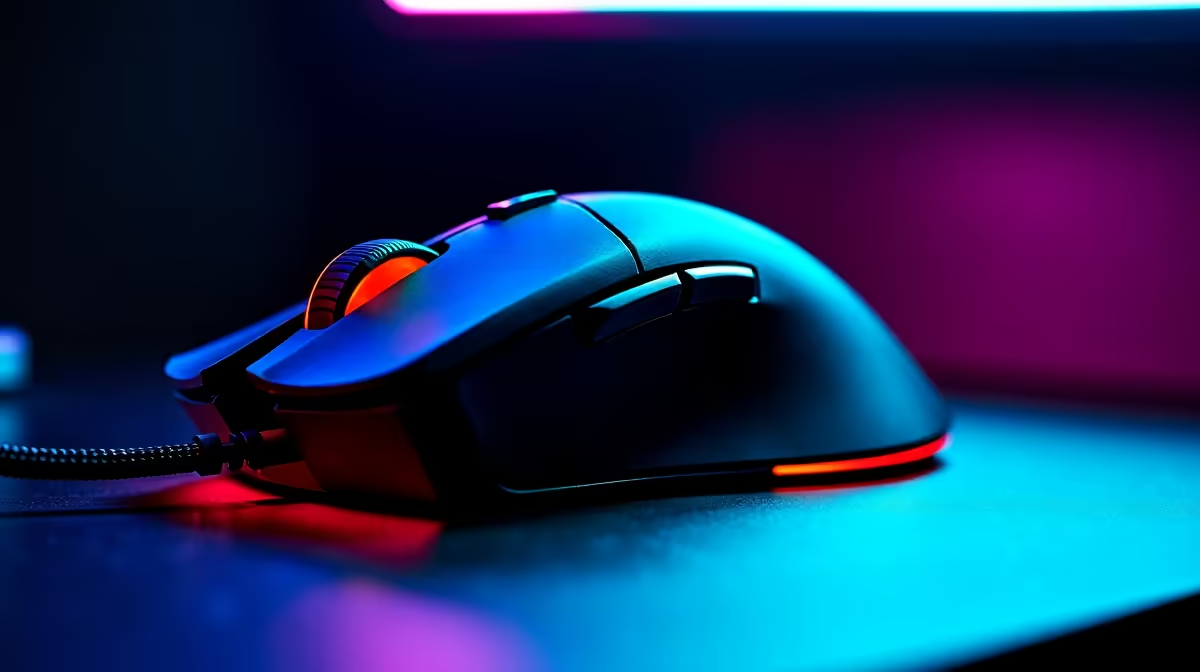
Dota 2 is a precision-heavy MOBA where the difference between clicking an ability on time and missing it can decide a 45-minute match - meaning your mouse matters far more than many players realise. The best gaming mouse for Dota 2 in South Africa in 2026 needs accurate tracking, comfortable grip for long sessions, and reliable switches that won't misclick during critical moments.
Quick Answer
What is the best gaming mouse for Dota 2 in South Africa in 2026? For Dota 2, you want a mouse with a precise optical sensor (3360 or better), light weight under 80g, and durable switches rated for at least 20 million clicks. Wireless options from top gaming brands offer the cleanest setup for long Dota sessions, with wired alternatives available at lower price points.
🔧 What Makes a Mouse Good for Dota 2 Specifically
Dota 2 differs from FPS games in how it stresses your mouse. Rather than continuous tracking, Dota 2 requires repeated precision clicks on small targets - hero portraits, items in the shop, creeps, and skill buttons. This places specific demands on your mouse hardware:
Switch reliability over raw speed. Dota 2 players click thousands of times per session. Cheap switches develop double-click issues after 3–6 months of heavy use, which is catastrophic when you accidentally cast an ability twice. Look for switches rated 50+ million actuations, or mechanical switches from reputable manufacturers.
Sensor accuracy over max DPI. Dota 2 does not need 25,000 DPI. Most Dota players use 800–1600 DPI. What matters is zero spin-out at your actual sensitivity and consistent tracking on your preferred mousepad surface. Pixart 3395, Hero 25K, and TrueMove Pro sensors are all excellent choices.
Weight and shape for long sessions. Dota 2 matches run 30–60+ minutes. An uncomfortable mouse becomes painful fast. Under 80g is generally preferred, but grip style matters more - get a shape that suits your palm, claw, or fingertip grip.
📊 Mouse Profile Recommendations by Play Style
| Player Type | Mouse Weight | DPI Setting | Grip Style |
|---|---|---|---|
| Support / utility | 70–90g | 800–1200 DPI | Palm or claw |
| Hard carry (precision clicks) | 60–80g | 800–1600 DPI | Fingertip or claw |
| Offlane/jungle (fast reactions) | 55–75g | 1200–1600 DPI | Claw or fingertip |
| Casual/all-rounder | Any | 800–1000 DPI | Whatever is comfortable |
For SA Dota 2 players on a budget, mid-range wired options around R500–R800 deliver sensor quality that far exceeds what Dota 2 demands. Wireless mice in the R1,200–R2,000 range offer the same performance with a cleaner desk setup - worth considering if you play long daily sessions.
💡 South African Buying Considerations
Warranty and local support. The SA gaming peripheral market has improved significantly. Most major brands offer 1–2 year local warranties. When buying, confirm the warranty is serviced locally rather than requiring international shipping for claims.
Mouse feet wear. SA home and office environments can be dusty, and rough mousepads wear mouse feet faster. Many popular mice have aftermarket PTFE feet available locally for under R100. Factor this into long-term cost.
Mousepad pairing. A good mouse is only as good as its surface. For Dota 2's precision clicking, a medium-speed cloth mousepad around 400x450mm is the SA community consensus - enough space for desktop swiping, controllable enough for clicks.
RGB vs performance. RGB looks good but adds marginal cost. Prioritise sensor and switch quality over lighting features if you're working within a tight budget. A non-RGB version of a top-tier mouse often saves R150–R300 with identical performance.
❓ Frequently Asked Questions
Does Dota 2 benefit from a high polling rate mouse? Dota 2 at 1000Hz polling rate is more than sufficient - the game's engine processes inputs at a rate where 4000Hz or 8000Hz polling rate makes no practical difference. Save the premium for sensor quality and build quality instead.
What DPI should I use for Dota 2? Most competitive Dota 2 players use between 400 and 1600 DPI. The right setting depends on your mousepad size and personal preference. A common starting point is 800 DPI with in-game sensitivity at 1.0, then adjusting from there.
Is a wireless mouse safe for Dota 2 - will there be latency? Modern 2.4GHz wireless gaming mice have 1ms or sub-1ms wireless latency, which is imperceptible in a game like Dota 2. The risk is not latency but battery dying mid-match - keep it charged and wireless is completely safe for competitive play.
Check out All Gaming Mice and Graphics Card Deals at Evetech — South Africa's home for gaming gear.
Ready to Find Your Perfect Match? Shop at Evetech











