

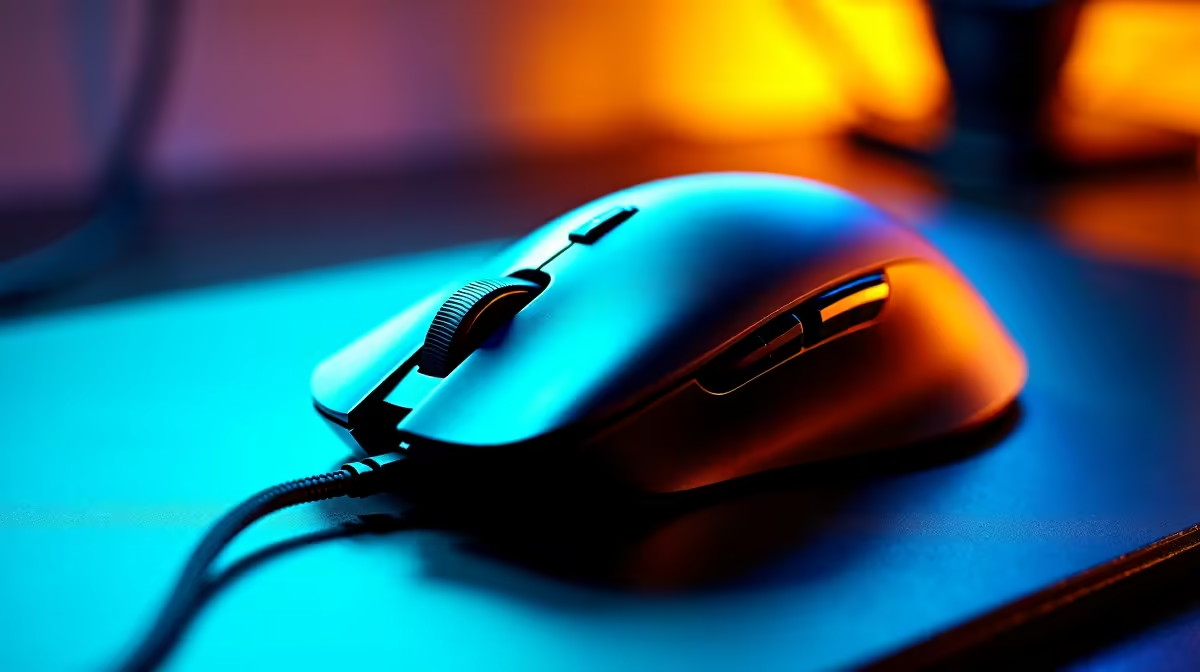
Fingertip grip is one of the more demanding mouse grip styles - your palm doesn't contact the mouse body at all, only the fingertips control the device, requiring a shorter, narrower, and lighter form factor than palm or claw grip mice. South African gamers who naturally settle into fingertip grip often find that mainstream "gaming mice" feel oversized and fatiguing over long sessions, making it worth specifically targeting mice designed or well-suited to this grip style.
Quick Answer
The best gaming mice for fingertip grip in SA are lightweight, compact, and under 70g - key picks include the Razer Viper Mini (60g), Logitech G Pro X Superlight 2, and Endgame Gear XM1r. For SA buyers, the sweet spot is a mouse under 70g with a high-performance optical sensor, ambidextrous or right-handed compact shell, and a braided or paracord-style cable (or wireless) that doesn't add drag to fingertip movements.
✋ What Makes a Mouse Right for Fingertip Grip?
Fingertip grip places your fingertips on the mouse buttons and sides with minimal palm or knuckle contact. This means the mouse needs to be short enough that extended contact points don't force awkward hand positions - typically under 120mm in length. Width matters too: fingertip grip players tend to prefer narrower mice (60–65mm) that feel positive and controllable with just fingertip contact. Weight is the most critical factor: heavier mice create finger fatigue faster when the palm isn't sharing the load, making sub-70g the general target. Some fingertip grip players go further, preferring 50–60g mice for maximum agility, particularly in fast-paced FPS titles where rapid, precise flicks are the primary movement pattern. Browse gaming mice at evetech.co.za and filter by weight specifications where available - many listings include dimensions and weight in their product details.
⚡ Sensor and Click Performance for Fingertip Grip Gaming
Fingertip grip players tend to play at lower DPI settings (400–800 DPI is common) and rely on large arm movements for tracking, with precise fingertip adjustments for micro-corrections. This places significant importance on sensor quality - any tracking inconsistency at low DPI is immediately noticeable. Look for mice with top-tier optical sensors: the PixArt PAW3395, PAW3370, or Razer Focus Pro. These sensors offer zero acceleration, zero filtering, and consistent tracking on a variety of surfaces. Click latency matters too - wireless mice with modern low-latency 2.4GHz connections (1ms polling) are now as fast as wired for gaming purposes, making wireless a genuine option for fingertip grip players who don't want cable drag affecting their movements. A mousepad sized appropriately for low-DPI large sweeping movements completes the setup.
🏆 Top Fingertip Grip Mouse Categories for SA Buyers in 2026
In the under-R1,000 range, compact ambidextrous mice with optical sensors represent excellent value - the Razer Viper Mini at around R600–R800 is one of the most commonly recommended fingertip grip options for SA buyers on a tight budget. In the R1,000–R2,000 range, premium options with top-tier sensors and improved scroll wheels add refinement without bloated form factors. Wireless options from Logitech's G Pro line and Razer's Viper V3 Hyperspeed sit in this bracket, offering multi-day battery life, sub-1ms 2.4GHz connectivity, and weights around 50–65g. For SA buyers prioritising longevity, look for mice with optical switches rather than mechanical - optical switches have no debounce delay and no physical contact wear, meaning they maintain consistent click feel indefinitely. A comfortable keyboard at the appropriate height reduces overall wrist strain when paired with a fingertip-grip mouse for long gaming sessions.
🎯 Setting Up for Fingertip Grip: DPI, Polling Rate, and Surface
Getting the most from a fingertip grip setup requires dialling in your software configuration alongside the hardware. Start with 400–800 DPI (most competitive players land here regardless of grip style), then adjust in-game sensitivity to achieve your preferred cm/360 (how far you need to physically move the mouse for a full in-game rotation). Higher polling rates (1000Hz or above) reduce input lag and improve tracking consistency - enable 1000Hz as a minimum; 2000Hz+ polling on premium mice offers diminishing but genuine returns for high-frame-rate competitive gaming. Use a medium-speed or fast surface (cloth mousepad with consistent texture) rather than a very slow pad, as slow surfaces add drag that fights fingertip grip's naturally lighter contact pressure. Position your mousepad low enough that your wrist isn't bent upward - ergonomic positioning reduces fatigue significantly during extended sessions.
❓ FAQ
Q: How is fingertip grip different from claw grip - do I need a different mouse? A: Claw grip uses palm and fingertips together, allowing a larger mouse body. Fingertip grip uses only fingertips, requiring shorter, narrower, and lighter mice. A mouse that works for claw grip often feels too long and heavy for fingertip. Measure your hand and compare to mouse dimensions before purchasing.
Q: Is wireless worth the premium for fingertip grip gaming mice in SA? A: For fingertip grip specifically, wireless removes cable drag which can interfere with the light, precise movements this grip style relies on - making the wireless premium more justifiable than for palm grip players. Modern wireless mice have no measurable latency disadvantage over wired for gaming.
Q: What DPI should I use with a fingertip grip mouse? A: Most fingertip grip players use 400–800 DPI with higher in-game sensitivity multipliers, relying on arm movement for tracking. Experiment within this range and find what feels most controlled and consistent for your preferred game.
Q: Can I use a fingertip grip mouse for productivity and non-gaming tasks? A: Yes, though a smaller mouse may feel less comfortable during long non-gaming work sessions where you're doing less precise movement. Some players use their gaming mouse universally; others prefer a larger, more ergonomic mouse for productivity and switch to the lightweight gaming mouse for play sessions.
Check out All Gaming Mice and Graphics Card Deals at Evetech — South Africa's home for gaming gear.
Ready to Find Your Perfect Match? Find your perfect gaming mouse and complete your SA setup at evetech.co.za.











