


Quick Answer
For photo editing in South Africa 2026, the best GPU is the RTX 4070 Super at around R14,999, balancing 12GB VRAM, NVIDIA Studio drivers and CUDA acceleration for Lightroom, Photoshop and Capture One. Creators on tighter budgets should pick the RTX 4060 Ti 16GB at R12,499; pros editing 100MP medium-format files want the RTX 4080 Super at R22,999. All three ship with Evetech's 36-month warranty and SA delivery.
Why GPU Choice Matters for Photo Editing in 2026
Photo editing has shifted from CPU-only workflows to GPU-accelerated ones. Adobe's Sensei AI, Lightroom's Denoise, Photoshop's Generative Fill, Capture One's Magic Brush and Topaz Photo AI all hammer CUDA cores and VRAM. The RTX 4070 Super's 12GB GDDR6X handles 50MP RAW files from Sony A1, Canon R5 or Hasselblad X2D without VRAM swapping, and Studio drivers ensure stability during 6-hour editing marathons. SA-based wedding, commercial and wildlife photographers benefit specifically because Stage 4 loadshedding interrupts cloud-based editing tools, making local GPU power essential. The 4070 Super processes a 1000-image Lightroom export in roughly 18 minutes versus 42 minutes on integrated graphics. For event photographers working under tight delivery deadlines, that speed difference is real money.
Top GPU Picks for SA Photographers
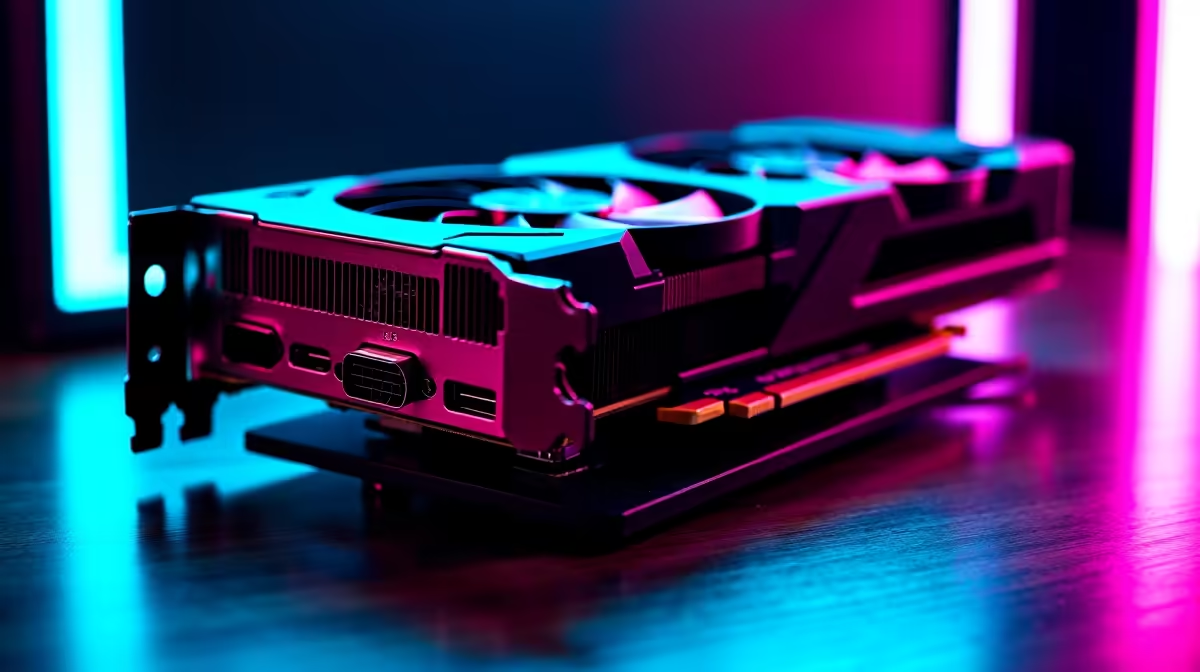
The RTX 4070 Super 12GB at R14,999 is the value champion, perfect for 95 percent of photographers. The RTX 4060 Ti 16GB at R12,499 is the smart budget pick because of its larger VRAM buffer, ideal for stitching panoramas and HDR merges. The RTX 4080 Super 16GB at R22,999 is the pro choice for medium-format shooters and those running Topaz Photo AI plus DaVinci Resolve. AMD's RX 7800 XT at R12,499 works for raw rendering but lacks the Adobe AI acceleration NVIDIA brings; pick AMD only if you also game seriously and your editor doesn't lean on AI features. The RTX 4070 Ti Super 16GB at R19,999 is another balanced option with more VRAM headroom for future-proofing against larger sensor files. All ship with Evetech's 36-month warranty and 1 to 3 day SA delivery.
Key Specs That Move the Needle
VRAM is king. 12GB is the realistic floor for 2026 photo workflows. CUDA core count drives Lightroom Denoise speed; the 4070 Super's 7168 cores process a 45MP file in 8 to 12 seconds versus 25 seconds on a 4060. PCIe 4.0 bandwidth matters when shuffling large files between GPU and NVMe SSD. Display outputs should include DisplayPort 1.4a for 10-bit colour to a calibrated 4K editing monitor like the BenQ SW272U. Power consumption sits at 220W TDP for the 4070 Super, manageable on a 750W PSU. Studio drivers deliver more stability than Game Ready drivers for production work. Look for cards with dual or triple-fan cooling to keep temps low during long editing sessions in our SA summer heat.
Budget vs Premium ZAR Tiers
Under R10,000 the RTX 4060 8GB handles 24MP files acceptably but stutters on AI denoise. R12,000 to R15,000 is the value sweet spot with the 4060 Ti 16GB or 4070 Super. R20,000 to R25,000 buys the 4080 Super for serious commercial work. Above R30,000 the RTX 4090 24GB exists but only justifies itself for heavy 8K video editing alongside photo work. For SA photographers funded by NSFAS or running side businesses, the 4060 Ti 16GB is the smartest spend per rand. Match the GPU with at least 32GB DDR5 system RAM and a 2TB NVMe SSD for catalogue speed; total system cost lands between R28,000 and R45,000 depending on tier.
Frequently Asked Questions
Does the RTX 4070 Super accelerate Lightroom Denoise meaningfully?
Yes, dramatically. A 45MP Sony A7R V file runs Denoise in 8 to 11 seconds on the 4070 Super versus 38 to 50 seconds on a Ryzen 7 7700 CPU alone. Batch processing 200 images saves you over an hour per session, which adds up fast on wedding deliverables.
Can I use AMD GPUs for serious photo editing in SA?
You can, but Adobe's Sensei AI and Topaz tools run faster on NVIDIA CUDA. AMD's ROCm has improved but trails NVIDIA by 30 to 60 percent in real-world Photoshop and Lightroom AI tasks. Stick with NVIDIA for production photo work unless you also game heavily and budget is tight.
How does loadshedding affect GPU-heavy photo editing?
A 4070 Super system pulls 380 to 450W under load. A 1500VA UPS gives 15 to 25 minutes of editing time, enough to save catalogues and shut down cleanly. For Stage 6 areas, a 2.4kVA inverter with 200Ah lithium is the pro-level solution that keeps you working through 4-hour blackouts.
Ready to Find Your Perfect Match? Configure your photo editing PC with Evetech's expert build team and SA warranty. Shop Graphics Cards











