

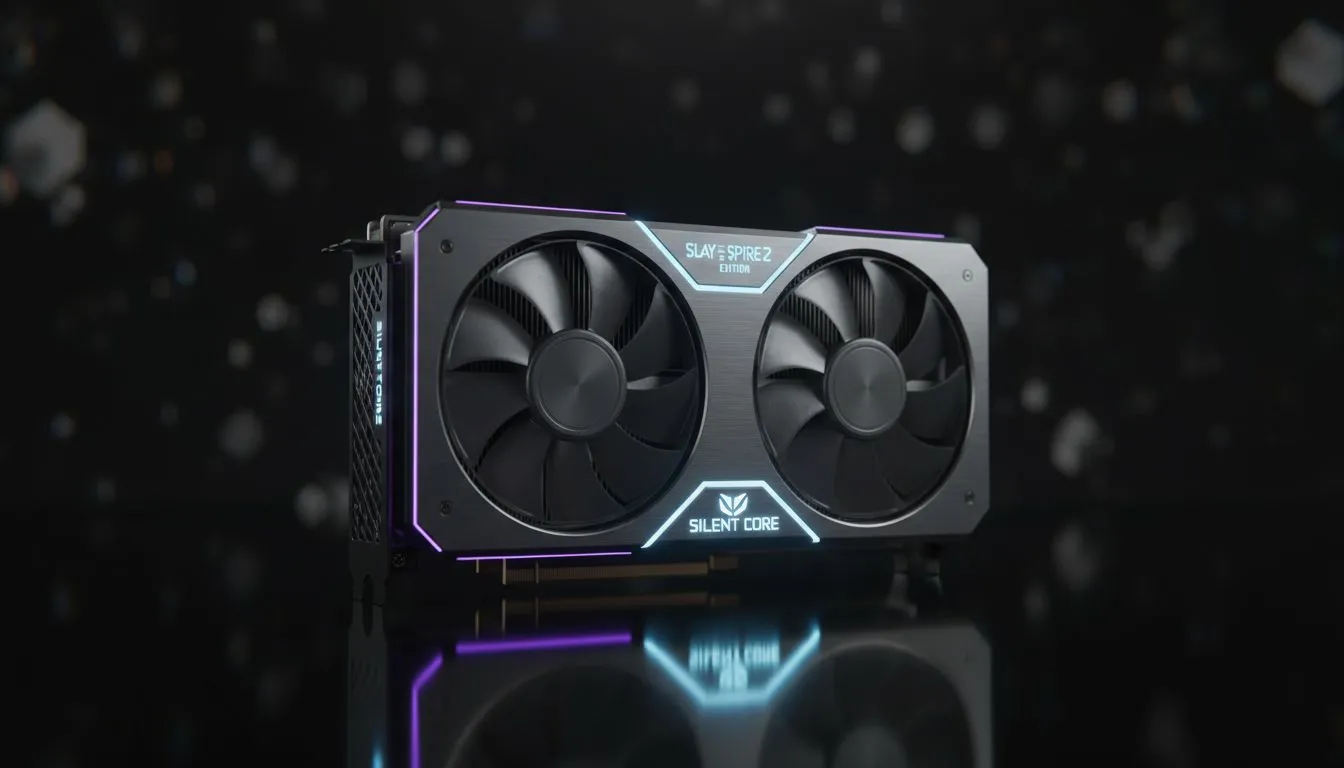
Finding the Best GPU for Slay the Spire 2
Slay the Spire 2 is almost here... and your PC does not need to sound like a Boeing 747 to run it. While others chase frame rates in the thousands, deckbuilder fans know the real luxury is silence. You want a card that stays cool during a three-hour run. Finding the best GPU for Slay the Spire 2 means prioritising efficiency over raw, power-hungry muscle.
Why Low-Power Efficiency Wins in South Africa
Gaming in South Africa comes with unique challenges. Power costs are rising... and keeping heat down is vital during a humid Durban summer. Choosing from the latest graphics cards allows you to find a model that sips power. A low-TDP card means your fans barely spin. This keeps your room quiet and your electricity bill manageable. Most modern entry-level cards will crush the requirements for Slay the Spire 2 without breaking a sweat.
Silent Performance with MSI and NVIDIA
NVIDIA’s 40-series architecture is incredibly efficient at lower power draws. If you want a card that stays silent, look at the MSI graphics cards lineup. Their Ventus and Gaming X Slim models often feature "Zero Frozr" technology. The fans literally stop spinning when the temperature is low. Since a deckbuilder is not as demanding as a triple-A shooter, you can play in total silence. You might find a great deal for under R6,000 that handles every card animation with perfect fluidity.
Silence is Golden ⚡
Use software like MSI Afterburner to set a custom fan curve. For games like Slay the Spire 2, you can often cap your frame rate to match your monitor's refresh rate. This prevents your GPU from working harder than necessary, keeping temperatures low and fans completely silent.
Great Value with AMD Radeon and Intel Arc
If you are looking for the best bang for your buck, AMD Radeon graphics cards are hard to ignore. They offer massive VRAM buffers which help with smooth UI transitions. Alternatively, the Intel Arc graphics cards have matured into fantastic budget options. They handle 2D and light 3D assets with ease. Both brands provide excellent drivers that let you optimise power consumption with a single click. This ensures your rig stays cool even when the Spire's bosses turn up the heat.
Small Form Factor and Professional Alternatives
Sometimes the best tool for the job is a low-profile card. If you are using a compact office PC, workstation graphics cards can be a surprising solution. Many of these are designed for 24/7 reliability and very low power consumption. They fit into slim cases and do not require extra power cables from your PSU. This makes them a neat, tidy choice for a dedicated indie gaming station. You get the stability you need for those "just one more turn" nights without any clutter.
Ready to Find Your Perfect Match? The quest for the perfect silent build is easy when you have the right parts. For maximum efficiency, choice, and value in South Africa, our selection is hard to beat. Explore our massive range of GPU specials and find the perfect hardware to conquer the Spire.








