

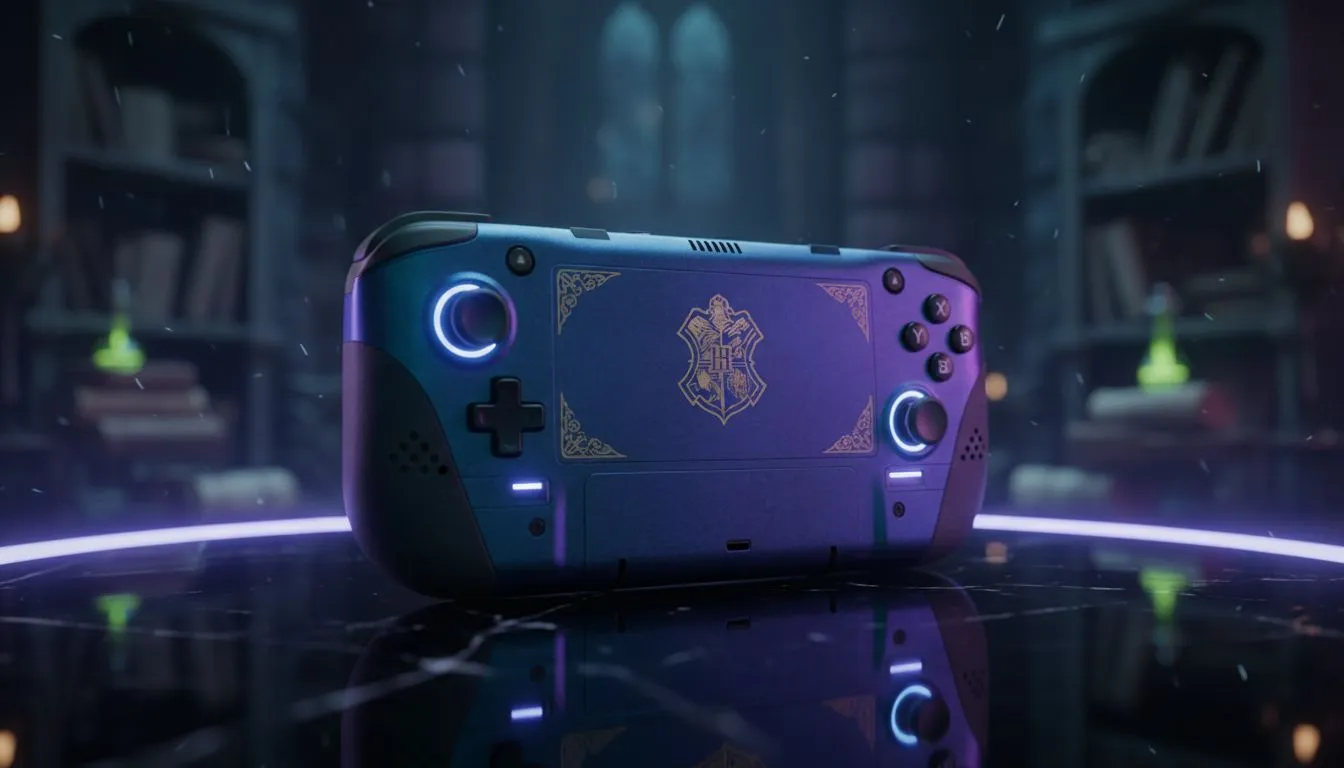
Wandering the halls of Hogwarts shouldn't be tethered to a desk. In 2025, portable PCs have evolved enough to render the Forbidden Forest in stunning detail... right in the palm of your hands. Whether you're dodging load shedding or commuting, finding the best handheld for Hogwarts Legacy transforms the experience. Let's look at the top spells—err, specs—you need to run this beast on the go.
Why Handhelds Are Ready for Magic ⚡
A few years ago, running a AAA open-world RPG on a portable device was a fantasy. Today, thanks to the AMD Z1 Extreme and Intel Core Ultra chips, it’s reality. Hogwarts Legacy is graphically demanding, requiring serious horsepower to maintain stable frame rates while casting Revelio.
Modern handheld gaming consoles offer the perfect balance of portability and power. They allow South African gamers to take their wizarding world anywhere, from a coffee shop in Cape Town to a long-haul flight. However, not all handhelds handle the magical particle effects equally well.
Top Contenders for 2025
The Visual Masterpiece: Lenovo Legion Go
If you want to see every brick in Hogsmeade, screen real estate matters. The Lenovo Legion Go boasts a massive 8.8-inch QHD+ display. For a game as visually dense as Hogwarts Legacy, that extra screen space is invaluable for reading small UI text and appreciating the environmental details. Plus, the detachable controllers give you versatility if you want to prop the screen up on a table.
The Smooth Operator: ASUS ROG Ally
Immersion breaks the second your game stutters. The ASUS ROG Ally series is famous for its Variable Refresh Rate (VRR) screen. Since Hogwarts Legacy can fluctuate in frame rate during intense battles, VRR smooths out the experience, eliminating screen tearing without the input lag of V-Sync. It feels incredibly responsive, making your spell combos flow like water.
The Ergonomic Challenger: MSI Claw
Entering the arena with Intel power, the MSI Claw focuses on comfort and battery efficiency. Its Hall Effect joysticks are a massive plus... nobody wants stick drift ruining a broom flight trial. The ergonomic grip is designed for long play sessions, ensuring your hands don't cramp up while exploring the Highlands for hours on end.
Performance Spell 🪄
To get the best experience on a handheld, don't aim for native 1080p on Ultra settings. Enable FSR 2.0 (FidelityFX Super Resolution) in the display settings and set it to 'Balanced'. This renders the game at a lower resolution and upscales it, giving you a massive FPS boost and better battery life without sacrificing much visual quality.
Choosing Your Wand
Ultimately, the best handheld for Hogwarts Legacy depends on what you value most: screen size, smoothness, or ergonomics. All three top contenders perform admirably, turning a demanding PC title into a cozy, portable adventure. Just remember to keep a charger handy... magic this powerful uses plenty of energy 🚀.
Ready to Cast Spells on the Go? Whether you need the massive screen of the Legion Go or the VRR smoothness of the Ally, we have the gear to power your magical journey. Browse our full range of handheld consoles and find the perfect portable rig for your next adventure.











