


Why the Right Flight Stick Changes Everything 🚀
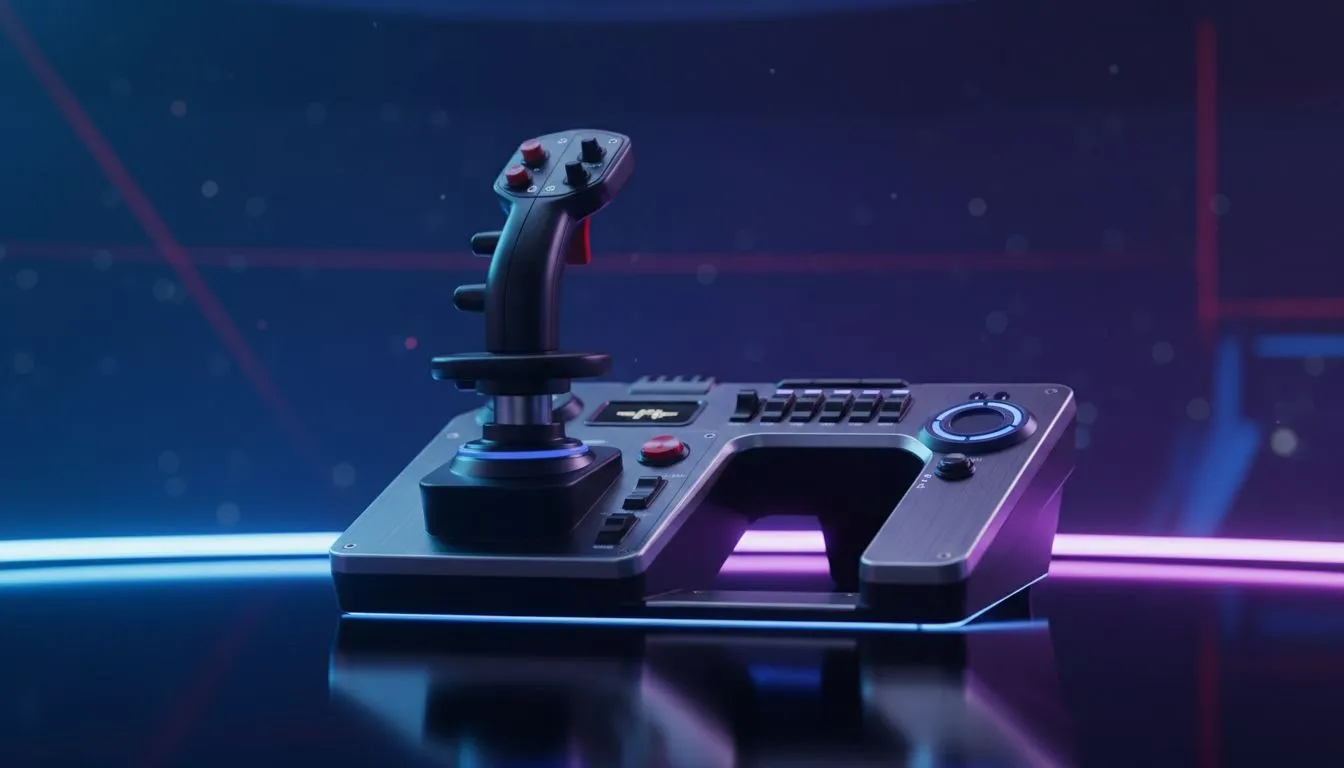
"Frame Shift Drive charging." If those words give you goosebumps, you know that Elite Dangerous isn't just a game; it is a lifestyle. But playing a complex space simulator with a mouse and keyboard often feels like trying to fly a Boeing 747 with a TV remote. To truly inhabit your cockpit, you need the best HOTAS setup for Elite Dangerous.
A HOTAS (Hands On Throttle And Stick) transforms your experience from clicking heads to actually piloting a starship. It offers the granular control needed for combat dogfights in a resource extraction site or the delicate touch required for high-gravity planetary landings. However, a complete simulation rig goes beyond just the stick. Let's look at how to build the ultimate Commander's station in South Africa.
The Core Peripherals: It’s Not Just About the Stick
While the flight stick captures the glory, your supporting peripherals dictate your quality of life in the black. Even with a high-end throttle, navigating the complex Galaxy Map is notoriously difficult without a precision gaming mouse. You want something with adjustable DPI to zip across star systems quickly.
Furthermore, Elite Dangerous has more key bindings than a NASA manual. While your HOTAS handles flight, you will still need a reliable gaming keyboard for typing system names, chatting with your squadron, or managing non-critical ship sub-systems.
Visuals and Load Times
The immersion breaks instantly if your textures pop in late or you are stuck in a hyperspace loading screen for minutes. With the Odyssey expansion, planetary assets are heavy. Upgrading to fast solid-state drives is non-negotiable for seamless transitions between orbital cruise and surface glide.
Once you land, you want to see those alien vistas in all their glory. A standard 16:9 screen can feel restrictive inside a cockpit. Many veteran Commanders prefer ultrawide PC monitors to expand their field of view, allowing them to spot enemy ships in their peripheral vision without using head-tracking gear.
Audio and Comms: The Sound of Space ✨
Frontier Developments is famous for their sound design. The groaning hull of a Type-9 Heavy or the scream of a Thargoid interceptor relies on high-fidelity audio. To catch the subtle audio cues of a cracking canopy, invest in high-quality headphone headsets.
If you plan on flying in a Wing, clear communication is vital. Moreover, many Commanders use software like VoiceAttack to issue voice commands to their ship (like "Deploy Landing Gear"). For this to work flawlessly, you need crisp audio input from dedicated microphones, ensuring your ship doesn't boost inside a station because it misheard a sneeze.
Commanders Pro Tip 🔧
If you are running out of buttons on your HOTAS, use 'modifier' buttons. Map a convenient button on your throttle to act like a 'Shift' key. This effectively doubles the number of inputs available on your joystick hat switches, letting you manage power distribution and targeting without taking your hands off the controls.
Alternatives and Sharing the Journey
Perhaps you are not ready to drop a few thousand Rand on a full flight stick setup yet? That is perfectly fine. Many ace pilots start their career using standard gaming controllers. They offer analog control for pitch and roll that a keyboard simply cannot match, serving as a great entry point into 6-degrees-of-freedom flight.
Finally, exploration is lonely if you don't share it. Whether you are racing through canyons or discovering new Earth-like worlds, the Elite community loves to watch. If you are setting up a broadcast for Twitch or YouTube, ensure you have the right streaming essentials to capture your cockpit cam and gameplay without lagging your machine.
Ready to Fly Amongst the Stars? Whether you need a high-speed SSD to load the galaxy faster or a new monitor to take in the view, Evetech has the gear to upgrade your cockpit. Browse our full range of gaming peripherals and build the setup your ship deserves.











