

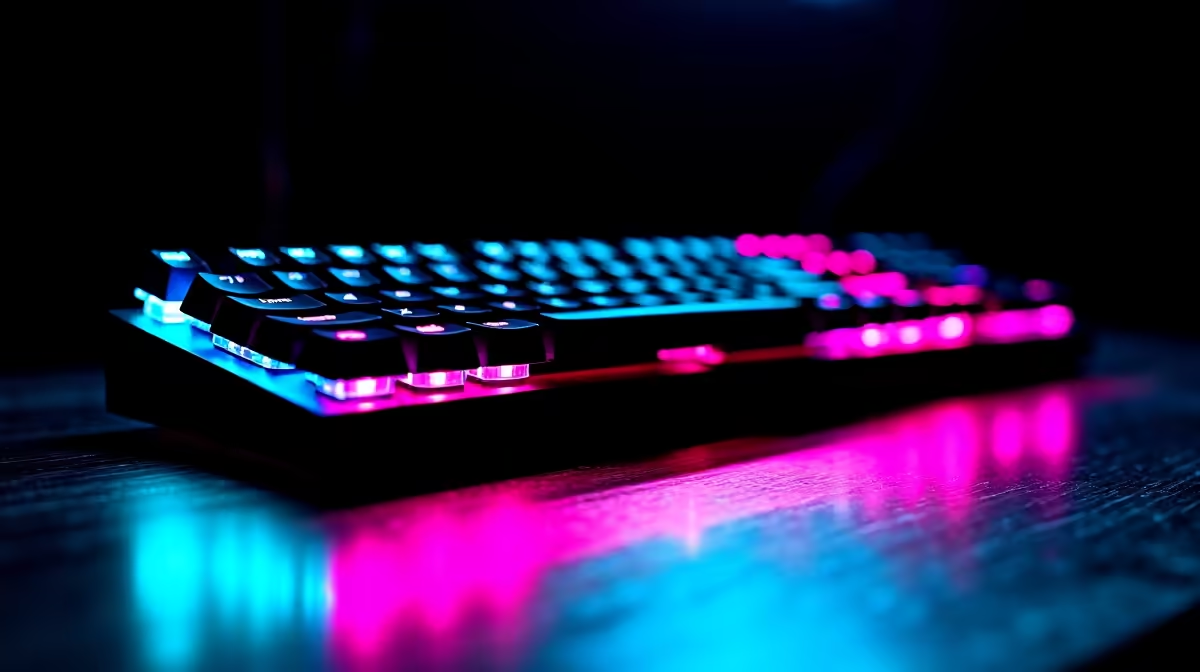
Finding a keyboard that handles intense gaming sessions and long spreadsheet-filled workdays equally well is a genuine challenge for South African users who want the most from their desk setup. The good news is that the 2026 keyboard market has converged on several hybrid designs that genuinely do both jobs without compromise. Here is what to look for and which options make sense at SA prices.
Quick Answer
The best keyboards for both gaming and office work combine tactile mechanical switches, full-size or tenkeyless layouts, and reliable wireless or USB-C connectivity. Brands like Corsair, Logitech, and Razer offer dual-purpose models that start from around R800 to R2,500 in the South African market.
What Makes a Keyboard Truly Dual-Purpose 🔧
A gaming-only keyboard often prioritises actuation speed and RGB theatrics over typing comfort. An office-only keyboard may skip anti-ghosting and faster response times. The dual-purpose sweet spot sits with tactile or linear mechanical switches rated between 45g and 55g actuation force - light enough for rapid key presses in fast-paced titles, but with enough feedback to reduce typing fatigue during document work.
Look for keyboards with N-key rollover so every simultaneous keypress registers, which matters both when you're typing quickly in a report and when you're executing multi-key combos in-game. Dedicated media keys or a volume knob are genuinely useful for toggling between a Teams call and a game soundtrack without breaking your workflow.
Switch type matters more than brand here. Brown switches (tactile, quieter than blues) are widely considered the best compromise - enough click feedback for accuracy without the noise that disrupts open-plan offices or university res environments. Red or speed-silver linears are another strong option for gamers who prefer silence.
Layout and Build Quality 💡
For office use a full-size layout with a numpad is preferable, especially in accounting, data entry, or any number-heavy role. For gaming, tenkeyless (TKL) layouts free up mouse space on smaller desks. Compact 75% or 65% layouts are increasingly popular but sacrifice numpad functionality.
Build quality at the SA price range to target - R1,000 to R2,000 - typically means an aluminium top plate with a plastic base. This is adequate for daily transport between home and office. Double-shot PBT keycaps resist shine and fading far better than ABS keycaps, which are common on budget models.
Wired USB-C is the most reliable connection for gaming, with zero latency. Many premium dual-purpose keyboards also support 2.4GHz wireless and Bluetooth simultaneously so you can switch between a gaming PC and a work laptop without replugging. If you're shopping for a gaming keyboard in SA, filtering by wireless capability narrows the field usefully.
Top Features to Prioritise in 2026 ⚡
South African buyers should weigh a few practical factors beyond switch type. First, software compatibility: some keyboards require manufacturer software for macro programming. If your work machine is locked down by IT policy, check whether the keyboard stores profiles on-board. Second, keycap language support - SA users occasionally need characters like the Rand symbol (R) or specific characters for Afrikaans, though most users map these through OS settings. Third, warranty terms: look for a two-year minimum, as keyboards travel between environments and see heavy daily use.
RGB lighting is genuinely useful at a dim desk at night but adds cost. If budget is a constraint, a single-zone white backlight is sufficient and often extends battery life on wireless models.
Pairing your keyboard with an equally capable gaming mouse that doubles as a precision pointer for office work rounds out your hybrid workspace setup effectively.
Best Budget Tiers in SA 🖥️
Under R1,000: entry-level membrane-mechanical hybrids. Functional but switch quality is inconsistent.
R1,000–R1,800: the best value zone. Genuine mechanical switches, detachable cables, and at least one wireless mode. This is where most SA users will find the right balance.
R1,800–R2,500 and above: premium build quality, aluminium frames, per-key RGB, and multi-device Bluetooth. Worth the spend if the keyboard is your primary input device across work and gaming.
Frequently Asked Questions ❓
Q: Are mechanical keyboards too loud for office use? A: It depends on the switch. Blue switches are loud and not ideal for shared spaces. Brown and red switches are significantly quieter and widely used in professional environments. Silent red variants are barely audible.
Q: Do gaming keyboards have a typing speed advantage? A: Not directly, but the tactile feedback from mechanical switches tends to reduce errors and fatigue during long typing sessions compared to membrane keyboards, which can feel mushy.
Q: Is wireless reliable enough for gaming? A: 2.4GHz wireless at 1ms polling rate is effectively latency-free for most gaming. Only ultra-competitive esports players at the very top level may notice a difference versus wired.
Q: What is a good keyboard budget for a SA student or professional? A: R1,200 to R1,600 covers excellent hybrid keyboards with genuine mechanical switches, decent build quality, and enough features for both gaming and office use without overspending.
Check out All Gaming Keyboards and Graphics Card Deals at Evetech — South Africa's home for gaming gear.
Ready to Find Your Perfect Match? Explore relevant Evetech options, compare current South African pricing, and choose hardware that fits your setup. Shop now











