

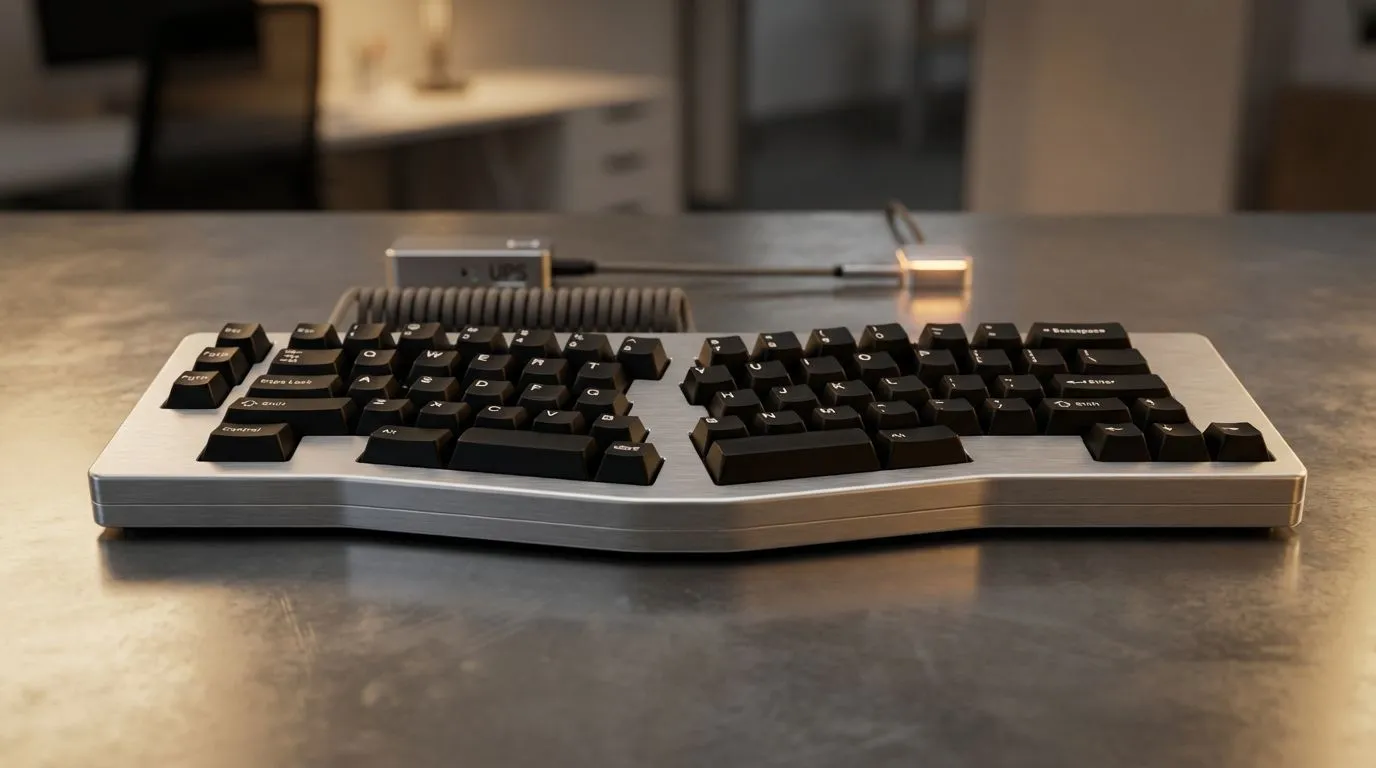
Why Wireless Rules During Power Cuts
Loadshedding hits. The lights flicker out... but your match isn't over. If you have a laptop or a UPS, your session stays alive. However, tangled cables are the last thing you need in the dark. Finding the best keyboard for loadshedding means choosing between Bluetooth and USB receivers to keep your desk clutter-free while the grid struggles. ⚡
When the stage 6 sirens wail, every watt counts. If you are running off a portable power station, you want a setup that is quick to move. Wireless peripherals allow you to shift your gear to the lounge or wherever your backup power is located. You can find some of the best gaming keyboard deals at Evetech that offer long battery life... essential for those four-hour outages.
Bluetooth vs 2.4GHz Receiver Performance
Bluetooth is convenient because it does not require a dongle. It is perfect for tablets or laptops with limited ports. However, 2.4GHz receivers offer lower latency for competitive gaming. If you are on a budget and need to save every Rand, you might look for the cheapest gaming keyboard in South Africa that still offers a reliable wireless connection.
The Combo Advantage
Managing multiple batteries is a chore during a blackout. Many South Africans prefer a keyboard mouse combo because it often uses a single receiver for both devices. This saves USB ports on your laptop... which is vital if you are also plugging in a cooling pad or a small USB light to see your desk. 🔧
Loadshedding Battery Tip ⚡
Turn off your RGB lighting when the power goes out. Backlighting can drain a wireless keyboard battery up to five times faster. Keeping the LEDs off ensures your gear lasts through the longest Eskom sessions without needing a mid-raid charge.
UPS Tips for Your Peripheral Setup
A small 600VA UPS can keep your router and a monitor going for a while. But what about your input lag? While some purists still prefer the zero-interference nature of wired keyboards to save on battery costs, modern wireless keyboards are just as fast. 🚀
If you are using a UPS, ensure your keyboard doesn't have a high polling rate that might wake your PC from sleep mode unnecessarily. Every bit of power saved helps you get through the final boss before the battery beeps its last warning. Whether you choose the stability of a receiver or the universal compatibility of Bluetooth, being prepared is key. Don't let the darkness stop your grind. ✨
Ready to Beat the Blackouts? Choosing the best keyboard for loadshedding is about more than just keys... it is about staying connected when it matters most. Explore our massive range of keyboard specials and find the perfect wireless partner for your setup.








