

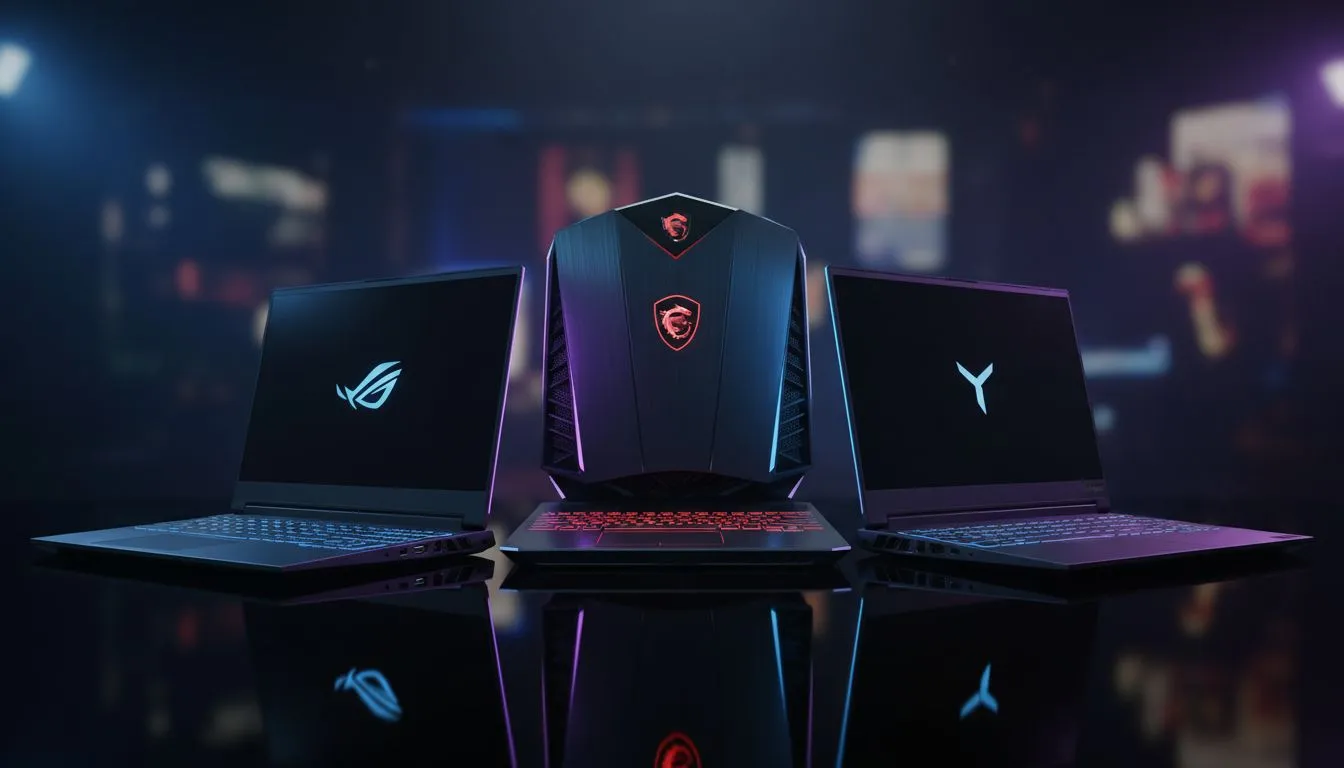
Finding the Best Laptop for Warzone: The Contenders
Dropping into Urzikstan requires more than just skill. You need hardware that keeps up with the frantic pace of Call of Duty. Choosing the best laptop for Warzone involves balancing frame rates and thermal cooling. Whether you prefer the flair of ASUS, the raw power of MSI, or the stealth of Lenovo, making the right choice determines your K/D ratio. 🚀
Why ASUS is a Top Choice for Warzone
ASUS has built a massive reputation in South Africa with their ROG and TUF lineups. Their screens often feature high refresh rates... essential for tracking targets across long distances. To maintain a competitive edge, many local pros look at geforce-rtx-gaming-laptops-on-special to ensure they have access to DLSS technology. The cooling systems in the Strix models are designed for long sessions... perfect for those Friday night grinds with the squad. ASUS hardware typically offers vibrant colour reproduction that makes spotting enemies in shadows much easier. ✨
MSI: Pure Power for High FPS
MSI is often the go-to for purists who want every ounce of performance. Their laptops usually push the limits of power delivery on their GPUs. This results in higher FPS in CPU-heavy titles like Warzone. You can find several intel-laptops-on-special that feature the latest high-performance chips. Their Katana and Pulse series offer a great balance of price and punch for local gamers. MSI focuses on raw speed... ensuring your inputs are registered without delay during a frantic firefight.
Warzone Performance Tip ⚡
To boost your FPS on any gaming laptop, always enable NVIDIA DLSS or AMD FSR in the graphics settings. Set it to 'Quality' or 'Balanced' mode. This renders the game at a lower resolution and upscales it... giving you a massive frame rate boost without losing much visual clarity.
Lenovo Legion: The Stealthy Warzone Performer
Lenovo has won over many South Africans with the Legion series. They look professional but pack a massive punch under the hood. Their thermal management is often cited as some of the best in the business. For those who prefer Team Red, checking out ryzen-laptop-deals will reveal some incredibly efficient Legion machines. They stay quiet even when the final circle gets chaotic. The keyboard layout is also widely praised for being comfortable during intense movement sequences. 🔧
Finding Value in the South African Market
Not everyone has R50,000 to drop on a high-end rig. Fortunately, you can still find the best laptop for Warzone on a tighter budget. There are fantastic buy-gaming-laptops-under-r20k that handle the game at 1080p with ease. It is all about finding the right balance of components. Keeping an eye on the best-gaming-laptop-deals ensures you get the most bang for your buck. Whether you choose ASUS, MSI, or Lenovo, the goal remains the same... getting that elusive Warzone Victory.
Ready to Find Your Perfect Match? The ASUS vs MSI vs Lenovo debate is complex, but for maximum power, choice, and value in South Africa, Evetech has you covered. Explore our massive range of laptop specials and find the perfect machine to conquer your world.











