

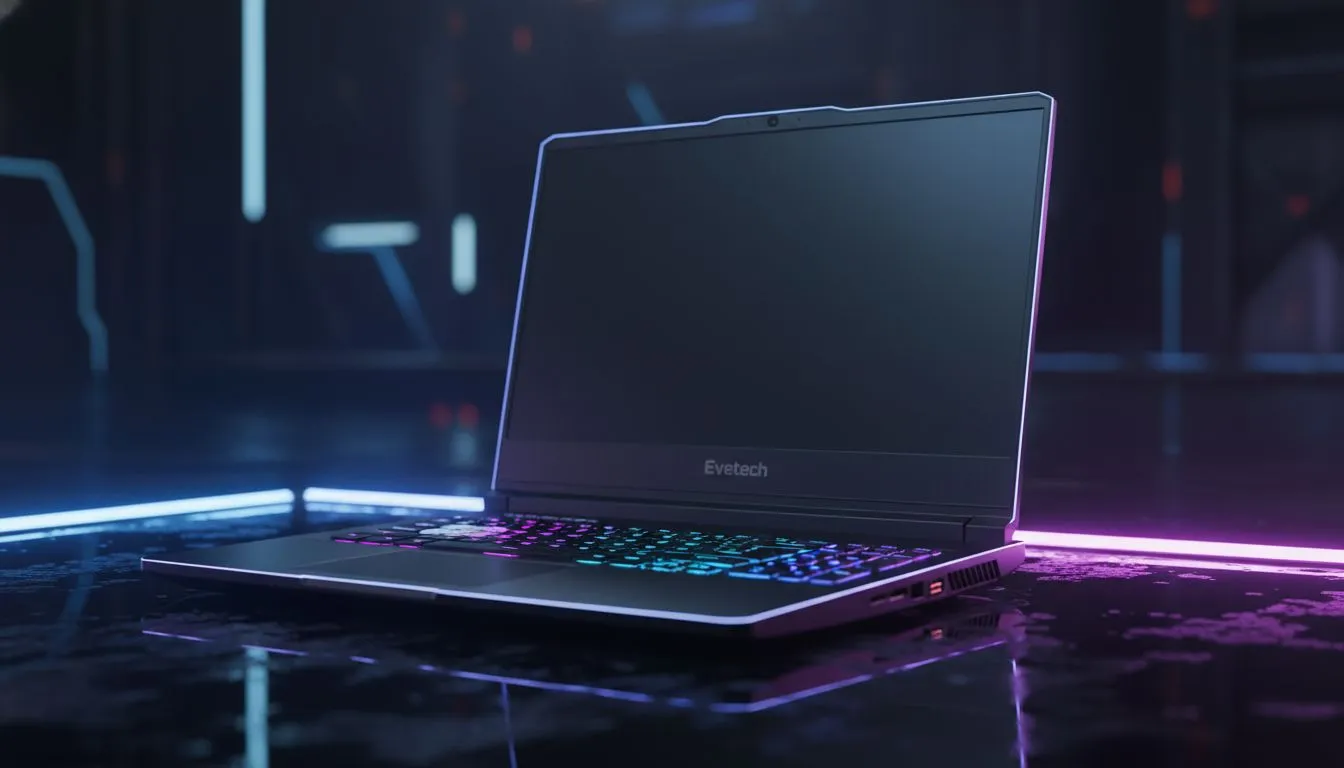
Finding the Best Laptop for Rainbow Six Siege
In the high-stakes world of Rainbow Six Siege, a single frame can be the difference between a clutch headshot and a frustrating defeat. Whether you are holding a tight angle on Bank or roaming with Caveira, your hardware must keep up. Finding the best laptop for Rainbow Six Siege in South Africa means balancing raw power with value. Let's find your next tactical upgrade. ⚡
Essential Specs for Tactical Dominance
Siege is a unique beast. It relies heavily on your processor to handle complex destruction physics. While many modern machines can run the game, achieving a stable 144Hz or 240Hz refresh rate requires specific hardware. If you prefer the blue team, browsing the latest Intel laptops on special is a great starting point for high clock speeds.
For those who value multi-threaded efficiency and battery life, checking out current Ryzen laptop deals is a smart move. Both platforms offer incredible performance for Ubisoft’s tactical shooter... ensuring your frame times remain consistent when the breach charges go off.
Balancing Performance and Your Budget
You do not need to spend a fortune to climb the ranks. Many South African gamers look for the sweet spot where performance meets affordability. We have curated a list of the best gaming laptop deals to help you find a machine that handles the AnvilNext engine with ease.
If you are working with a stricter budget, do not worry. You can still find capable gaming laptops under R20k that will comfortably run Siege at 1080p with competitive settings. Look for models with at least 16GB of RAM to ensure smooth multitasking while Discord is running in the background. 🔧
Siege Performance Tip ⚡
To lower input lag and gain a competitive edge, enable NVIDIA Reflex in the game settings. This reduces system latency... making your shots feel more responsive during those intense overtime rounds on Clubhouse.
Why Visual Clarity Matters in Siege
Spotting a pixel-peek or a hidden Valkyrie cam requires excellent visual clarity. This is where modern graphics cards shine. By investing in RTX gaming laptops on special, you gain access to DLSS technology. This feature can significantly boost your frame rates without sacrificing the sharpness you need to identify enemies through bullet holes. 🚀
High refresh rate screens are no longer a luxury... they are a necessity for competitive play. Aim for a display with at least a 144Hz refresh rate to make tracking moving targets feel fluid and natural.
Ready to Find Your Perfect Match? The tactical depth of Siege requires a machine that won't stutter when the walls start blowing up. Explore our massive range of laptop specials and find the perfect machine to conquer your world.











