


Dedicated Media Keys for Streamers: Improve Workflow Fast
Dedicated media keys give streamers one-touch control to mute, switch scenes, clip highlights, and adjust audio — cutting task time and boosting consistency 🎛️⚡
Read moreBest laptop for Rocket League: Cut through specs and pick the ideal 2026 gaming laptop for smooth 144Hz play, low latency, and competitive performance ⚡🎮
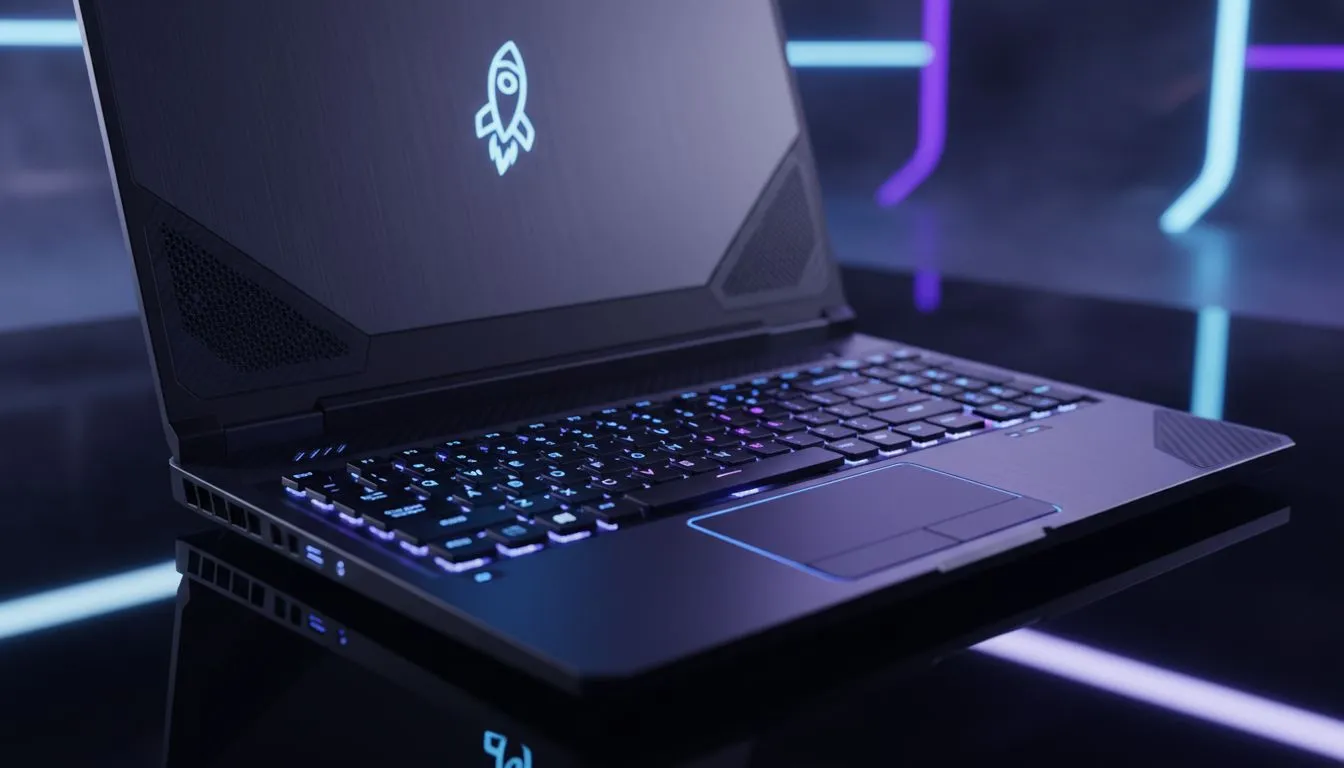
Speed is everything in Rocket League. When you are lining up that perfect aerial on South African servers, every frame counts. If your screen stutters during a crucial 50/50, you are toast. Finding the best laptop for Rocket League: 2026 buying guide means balancing high refresh rates with portable power. You need a machine that keeps up with the physics... and your reflexes. 🚀
To maintain a competitive edge, you need a processor that handles the fast-paced calculations of Psyonix's physics engine. Many top-tier players prefer the reliability of Intel laptop specials because they offer high clock speeds. These speeds are vital for preventing micro-stutters during intense overtime matches.
Graphics are equally important. While Rocket League is well-optimised, 2026 standards demand more from your hardware. Choosing from the latest RTX gaming laptops on special ensures you can run the game at maximum settings while maintaining a stable 240Hz output. This visual clarity helps you read the ball's bounce with much higher precision. ✨
To minimize input delay in Rocket League, always play with your laptop plugged into a power source. Set your Windows power plan to 'Best Performance' and disable V-Sync in the game settings to ensure your controller inputs feel instantaneous during those high-stakes aerials.
In South Africa, we often deal with varying ping. You do not want your hardware adding to that latency. A laptop with a high-quality cooling system prevents thermal throttling... which is the silent killer of many winning streaks. If you prefer team Red, checking out the latest Ryzen laptop deals can provide incredible multi-threaded performance for players who like to stream their matches on Discord.
You do not need to spend a fortune to reach Grand Champion. There are plenty of gaming laptops under R20k that easily exceed the 144FPS mark. This is the "sweet spot" for most competitive gamers in SA. It provides a smooth experience without draining your savings. 🔧
To ensure you are getting the most value for your Rands, always look for current promotions. Exploring the best gaming laptop deals allows you to snag a higher-spec machine than you initially planned. A better screen or more RAM can make a massive difference in how the game feels during long sessions.
Ready to Dominate the Pitch? The climb to Grand Champion is tough, but the right hardware makes it easier. Explore our massive range of laptop specials and find the perfect machine to conquer your world.
Aim for a mid-range GPU (GTX/RTX or equivalent), a recent quad-core CPU, 16GB RAM, and SSD storage—see rocket league laptop requirements 2026 for details.
Yes for casual play 1080p 60Hz works, but a 144Hz laptop dramatically improves responsiveness for competitive or ranked matches.
Choose a GTX 1650 or better, ideally an RTX 30/40-series or equivalent for stable 144+ FPS. Check best gpu for Rocket League laptop options.
16GB RAM is the sweet spot for Rocket League and background apps. It matches the best laptop specs for Rocket League without overspending.
Some thin laptops can handle Rocket League if they feature a discrete GPU and good cooling—see portable gaming laptop Rocket League picks.
Yes, a high refresh rate laptop Rocket League setup (120Hz–240Hz) reduces input lag and gives a smoother experience for fast play.
Look for an affordable Rocket League laptop with GTX-class GPU, 16GB RAM, SSD, and a 120–144Hz panel to balance cost and performance.
Dedicated media keys give streamers one-touch control to mute, switch scenes, clip highlights, and adjust audio — cutting task time and boosting consistency 🎛️⚡
Read more
PBT vs ABS keycaps: Clear, local guide for South African gamers—compare feel, sound, durability and where to buy. Find the best material for your budget and playstyle 🎮🇿🇦
Read more
- Multi-Function Digital Dial: define benefits - Show gamer setups and macros - Offer buying and setup tips Multi-Function Digital Dial puts programmable control at your fingertips for faster actions and smoother streaming. 🎮⚙️
Read more
- Explain benefits; - Show the science; - Compare options; - Recommend picks. Magnetic wrist rest for gaming cuts wrist strain and boosts comfort during long sessions 🕹️✨
Read more
best gaming keyboard South Africa: Learn how to pick a low-latency mechanical keyboard, choose switches, layout and budget for competitive play 🎮⚡
Read more
Best wireless keyboard and mouse combo for small desks — curated, space-saving picks that boost comfort and productivity in tight setups. Find low-profile layouts, compact mice, and reliable range to fit your compact workstation. 🖱️⌨️
Read more
Discover webcams that automatically adjust light and color for crystal-clear video calls 🎥✨. Boost your streaming quality today!

Discover webcams that blend into your workflow 🎯 Capture moments while you work, stream, or create. Upgrade your setup with smart, multitasking tech!
Dedicated media keys give streamers one-touch control to mute, switch scenes, clip highlights, and adjust audio — cutting task time and boosting consistency 🎛️⚡
PBT vs ABS keycaps: Clear, local guide for South African gamers—compare feel, sound, durability and where to buy. Find the best material for your budget and playstyle 🎮🇿🇦
- Multi-Function Digital Dial: define benefits - Show gamer setups and macros - Offer buying and setup tips Multi-Function Digital Dial puts programmable control at your fingertips for faster actions and smoother streaming. 🎮⚙️
- Explain benefits; - Show the science; - Compare options; - Recommend picks. Magnetic wrist rest for gaming cuts wrist strain and boosts comfort during long sessions 🕹️✨