

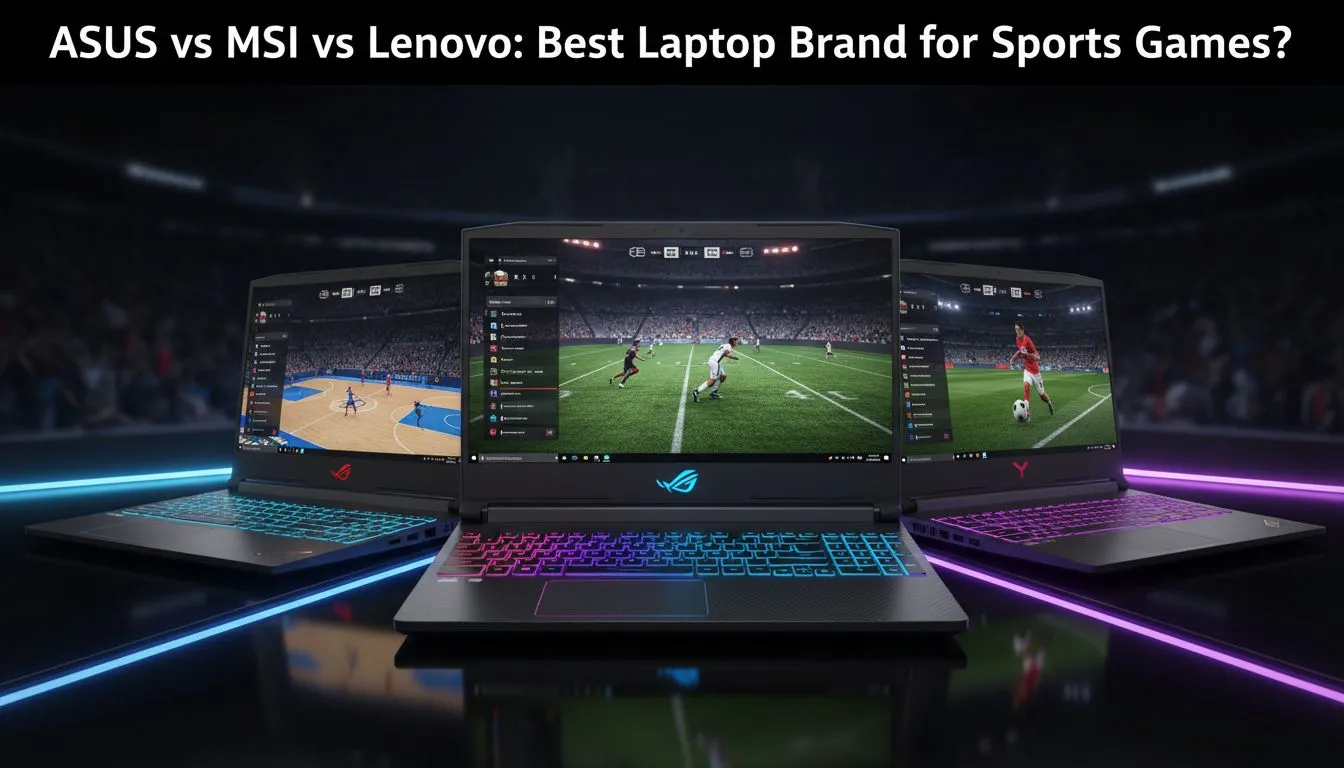
Whether you are lining up a match-winning conversion in Rugby 24 or hitting a clinical volley in EA SPORTS FC, your hardware matters. Nobody wants stuttering frames when the trophy is on the line. Finding the best laptop for sports games involves balancing high refresh rates with raw processing power. In the battle of ASUS vs MSI vs Lenovo, which brand secures the win for South African gamers? Let’s find out. ⚽
The Hardware Playbook for Sports Titles
Sports simulations are unique. They require high frame rates to ensure smooth player movement. If your screen refresh rate is too low... you might miss the timing on a perfect swing in PGA Tour. Many Intel laptops on special provide the high single-core clock speeds these games love. These processors ensure that physics calculations for the ball remain precise.
Processing power is only half the battle. You also need a reliable GPU to handle the stadiums and crowds. If you prefer the efficiency of AMD... there are excellent Ryzen laptop deals that deliver great performance for the price.
ASUS vs MSI vs Lenovo: Choosing Your Squad
ASUS is often the first choice for those who value display quality. Their ROG and TUF ranges feature screens with vibrant colour and minimal ghosting. This is vital when the camera pans quickly across a football pitch. 🔧
MSI takes a different approach by prioritising thermal management. Sports games can be surprisingly taxing during long sessions. The Geforce RTX gaming laptops on special from MSI ensure that your frame rates stay stable even when the action heats up. You won't have to worry about thermal throttling in the final minutes of a match.
Smooth Gameplay Tip ⚡
To get the most out of your sports games, always enable 'Game Mode' in Windows 11. This prioritises your CPU and GPU resources for the game. Also... make sure your screen refresh rate is set to its maximum in the display settings to avoid ghosting during fast sprints.
Finding Value in the South African Market
Lenovo has become a fan favourite in South Africa with their Legion and LOQ series. They offer some of the best gaming laptop deals available today. Their keyboards are often cited as the best in the business... which is great for those who play with keys rather than a controller. ⚡
You do not need to break the bank to get onto the field. Many local gamers choose to buy gaming laptops under R20k to get started. These machines can easily handle modern sports titles at 1080p with high settings. 🚀
Ready to Find Your Perfect Match? Whether you choose the flair of ASUS, the power of MSI, or the value of Lenovo, the right gear is waiting for you. Explore our massive range of laptop specials and find the perfect machine to dominate the pitch today.








