

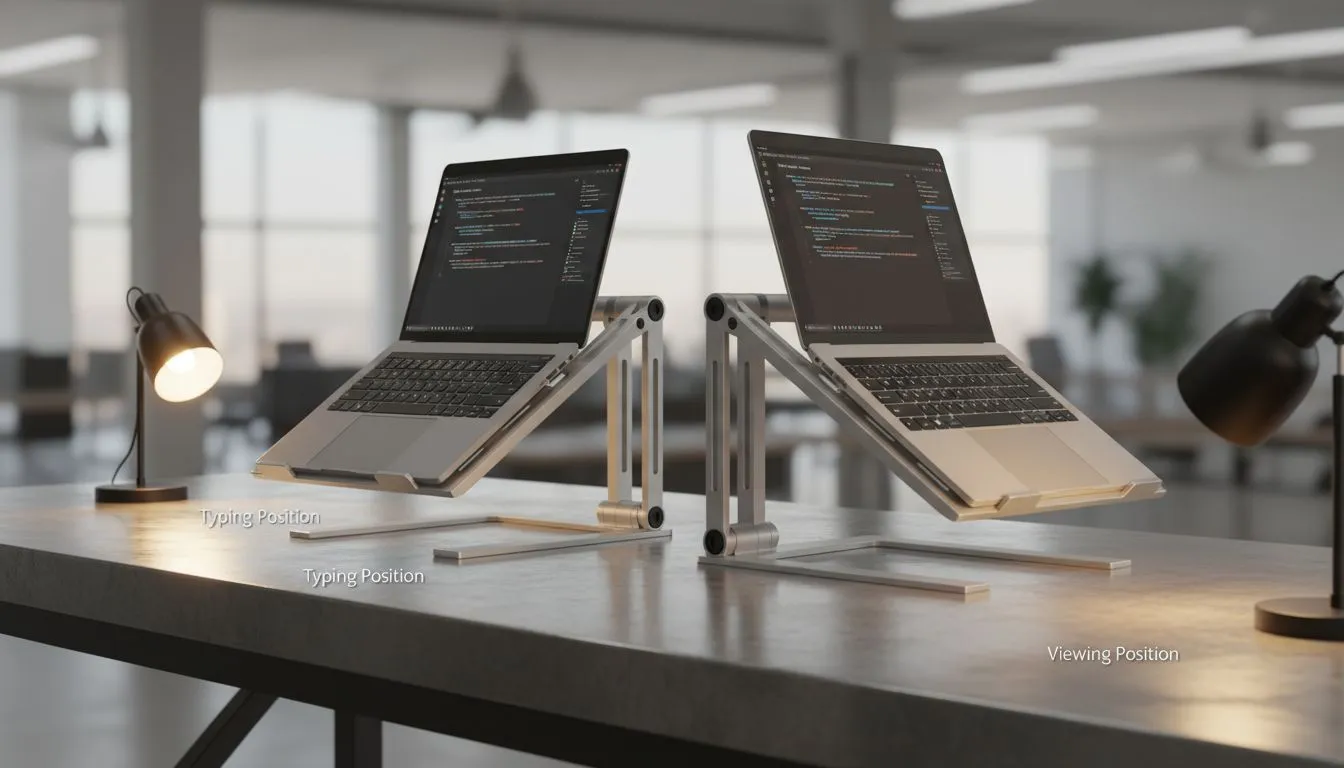
Tired of that nagging neck pain after a long session of Warzone or a marathon spreadsheet session? You aren't alone. Finding the best laptop stand angle for typing and viewing is the difference between peak productivity and a trip to the physio. In South Africa... we spend hours at our desks... so getting your ergonomics right is vital for your long-term health. 🔧
Finding the Ideal Angle for Your Wrists and Eyes
Most experts suggest that the best laptop stand angle for typing and viewing falls between 15 and 30 degrees. If you are using the laptop keyboard itself... a shallower angle of about 15 degrees is usually best. This prevents your wrists from bending too far upwards... which can lead to strain over time.
If you find your machine is running a bit hot during these adjustments... you might want to buy laptop cooling pads that offer adjustable height increments. These devices do double duty by protecting your hardware and your posture.
Why Typing Angles Matter More Than You Think
When you tilt your laptop... you change the way your tendons move. A steep angle might look cool... but it forces your hands into an unnatural position. For those who prioritse sleek aesthetics and build quality... the Orico laptop stands provide excellent stability at those lower... wrist-friendly angles.
Ideally... your elbows should stay at a 90-degree angle. If the stand is too high... your shoulders will hunch. If it is too low... you will lean forward... putting pressure on your lower back. It is all about finding that "Goldilocks" zone where your hands float naturally over the keys.
Ergonomic Pro Tip ⚡
To find your perfect height... sit up straight and extend your arms. Your middle fingers should just touch the screen. If you have to look down... your stand is too low. Aim to have the top third of your screen at eye level to reduce cervical spine pressure.
Elevation and External Peripherals
If you want the absolute best laptop stand angle for viewing... you should actually aim higher... around 30 to 45 degrees. However... this is only recommended if you use an external keyboard and mouse. Elevating the screen to eye level stops "tech neck" instantly.
For users who need versatile setups... Promate cooling stands often feature multiple levels of adjustment. This allows you to switch between a low typing angle for quick emails and a high viewing angle for immersive gaming sessions. 🚀
Investing in Stability
A wobbly stand is a recipe for disaster... especially if you have invested thousands of ZAR in a high-end gaming rig. If you are looking for heavy-duty options that won't budge... consider premium laptop stands and coolers designed for larger 17-inch laptops. These sturdier models ensure that your preferred angle remains locked in... even during intense clutch moments. ✨
Remember... your setup should adapt to you... not the other way around. By choosing the right angle... you can keep your focus on the screen and off your aching joints. ⚡
Ready to Find Your Perfect Match? Finding the right ergonomic balance is essential for any South African gamer or pro. Explore our massive range of laptop cooling pads and stands and find the perfect accessory to level up your comfort today.











