

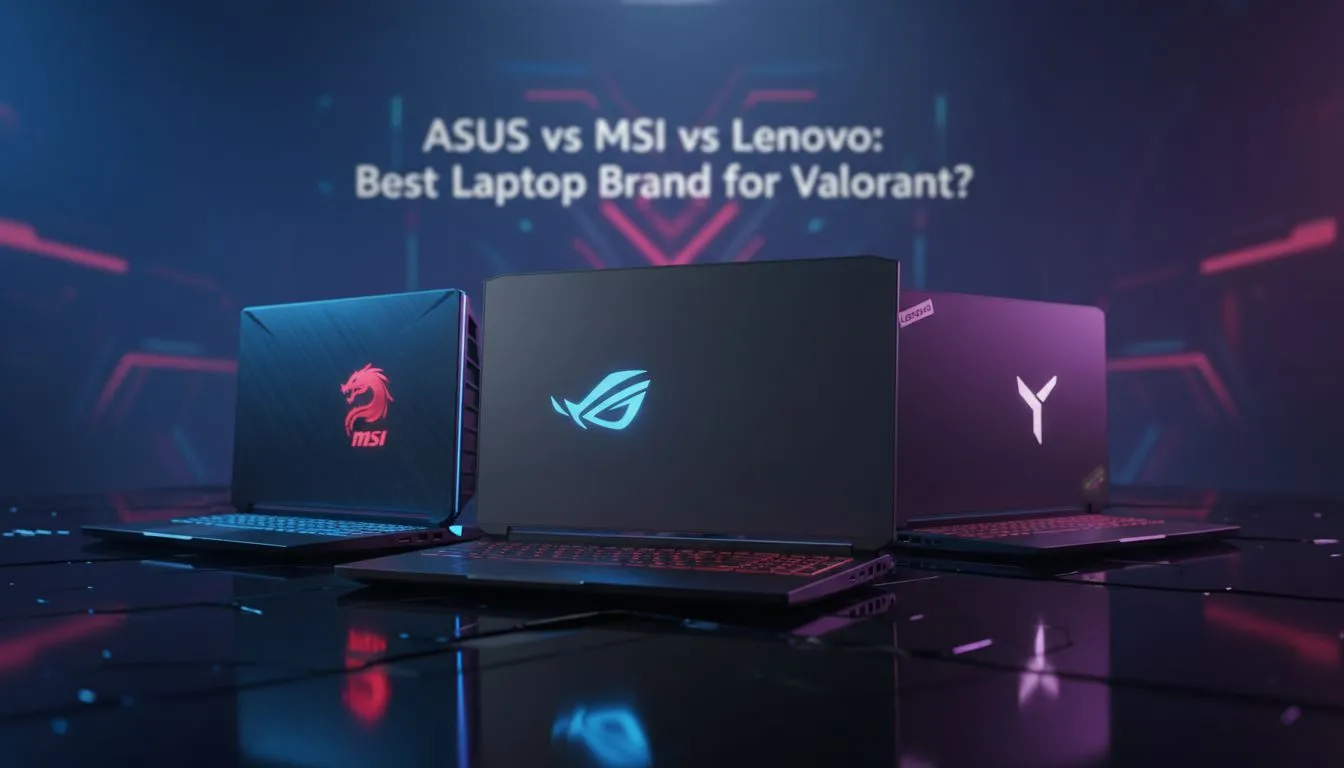
Finding the Best Laptop for Valorant in South Africa
Climbing the ranks in Valorant requires more than just decent aim. In South Africa, where every millisecond counts, your hardware can be the difference between a clutch Ace and a frustrating defeat. Choosing the best laptop for Valorant means balancing CPU speed with a high-refresh display to ensure those headshots actually land. Let's look at how the big three... ASUS, MSI, and Lenovo... stack up for Riot’s tactical shooter. ⚡
ASUS: The High-Refresh Aesthetic King
ASUS has long been a favourite in the local scene, particularly with their TUF and ROG lineups. Valorant is a CPU-bound game, meaning the processor often matters more than the graphics card for hitting those 240+ FPS targets. ASUS machines often feature aggressive cooling and some of the best panels in the business. If you are looking for a machine that handles the chaos of a Phoenix ultimate without breaking a sweat, checking out the latest Intel-powered laptop specials is a great place to start. Their Armoury Crate software also allows you to squeeze every bit of performance out of the hardware during competitive matches.
MSI: Raw Power and Thermal Discipline
MSI takes a "performance first" approach. For the South African gamer who doesn't mind a slightly louder fan if it means more frames, MSI is a top contender. Their Katana and Pulse series provide incredible value for money, often featuring high-TGP (Total Graphics Power) cards. When looking for the best laptop for Valorant, you want a GPU that won't throttle during a long gaming session in the Durban heat. Many of these GeForce RTX gaming laptops come equipped with Cooler Boost technology, ensuring your frame rates stay stable even when the site execute gets messy with smokes and flashes.
Lenovo: The Tactical Stealth Choice
Lenovo has disrupted the market with the Legion and LOQ series. They offer a more "stealth" aesthetic that fits just as well in a lecture hall as it does in a competitive lobby. What makes Lenovo a strong candidate for the best laptop for Valorant is their consistent keyboard feel... the Legion TrueStrike keyboard is widely considered one of the best for tactile feedback. If you prefer the efficiency of Team Red, there are excellent Ryzen laptop deals that offer incredible multi-threaded performance, which is perfect if you like to stream your gameplay to Discord while you play.
Valorant FPS Tip ⚡
To ensure the lowest possible input latency, always play with your laptop plugged into a power source. Set your Windows Power Plan to 'High Performance' and ensure your display is set to its maximum refresh rate in the Windows Advanced Display settings. This keeps your frame times consistent during intense 5v5 executes.
Budget vs Performance: The Rands and Cents
We know that not everyone has a pro-team budget. Fortunately, Valorant is well-optimised, meaning you don't need a R50,000 rig to compete. You can find highly capable gaming laptops under R20k that will easily push over 144 FPS on competitive settings. It is often better to opt for a slightly older mid-range chip than a brand-new entry-level one if the price is right. Keep an eye on the best gaming laptop deals to find a machine that offers the best "bang for buck" for your specific rank grind. 🚀
Ready to Find Your Perfect Match? The ASUS vs MSI vs Lenovo debate is complex, but for maximum power, choice, and value in South Africa, Evetech has you covered. Explore our massive range of laptop specials and find the perfect machine to conquer the competitive ladder.











