


Call of Duty Warzone 2 Settings on RX 7600: Best Performance
Call of Duty Warzone 2 Settings on RX 7600. Real-world benchmark data, FPS numbers & performance analysis. What SA gamers can actually expect.
Read moreBest Laptops for Ray Tracing 1440p - Compare GPUs, FPS, thermals - Balance performance, battery, price - Recommend top picks for Hogwarts Legacy 🎮✨ Buy-ready 1440p ray tracing guide with tested FPS, specs, and clear buying advice.
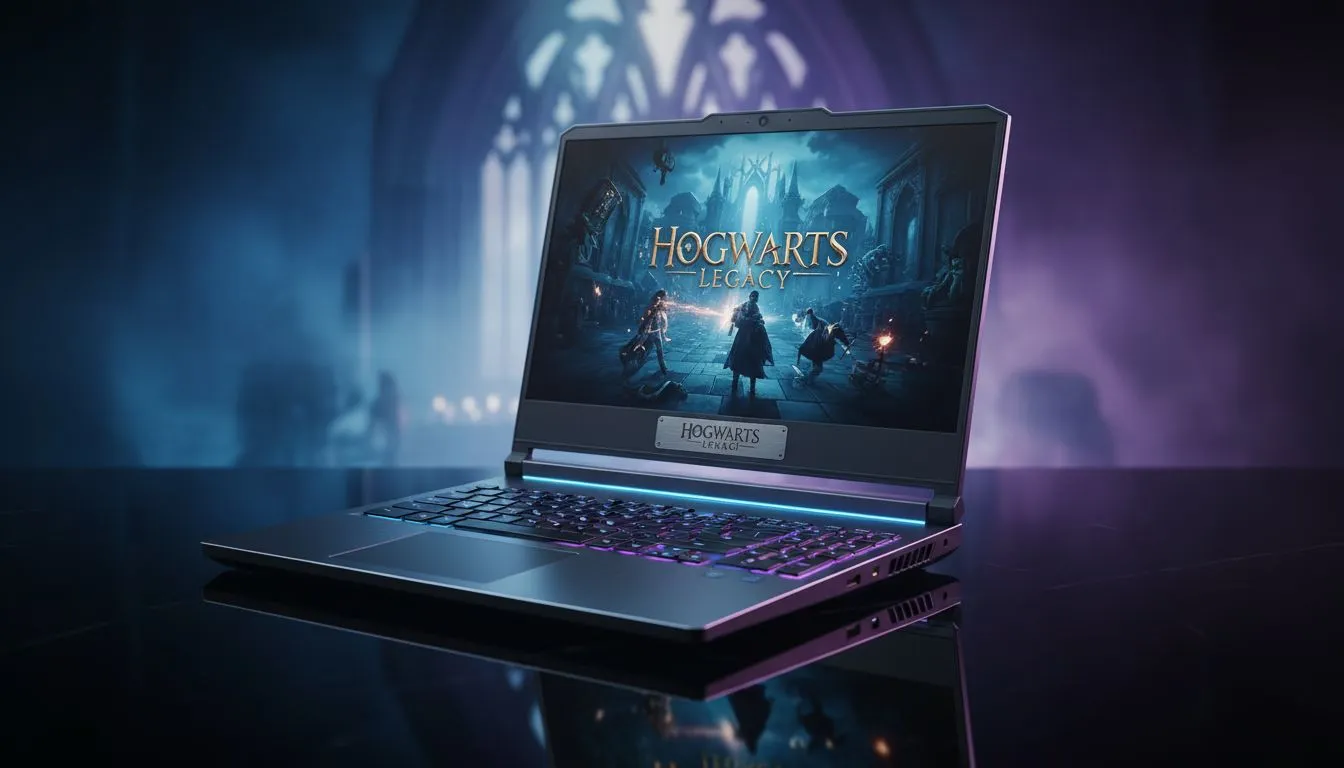
South African gamers craving the immersive magic of Hogwarts Legacy know that ray tracing at 1440p delivers stunning visuals and smooth gameplay. But picking the right laptop to handle this demanding feature isn’t straightforward. You want powerful GPUs, speedy processors, and solid cooling—all under your budget. Let’s explore the best laptops that balance performance, price, and portability for flawless Hogwarts Legacy spellcasting. 🔧
Ray tracing mimics real-world light behaviour, making spell effects and environments glow with lifelike depth. At 1440p resolution, this visual fidelity demands serious graphics power. GeForce RTX GPUs and AMD’s latest Ryzen processors are the champions here. Without them, expect choppy framerates or turned-down settings.
For Intel aficionados, check out the latest Intel laptops on special that equip you with powerful RTX graphics optimised for gaming titles like Hogwarts Legacy.
Nvidia’s RTX 3060 or higher is highly recommended for ray tracing at 1440p. These GPUs handle shadows, reflections, and particle effects smoothly. On the CPU side, a Ryzen 7 7000 series or an Intel Core i7 will keep frame rates stable.
If you prefer AMD’s ecosystem, discover top deals on Ryzen laptops that deliver excellent multi-threaded performance for gaming and streaming sessions alike.
Is it realistic to game with ray tracing on a laptop under R20,000? While entry-level models lack dedicated ray tracing support, you can find budget machines with decent GPUs for 1080p gameplay. For true 1440p ray tracing, raising your budget is key.
To explore options that won’t break the bank, browse Evetech’s selection of gaming laptops under R20k. These won’t max ray tracing but serve as solid stepping stones into serious gaming.
Beyond GPU and CPU, pay attention to the display panel. IPS screens with high refresh rates (144Hz or more) make magic come alive with fluid animations. NVMe SSDs cut down load times drastically, vital for jumping between spells and quests. Cooling systems are also key—look for designs with dual fans or advanced heat pipes.
Explore the latest GeForce RTX gaming laptops on special for machines packed with these features, helping you push Hogwarts Legacy visuals to the next level. ⚡
Keeping your laptop on a hard surface and cleaning air vents regularly improves airflow. Lower your fan curve by 5% for quieter, cooler performance without sacrificing frame rates.
If you want a ready-to-go rig without spending hours hunting specs, Evetech’s curated list of best gaming laptop deals has options tailored for gamers focused on ray tracing and 1440p resolutions. These machines strike the ideal balance between price, power, and portability.
Investing wisely here means spells cast smoothly, detailed shadows, and immersive environments—all crucial for a 2025 Hogwarts Legacy playthrough that looks as enchanting as it feels. 🚀
Ready to Upgrade Your Gaming Experience? Dive into stunning ray tracing at 1440p with powerhouse laptops from Evetech. Shop now at Evetech for performance that leaves lag in the dust.
Yes — modern RTX 40-series or equivalent mobile GPUs can run Hogwarts Legacy at 1440p with ray tracing when paired with DLSS and good cooling.
Top mobile GPUs: NVIDIA RTX 4080/4090 or RTX 50-series equivalents deliver the best fps and ray tracing performance at 1440p.
Aim for RTX 40/50 mobile GPU, 16GB+ RAM, PCIe 4 SSD, 120Hz+ 1440p display and strong cooling to sustain ray tracing performance.
Budget 1440p ray tracing laptops exist but expect compromises; look for RTX 4070 mobile or mid-tier 1440p ray tracing models for value.
Yes — DLSS and other upscalers boost fps at 1440p, making ray tracing playable while preserving visual fidelity.
Enable DLSS, use medium ray tracing, lower shadow/reflection detail, and monitor thermals to keep steady fps at 1440p.
Value picks pair RTX 4070/4080 mobile with solid cooling and pricing; check best value ray tracing laptops 1440p guides for tested models.
Call of Duty Warzone 2 Settings on RX 7600. Real-world benchmark data, FPS numbers & performance analysis. What SA gamers can actually expect.
Read more
GTA 6 Settings on RTX 5070 Ti: Performance. Real-world benchmark data, FPS numbers & performance analysis. What SA gamers can actually expect.
Read more
Top GPU Setup for Accounting Students picks evaluated on performance, value & SA availability with current Rand pricing from Evetech.
Read more
When Will the RTX 6090 Launch in South Africa Detailed answer with SA data, expert analysis & practical recommendations for local buyers.

Top Valorant Settings for RTX 5070: FPS Optimisation picks evaluated on performance, value & SA availability with current Rand pricing from Evetech.

RDNA 3.5 Graphics in Ryzen AI 400? Can You Game. Plain-English explanation of what it means, why it matters & how it affects your buying decisions in SA.

GPU Price Index : December Report. Current stock data & price tracking for SA buyers. See what is available and where prices are heading.

Core i5-14600K + B760 + RTX 5060 Build Under. Full parts list, Rand pricing & expected performance. Build confidently with SA-available components.

RX 7600 Apex Legends at 4K: FPS Benchmark. Real-world benchmark data, FPS numbers & performance analysis. What SA gamers can actually expect.

RX 7900 XTX GTA 6 at 4K: FPS Benchmark & Optimal. Real-world benchmark data, FPS numbers & performance analysis. What SA gamers can actually expect.

Head-to-head comparison of RTX 5070 vs RX 9070 XT: Gaming Performance for SA gamers. Performance benchmarks, Rand pricing & which delivers better value.

GPU Setup Guide Gamers. Clear setup instructions with SA-specific considerations, troubleshooting tips & recommended components.

Top RTX 5090 Under R12000 picks evaluated on performance, value & SA availability with current Rand pricing from Evetech.
Call of Duty Warzone 2 Settings on RX 7600. Real-world benchmark data, FPS numbers & performance analysis. What SA gamers can actually expect.
GTA 6 Settings on RTX 5070 Ti: Performance. Real-world benchmark data, FPS numbers & performance analysis. What SA gamers can actually expect.