

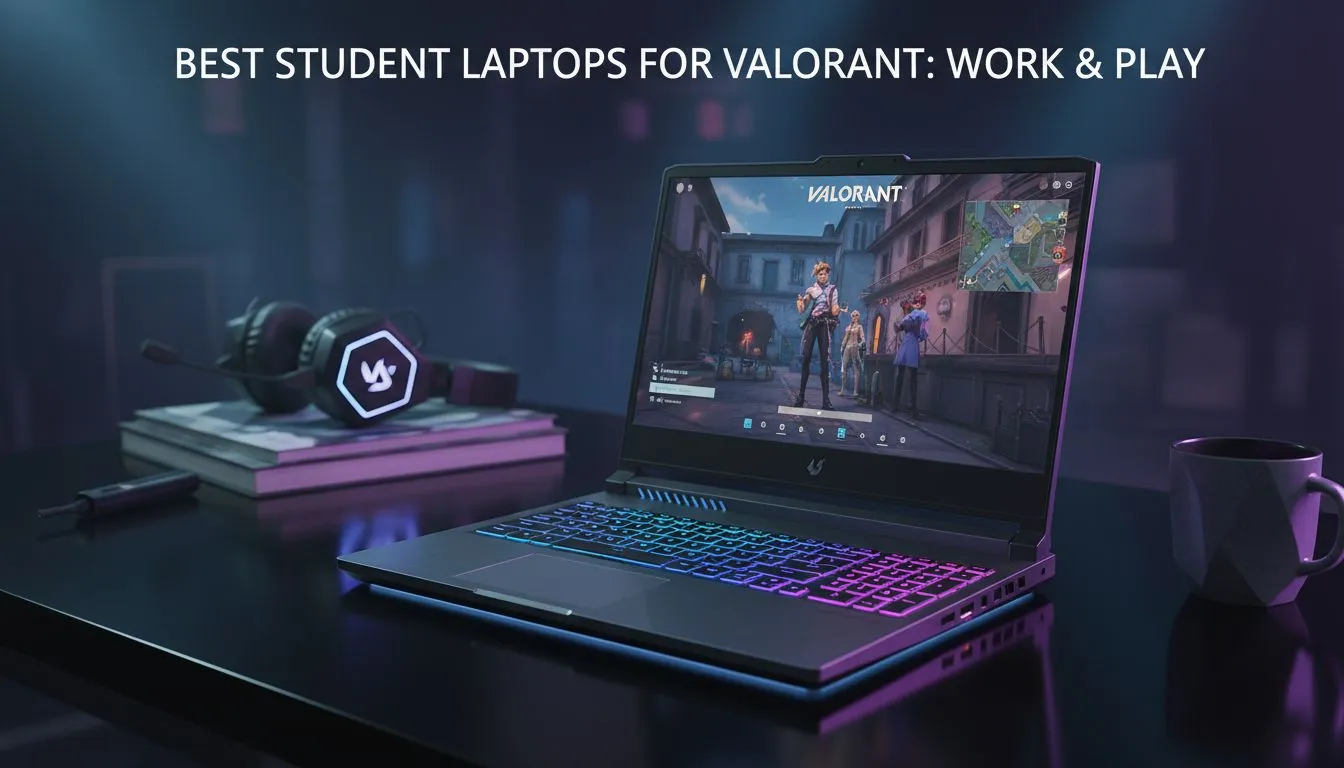
Why Valorant Performance Matters for Students
Balancing university assignments with a competitive Valorant grind isn't easy in South Africa. You need a machine that handles heavy spreadsheets by day and Jett dashes by night. Finding the best laptops for Valorant means looking for that perfect mix of high refresh rates and reliability. Whether you are on campus or dodging loadshedding at home, your gear should never be the reason you miss a headshot.
Valorant is uniquely optimised to run on modest hardware, but to climb the ranks, you need more than just the bare minimum. For South African students, the ideal laptop must be a multitasker. It needs to stay cool during a three-hour lecture and stay fast during a late-night session on Bind. If you're looking for consistent frame rates, our range of Intel laptops on special provides the high clock speeds Riot’s tactical shooter craves.
Choosing the Right Processor and RAM
Since Valorant is a CPU-bound game, your processor does the heavy lifting. While an i5 or Ryzen 5 is the baseline, stepping up to a newer chip ensures your background apps... like Discord or Chrome... don't cause stuttering. Many students find that Ryzen laptop deals offer incredible value for money, especially when you need extra cores for video editing or coding projects between matches.
Valorant FPS Pro Tip ⚡
To squeeze every bit of performance out of your laptop, ensure "Multithreaded Rendering" is enabled in the Valorant video settings. This allows the game to better utilise modern multi-core processors, significantly boosting your average frame rate during chaotic utility-heavy executes.
High Refresh Rates on a Budget
You don't need to spend fifty thousand Rand to get a competitive edge. The sweet spot for most South African students is finding gaming laptops under R20k that still feature a 144Hz display. Why does this matter? A higher refresh rate makes enemy movement look fluid... allowing you to track targets with much better precision ✨.
Graphics Cards and Future-Proofing
While Valorant doesn't require a monster GPU, having a dedicated card is essential for other modern titles and creative work. Investing in GeForce RTX gaming laptops on special gives you access to features like NVIDIA Reflex, which reduces system latency. This ensures your mouse clicks translate to on-screen actions as fast as possible 🔧.
Finding Your Ideal Student Setup
Ultimately, the best laptops for Valorant are the ones that fit your lifestyle and your wallet. If you are hunting for a bargain that doesn't compromise on build quality or cooling, checking out the best gaming laptop deals is the smartest way to start your semester. Look for models with decent thermal management to ensure your performance doesn't throttle during those intense overtime rounds 🚀.
Ready to Find Your Perfect Match? The search for the ultimate student rig is over. Whether you need raw power for rendering or high frames for the server, we have the hardware to get you there. Explore our massive range of laptop specials and find the perfect machine to conquer your world.











