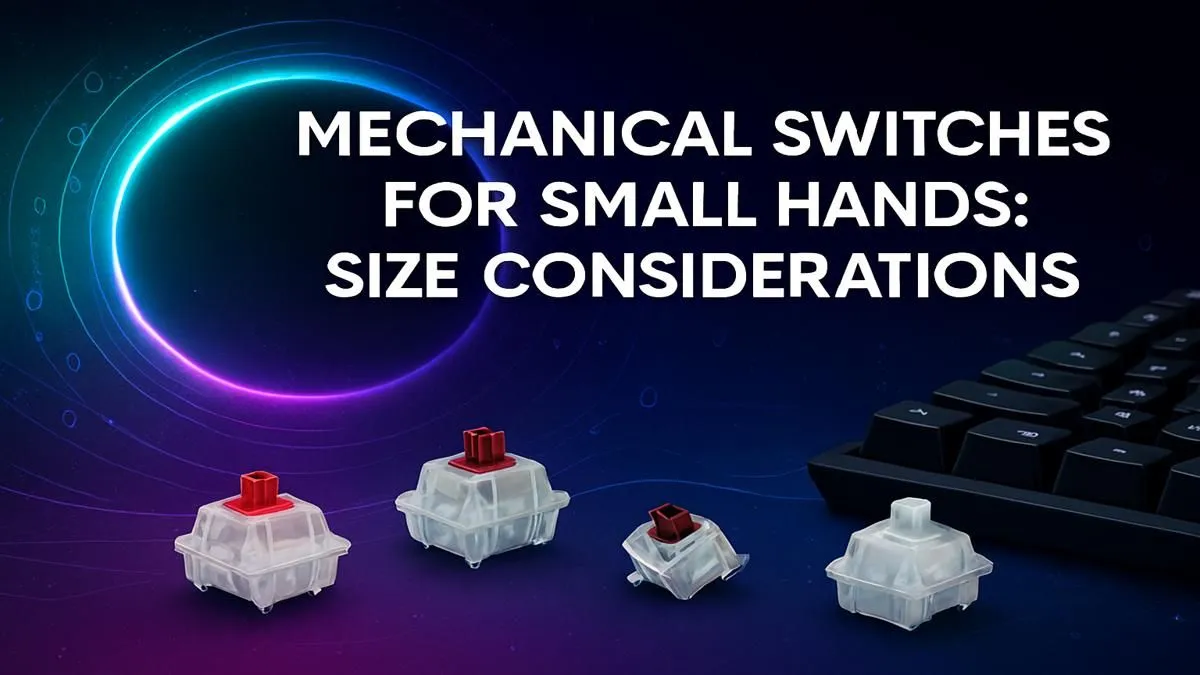
Struggling with hand fatigue during those intense gaming sessions? If you have smaller hands, that standard-issue mechanical keyboard might be working against you. The constant stretching for keys and heavy-handed switches can lead to discomfort, misclicks, and slower reaction times. But don't worry, the solution isn't about getting bigger hands... it's about finding smarter switches. This guide will help you find the best mechanical switches for small hands, boosting your comfort and performance. ⌨️
Why Standard Switches Can Be a Pain
Most off-the-shelf keyboards, especially those found in basic keyboard and mouse combos, are designed for the "average" user. This often means they come with switches that require a fair bit of force to press down. For someone with smaller or less powerful hands, this adds up.
Over a marathon session of Apex Legends or a long day of typing, that extra effort on every single keystroke causes cumulative strain. This can lead to finger fatigue, wrist pain, and even a decrease in your APM (actions per minute). The ideal setup should feel like an extension of your hands, not a workout routine.
Key Factors in Ergonomic Switches for Small Hands
When searching for the best mechanical switches for small hands, three technical specs matter more than anything else: actuation force, actuation point, and switch type. Let's break them down.
Actuation Force
This is the amount of pressure, measured in grams (g) or centiNewtons (cN), needed to register a keystroke. Heavier switches like Cherry MX Blacks require around 60g of force. For smaller hands, you want to aim for switches in the 35g to 45g range. This lighter touch means less strain and faster, more nimble key presses.
Actuation Point
This is the distance the key needs to travel downwards before the press is registered. Standard switches typically actuate at 2mm. "Speed" switches, however, shorten this to around 1.0mm - 1.2mm. A shorter travel distance means your input is registered faster and with less physical effort, a significant benefit for anyone looking to reduce finger movement.
Switch Type: Linear vs. Tactile
- Linear Switches (e.g., Reds, Silvers): These offer a smooth, consistent press from top to bottom with no bump. They are fantastic for rapid, repeated keystrokes, making them a top choice for FPS and action games. Their lightness makes them one of the most ergonomic choices.
- Tactile Switches (e.g., Browns): These provide a small, noticeable "bump" on the way down to let you know the keypress has been registered. This feedback can help prevent "bottoming out" (pressing the key all the way down), which can reduce impact on your fingers. Opt for light tactile switches if you prefer that feedback.
Try Before You Buy 💡
Many modern gaming keyboards are 'hot-swappable'. This means you can easily pull out the switches and pop in new ones without any soldering. It's the perfect way to experiment with different switch types to find the one that feels just right for your hands and playstyle. Start with a small pack of switches to test!
Our Top Recommended Switches for Smaller Hands
Based on the criteria above, here are some of the best switch types to look out for. You can often find keyboards equipped with these in our latest gaming keyboard deals.
- Cherry MX Speed Silver: A legendary linear switch with a light 45g actuation force and a short 1.2mm actuation point. Built for pure speed and minimal effort. ✨
- Gateron Clear: One of the lightest switches on the market. These linear switches have an incredibly low actuation force of just 35g, feeling almost weightless under your fingers.
- Kailh Speed Silver: A strong competitor to the Cherry MX version, also offering a light linear feel and a very short travel distance for near-instantaneous inputs.
- Cherry MX Red: The classic, reliable light linear switch. With a 45g force and 2mm actuation, it's a massive step up in comfort from heavier tactile or clicky switches.
Beyond the Switch: More Ergonomic Keyboard Tips 💪
Choosing the right switch is the biggest step, but you can optimise your setup even further for maximum comfort.
Consider a smaller keyboard form factor, like a Tenkeyless (TKL) or 65% board. These remove the numpad, bringing your mouse closer to your keyboard's centreline and reducing shoulder strain. Many excellent and affordable gaming keyboards in South Africa come in these compact layouts.
If you're feeling adventurous, you could even build a custom keyboard. This allows you to hand-pick your favourite keyboard switches and pair them with low-profile custom keycaps that reduce finger travel even more. Finally, never underestimate the power of a supportive wrist rest to maintain a neutral wrist posture.
Ready to Find Your Perfect Feel?
Choosing the right switch is a personal journey, but for South African gamers with smaller hands, a lighter, faster switch is a proven path to comfort and victory. Explore our massive range of gaming keyboards and find the perfect tool to conquer your game.