

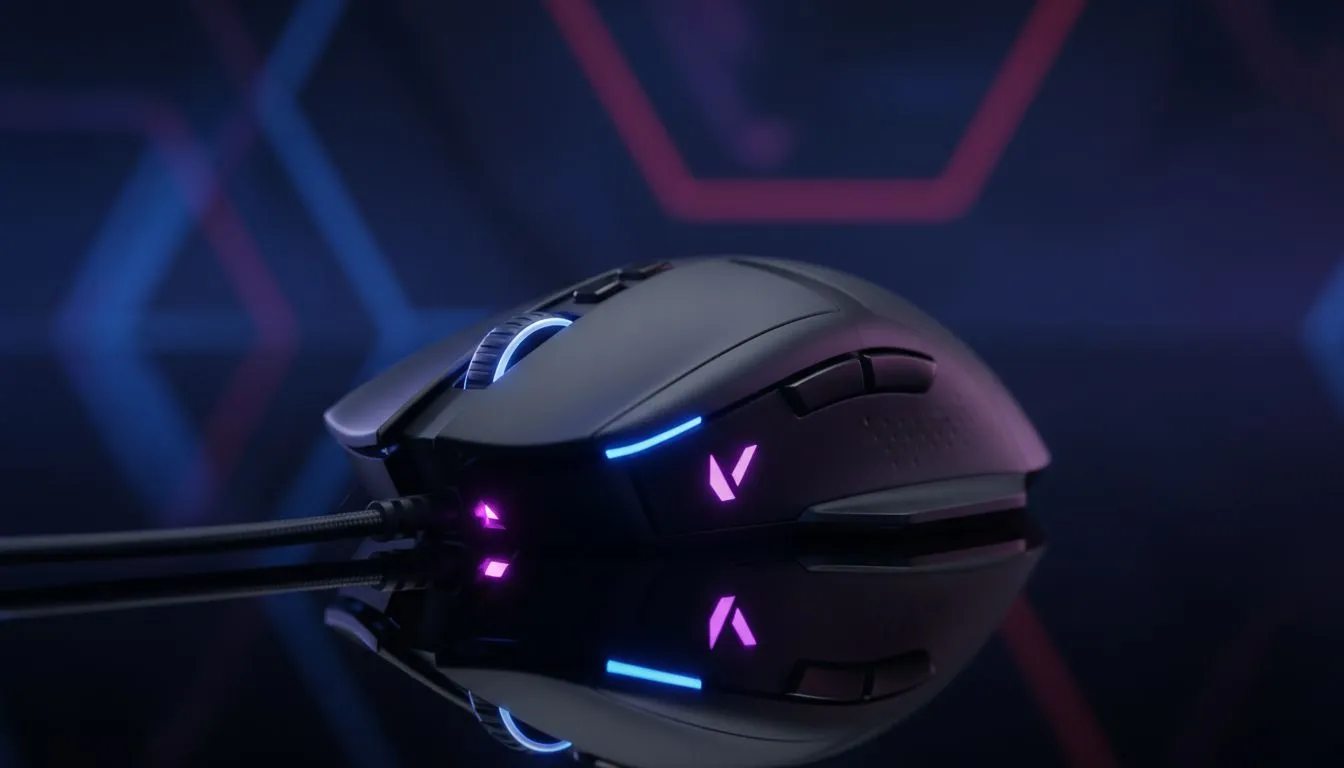
There’s nothing worse than holding an angle on Haven’s C-site, spotting the Jett dash in, and whiffing your shot because your sensor spun out. In tactical shooters like Valorant, your hardware is the extension of your reflex. If your gear lags, you lose. It’s that simple. Let’s dive into the best mice for Valorant to ensure your precision clicking and sensor accuracy are ready for Radiant lobbies. 🚀
Why Sensor Accuracy is King
In the world of tactical FPS, "good enough" doesn't cut it. You need flawless 1:1 tracking. When you flick your wrist across the pad, the crosshair needs to land exactly where your muscle memory intended.
Modern sensors like the PixArt PAW3395 have revolutionised the scene. They offer high DPI (dots per inch) ceilings, but more importantly, they handle rapid acceleration without skipping pixels. If you are still using an office mouse, upgrading to a dedicated high-performance gaming mouse is the single biggest upgrade you can make for your aim.
However, visual feedback is just as vital. A great sensor feels sluggish on a 60Hz screen. Pairing your mouse with high-refresh-rate PC monitors ensures that the movement you feel in your hand translates instantly to what you see, giving you that peekers' advantage.
Weight, Shape, and Grip Style
South African gamers often ask: "Is lighter always better?" Not necessarily. While the trend is moving toward sub-60g honeycomb shells, stability matters.
- Palm Grip: Usually favours ergonomic, slightly heavier mice for steady tracking.
- Claw/Fingertip Grip: Benefits from lightweight, symmetrical mice for micro-adjustments.
Your peripherals ecosystem plays a role here too. If you are trying to counter-strafe effectively, a mushy membrane board will fail you. You need the distinct actuation points of a mechanical gaming keyboard to sync your movement with your clicking.
Valorant Aim Pro Tip 🎯
Don't obsess over high DPI numbers. Most pros play between 400 and 800 DPI. Instead, focus on your eDPI (Effective DPI = Mouse DPI × In-Game Sensitivity). A lower eDPI usually allows for more consistent micro-adjustments and smoother tracking at long range.
The Audio-Visual Connection
Valorant isn't just about clicking heads; it's about information. You often hear the enemy before you see them. If you are clutching a 1v3, you need to hear exactly where the spike is being planted.
Invest in precision headsets with a solid soundstage. Spatial audio helps you pre-aim corners based on footstep audio cues, making your mouse work much easier.
Clear communication is equally critical for team synergy. While headset mics are okay, dedicated microphones ensure your callouts are crisp and authoritative... nobody listens to the teammate who sounds like they are underwater.
Optimising Your System for Low Latency
You want your PC to get out of the way so you can focus on the game. Stutters or long load times can tilt you before the pistol round even starts. Ensure your rig is running one of the fastest solid state drives to load assets instantly and keep frame times consistent.
While we love variety in gaming, keep the gaming controllers for titles like Rocket League or FIFA. For Valorant, mouse and keyboard is the only way to play competitively; the lack of aim assist on PC makes controllers a distinct disadvantage.
Sharing Your Highlights
Once you have dialed in your aim and started hitting those Operator flicks, you’ll want to show them off. Whether you are recording clips for TikTok or broadcasting live to Twitch, having the right streaming essentials—like capture cards and ring lights—turns a hobby into a production. ✨
Conclusion
Finding the "best" mouse is subjective, but the criteria for Valorant are objective: flawless sensors, low latency, and a shape that fits your hand. Don't let outdated gear be the reason you are stuck in Silver.
Level Up Your Aim Today Precision matters. Whether you need a lightweight wireless mouse for flick shots or a control pad for stability, we have the gear to boost your rank. Browse our full collection of gaming mice and start clicking heads with confidence.











