


Dedicated Media Keys for Streamers: Improve Workflow Fast
Dedicated media keys give streamers one-touch control to mute, switch scenes, clip highlights, and adjust audio — cutting task time and boosting consistency 🎛️⚡
Read more• Compare compact editors • Choose UPS-ready rigs • Test workflows. Best mini PC for 4K video editing: UPS-ready picks, GPU/CPU comparisons and buying tips to stay productive during South Africa loadshedding ⚡💻
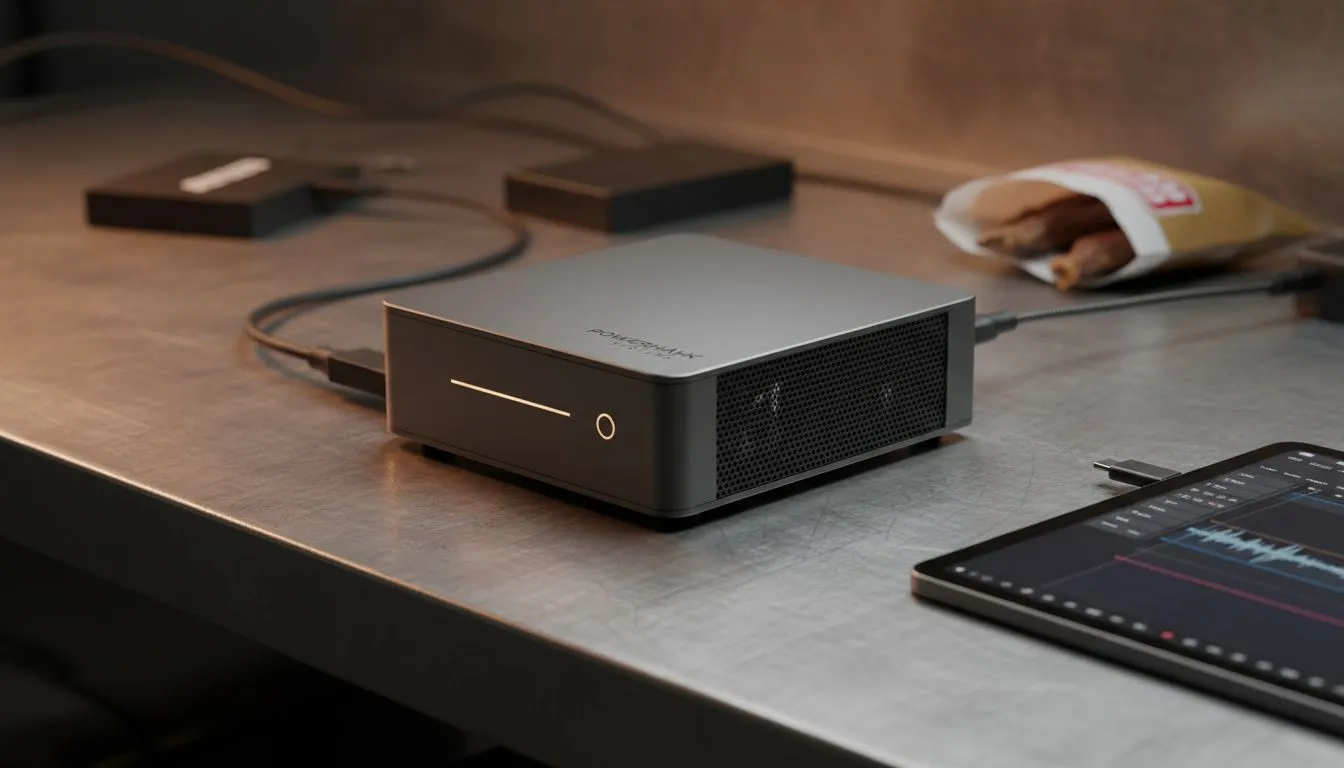
Loadshedding is the ultimate boss fight for South African creatives. There is nothing worse than a 4K render failing because the grid collapsed. If you are tired of bulky towers draining your inverter in minutes, it is time to pivot. Finding the best mini PC for 4K video editing during loadshedding is about balancing raw power with extreme energy efficiency. ⚡
Editing high-resolution footage requires serious multi-core performance and fast storage. Modern high-performance compact systems now rival traditional desktops without the massive power draw. This efficiency is vital when you are running on a backup battery or a small UPS. A smaller footprint means less heat and more space for your creative flow... a win for any home studio.
On Windows, use the PowerToys FancyZones utility to create custom snap layouts for your windows. It's a lifesaver for managing multiple apps on an ultrawide monitor, letting you organise your timeline, preview window, and asset folders perfectly for video editing.
A standard desktop might pull 500W or more while rendering... quickly draining your backup power. In contrast, the extensive range of mini PCs available today often pulls less than 100W even under heavy load. This efficiency allows you to finish your export even when Stage 6 hits. You get to keep your deadlines without needing a massive solar array or a noisy generator. 🔧
When searching for the best mini PC for 4K video editing during loadshedding, specific brands stand out for their thermal management and port selection. These Minisforum units pack high-end Ryzen or Intel chips that handle 10-bit 4K timelines with ease. They offer plenty of USB4 or Thunderbolt ports for your external SSDs. You get professional performance in a chassis that fits in your backpack. ✨
Choosing a machine with at least 32GB of RAM and a dedicated NPU will ensure your AI-accelerated tasks... like masking or transcription... run smoothly. By optimising your hardware for the South African context, you ensure your business stays online regardless of the Eskom schedule. 🚀
Ready to Find Your Perfect Match? Loadshedding does not have to stop your creative output. For maximum efficiency and professional power in South Africa, a compact workstation is the smartest move. Explore our massive range of mini PCs and find the perfect machine to keep your 4K projects moving.
Pick a UPS-ready mini PC with a strong CPU, 16–32GB RAM and a discrete GPU; look for models optimised for DaVinci Resolve or Premiere Pro and local warranty.
Yes—with a dedicated GPU, fast NVMe storage and 16–32GB RAM a mini PC can handle 4K editing; check mini pc 4k editing benchmarks for model comparisons.
Use a compact UPS or power bank rated for your mini PC and monitor, save projects to NVMe or external SSDs and enable power profiles to extend runtime.
DaVinci Resolve and Premiere Pro work well; choose a ryzen mini pc for davinci resolve 4k or Intel models with CUDA/accelerated codecs for best playback.
Aim for 32GB RAM for smooth timelines and at least 1TB NVMe plus an external SSD for scratch and exports to avoid bottlenecks.
Yes—some budget models pair Ryzen 5 or Intel i5 with a discrete GTX/RTX 1650-class GPU; search affordable mini pc 4k editing south africa deals.
Choose a dedicated GPU for heavy color grading and timelines; integrated GPUs work for light edits but struggle with effects and multicam.
Dedicated media keys give streamers one-touch control to mute, switch scenes, clip highlights, and adjust audio — cutting task time and boosting consistency 🎛️⚡
Read more
PBT vs ABS keycaps: Clear, local guide for South African gamers—compare feel, sound, durability and where to buy. Find the best material for your budget and playstyle 🎮🇿🇦
Read more
- Multi-Function Digital Dial: define benefits - Show gamer setups and macros - Offer buying and setup tips Multi-Function Digital Dial puts programmable control at your fingertips for faster actions and smoother streaming. 🎮⚙️
Read more
- Explain benefits; - Show the science; - Compare options; - Recommend picks. Magnetic wrist rest for gaming cuts wrist strain and boosts comfort during long sessions 🕹️✨
Read more
best gaming keyboard South Africa: Learn how to pick a low-latency mechanical keyboard, choose switches, layout and budget for competitive play 🎮⚡
Read more
Best wireless keyboard and mouse combo for small desks — curated, space-saving picks that boost comfort and productivity in tight setups. Find low-profile layouts, compact mice, and reliable range to fit your compact workstation. 🖱️⌨️
Read more
Discover webcams that automatically adjust light and color for crystal-clear video calls 🎥✨. Boost your streaming quality today!

Discover webcams that blend into your workflow 🎯 Capture moments while you work, stream, or create. Upgrade your setup with smart, multitasking tech!
Dedicated media keys give streamers one-touch control to mute, switch scenes, clip highlights, and adjust audio — cutting task time and boosting consistency 🎛️⚡
PBT vs ABS keycaps: Clear, local guide for South African gamers—compare feel, sound, durability and where to buy. Find the best material for your budget and playstyle 🎮🇿🇦
- Multi-Function Digital Dial: define benefits - Show gamer setups and macros - Offer buying and setup tips Multi-Function Digital Dial puts programmable control at your fingertips for faster actions and smoother streaming. 🎮⚙️
- Explain benefits; - Show the science; - Compare options; - Recommend picks. Magnetic wrist rest for gaming cuts wrist strain and boosts comfort during long sessions 🕹️✨