

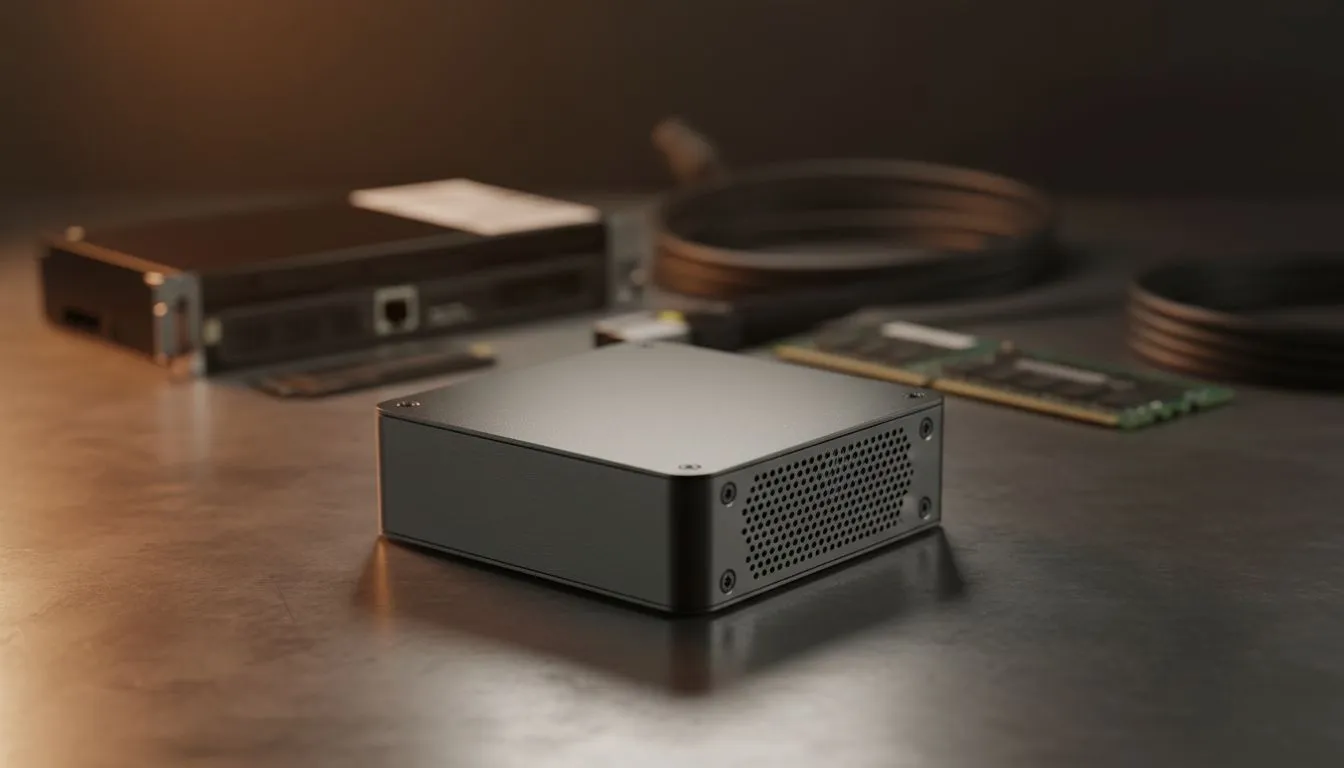
The Compact Powerhouse for South African Developers
Coding in South Africa often means balancing limited desk space with the need for high-performance hardware. You need a machine that handles heavy IDEs and Docker containers without turning your office into a furnace. Finding the best mini PC for programming in South Africa is about more than just saving space... it is about finding a reliable workstation that fits your lifestyle and your budget. 🚀
Why Choose a Mini PC for Software Development?
Modern software engineering is demanding. Whether you are compiling C++ or running local Kubernetes clusters, your hardware needs to keep up. The full range of compact systems available today proves that you do not need a massive tower to get professional results. These units offer high core counts and rapid NVMe storage in a chassis smaller than a lunchbox.
For many local devs, the portability is a hidden perk. If you need to move to a coffee shop with a backup generator or head to a co-working space, a mini PC easily fits in a backpack. It provides a consistent environment that a laptop sometimes cannot match due to thermal throttling during long build processes.
Performance Specs That Actually Matter
When searching for the best mini PC for programming in South Africa, focus on the processor first. A Ryzen 7 or Core i7 is the sweet spot for multitasking. You should also look for models that allow for RAM upgrades. While 16GB is the standard, having the option to jump to 32GB or 64GB is vital if you work with memory-heavy virtual machines.
The Minisforum collection has become a favourite in the local dev community. These machines often feature liquid metal cooling and multiple video outputs. This allows you to run a triple-monitor setup... one for your code, one for documentation, and one for your terminal. 🔧
Productivity Pro Tip ⚡
On Windows, use the PowerToys FancyZones utility to create custom snap layouts for your windows. It is a lifesaver for managing multiple apps on a single monitor, letting you organise your IDE, browser, and Slack perfectly for a seamless coding workflow.
Reliable Hardware Without the Bulk
Budget is always a factor when upgrading your home office. Fortunately, you can find the latest mini PC deals starting from very competitive price points in ZAR. These machines are also incredibly energy efficient. In a country where power management is essential, a machine that draws less wattage while delivering high performance is a massive advantage for your monthly bill and your UPS runtime. ✨
Choosing the right gear ensures your focus stays on the code... not on why your computer is lagging. With the right mini PC, you get a clean desk, a quiet environment, and all the power needed to ship your next big project.
Ready to Find Your Perfect Match? The Best Mini PC for Programming in South Africa should be powerful, reliable, and great value. Explore our massive range of Mini PCs and find the perfect machine to conquer your next coding challenge.








