

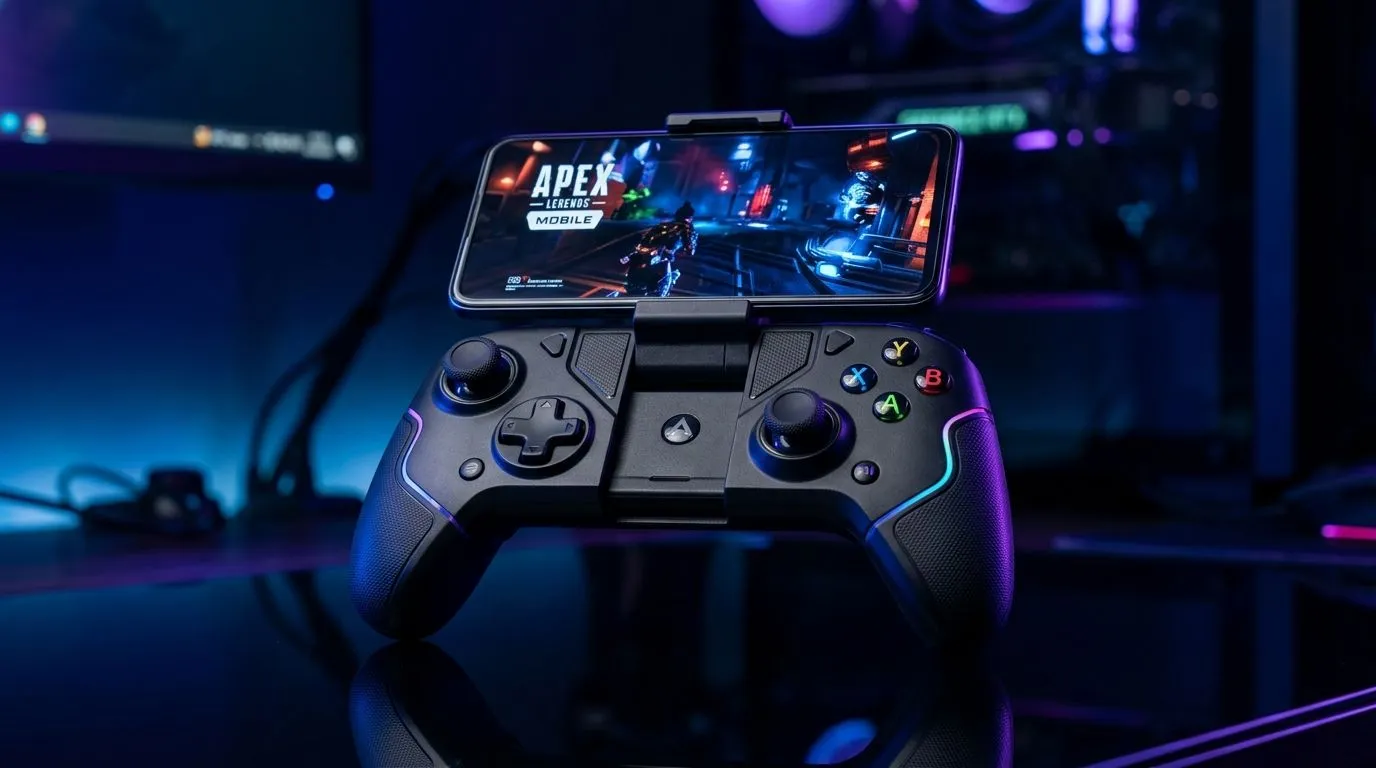
Best Mobile Gaming Controllers in South Africa: Boost Control for Real Accuracy 🎯
If your thumbs feel like they’re lagging behind your brain, you’re not alone. In South Africa, mobile gaming has gone beyond “quick matches” into ranked grind, FPS practice, and serious controller-friendly titles. But not every controller feels the same in your hands, and not every mount works with SA phone sizes… or with cases. The right upgrade can tighten aim, improve movement control, and make long sessions more comfortable.
How to Choose the Best Mobile Gaming Controllers in South Africa: Boost Control (Without Regret) 🔧
Before you buy, check three things: comfort, responsiveness, and compatibility.
1) Controller feel and thumbstick precision
Look for controllers with well-positioned thumbsticks and enough resistance to prevent accidental drift. Tournament-style designs usually aim for consistent inputs over long sessions.
2) Phone fit and stability
A controller is only as good as its grip. Many “universal” mounts wobble with heavier phones or thick cases. If you often play on a phone with a case, measure the width (or check Evetech listings that mention compatible form factors) before committing.
3) Wireless reliability and pairing
Even with great hardware, unstable pairing kills your match. Ideally, the controller should pair quickly and hold connection without frequent reconnects.
Productivity Pro Tip ⚡
On Windows, use the PowerToys FancyZones utility to create custom snap layouts for your windows. It's a lifesaver for managing multiple apps on an ultrawide monitor, letting you organise your timeline, preview window, and asset folders perfectly for video editing. It also helps if you’re using a phone emulator or streaming gameplay while adjusting controller settings. "
Best Mobile Gaming Controllers in South Africa: Boost Control Worth Considering 🚀
If you want a controller that leans into responsiveness and comfort, start with a dedicated gaming model. For example, check out the Razer Wolverine V3 Tournament Edition (8K) on Evetech: https://www.evetech.co.za/razer-wolverine-v3-tournament-edition-8k/best-deal/24274 . While it’s not a mobile-only controller, it’s a strong reference point for what “tournament” tuning can feel like when you move to controller-based play.
Quick comparison mindset for mobile buyers
Here’s a simple approach:
- If your biggest complaint is aim and movement control, prioritise thumbstick layout and input consistency.
- If your biggest complaint is comfort, prioritise grip ergonomics and stable phone mounting.
- If your biggest complaint is “it disconnects”, prioritise reliable connection and easy re-pairing.
For more controller options across the board, browse Evetech’s controller buying guides and selections here: https://www.evetech.co.za/PC-Components/buy-gaming-controllers-365 . And if you already know you want a specific brand, you can narrow the search to Razer options directly: https://www.evetech.co.za/PC-Components/buy-gaming-controllers-365?brands=Raze .
Setup Tips: Get Better Immediately After Buying ✨
Once your controller arrives, don’t rush to ranked. Do these steps first:
- Check in-game control mapping: ensure your camera and movement sticks match your preferred layout.
- Test sensitivity: start lower than you think. Mobile games often feel faster with controller inputs.
- Update firmware or settings: if the controller supports it, set it up once and keep it consistent.
- Use a stable charging routine: controllers die at the worst times. Keep a cable nearby, especially for weekend marathons.
Small improvements add up. After one comfortable session, you’ll notice how much faster you can correct micro-movements… and how less you fight the hardware.
CALLTOACTION
Ready to Find Your Perfect Match? Mobile aiming should feel precise, not frustrating. Browse Evetech’s curated controller range and pick something that fits your phone, your grip, and your budget in South Africa. Visit our gaming controllers collection and find the right controller today.











