

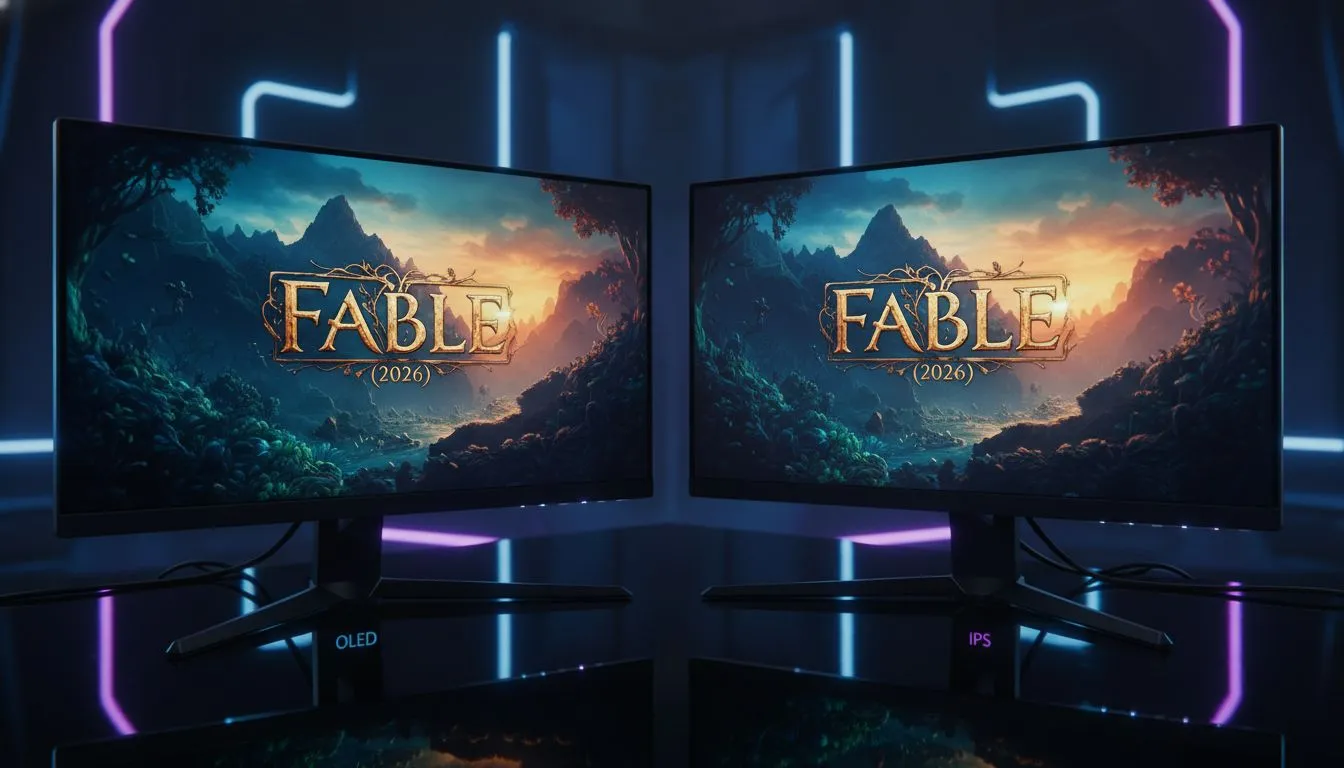
Albion has never looked this detailed. With Fable finally gracing our screens in 2026, South African gamers are faced with a tough choice. Do you go for the infinite blacks of OLED or the reliable accuracy of IPS? Finding the Best Monitor for Fable: OLED vs IPS Color Showdown (2026) is about more than just specs... it is about how you experience this whimsical world.
The Visual Magic of Albion in 2026
Fable has always been defined by its atmosphere. From the glowing mushrooms of the Greatwood to the bustling streets of Bowerstone, the art style demands a display that can handle vibrant hues and deep shadows. When browsing the latest PC monitors, you need to consider how the panel technology affects the magical aesthetic of the game.
HDR Calibration Tip ⚡
Before you start your journey in Albion, ensure you use the Windows HDR Calibration tool. This allows you to set the exact clipping point for your monitor's peak brightness. It ensures that magical spells look dazzling without washing out the fine details in the surrounding stone walls or forest canopies.
OLED vs IPS: The Great Colour Showdown
If you want the absolute pinnacle of immersion, OLED is the current king. Because each pixel is self-lit, you get true blacks that make the night-time exploration in Fable feel genuinely mysterious. When you look at the premium options among all gaming monitors, OLED panels stand out for their near-instant response times and "infinite" contrast ratios.
However, IPS panels have come a long way by 2026. They offer incredible brightness levels that can help combat the glare in a sunny South African lounge. Many of the best PC monitor deals currently feature high-end IPS displays that provide consistent colour accuracy from every angle. If you play in a well-lit room, the extra "pop" from a bright IPS panel might actually serve you better than a reflective OLED.
Resolution and Immersion in Fable
To truly see the stitching on your hero's leather armour or the individual leaves on an ancient oak, resolution is key. Moving up to 5k 4k monitors ensures that the sprawling vistas of Albion remain crisp. The sheer pixel density of a 4K screen makes the "Best Monitor for Fable: OLED vs IPS Color Showdown (2026)" even more interesting... as the higher resolution can often mask the slight glow found on cheaper IPS panels.
For those who want to feel wrapped in the world, you might want to buy curved monitors. A subtle curve mimics the natural field of view, making the RPG experience far more personal. Even if you are a traveler, you can still enjoy the quest when you buy portable monitors that don't sacrifice colour quality for size.
Completing Your Heroic Setup
A great screen is only half the battle. To keep your desk tidy and your viewing angle ergonomic while you spend hours questing, you should buy monitor accessories like premium gas-spring arms. This allows you to tilt and swivel your display to find that perfect sweet spot for those long Fable sessions.
Ready to Experience Albion in Stunning Detail? Choosing between OLED and IPS is a personal journey, but we have the gear to make your choice easy. Explore our massive range of gaming monitor specials and find the perfect display to bring the world of Fable to life in your home.








