

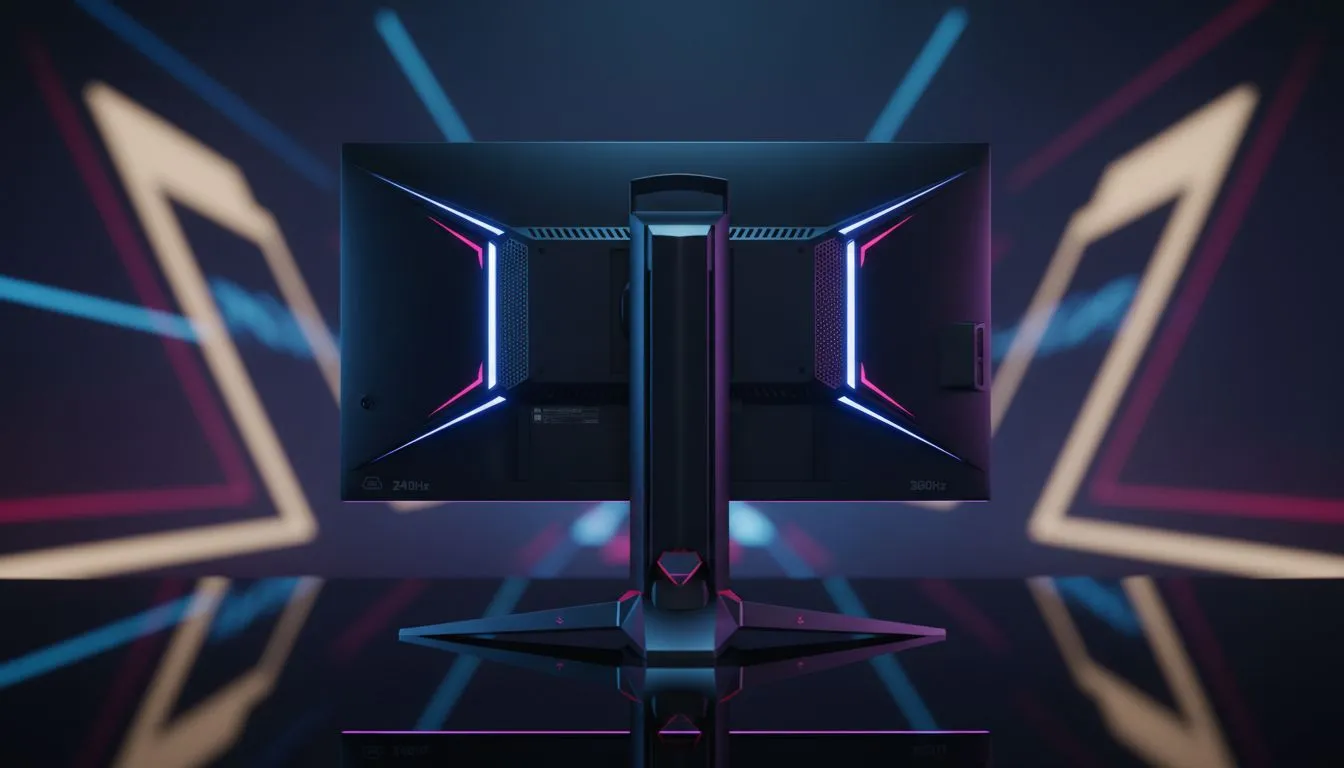
Finding the Best Monitor for Fortnite: 240Hz vs 360Hz
Fortnite in 2026 is faster than ever. If you are still rocking a 60Hz panel, you are basically playing in slow motion. Winning those box fights in Cape Town or Joburg requires more than just skill... it requires frames. Finding the best monitor for Fortnite means choosing between the speed of 240Hz and the extreme fluidity of 360Hz. ⚡
Why Refresh Rates Matter for Competitive Play
In the world of Battle Royale, every millisecond counts. When you are looking for new PC monitors, the refresh rate tells you how many times the screen updates per second. A 240Hz display is already incredibly smooth, but 360Hz pushes that boundary even further.
Most South African pros have moved away from standard screens. They now browse all gaming monitors specifically looking for high-refresh IPS or TN panels. The goal is simple... reduce motion blur so you can track that jumping opponent with surgical precision.
The Case for 240Hz: The Value King
For many, a 240Hz screen is the best monitor for Fortnite because it hits the sweet spot of price and performance. You don't need a R40,000 rig to maintain 240 frames per second. It provides a massive leap over 144Hz without breaking the bank.
Some players even prefer to buy curved monitors at this refresh rate to increase their peripheral awareness. It wraps the action around your field of view, making it easier to spot someone sneaking up on your flank in the final circle. 🚀
Pro Settings Tip ⚡
To truly utilise a 240Hz or 360Hz monitor, ensure your "Performance Mode" is active in Fortnite's settings. Lowering shadows and effects will help your GPU push the high frame rates required to match your monitor's refresh rate, reducing input latency significantly.
Stepping Up to 360Hz: The Professional Edge
If you have the budget and a high-end GPU, 360Hz is the current gold standard. We often list the best PC monitor deals featuring these ultra-fast panels. The difference between 240Hz and 360Hz is subtle but measurable... it reduces system latency by a few extra milliseconds.
While some gamers choose to buy 5k 4k monitors for beautiful visuals, competitive players prioritise speed over resolution every time. In Fortnite, a 1080p or 1440p 360Hz screen will always outperform a 4K 60Hz screen in a build battle.
Completing Your Battle Station
Speed isn't everything; ergonomics matter too. Once you find the best monitor for Fortnite, you should buy monitor accessories like gas-spring arms. This allows you to pull the screen closer to your face... a common tactic used by pros to focus on distant targets.
For those who travel to local LAN events or move between houses, you might even buy portable monitors as a secondary display for Discord or stream chats while your main high-refresh panel handles the gameplay. ✨
Ready to Find Your Perfect Match? The 240Hz vs 360Hz debate is all about your budget and your hardware, but for the best competitive edge in South Africa, a high-refresh display is essential. Explore our massive range of gaming monitor specials and find the perfect machine to conquer your world.








